
Utilities
FileBrowser: Documents Manager
FileBrowser connects iPhone or iPad to computers, network drives and cloud accounts.
Consider for managing several existing storage locations
Tabs and Files integration support moving between connections.
Keep in mind: Editing in place depends on the target app and server; remote deletion changes original files. Speed claims are not benchmarks.
Inside the app
Official product images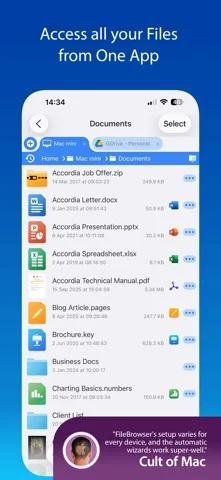
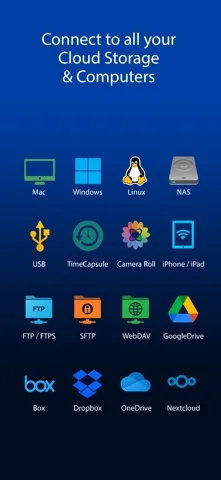
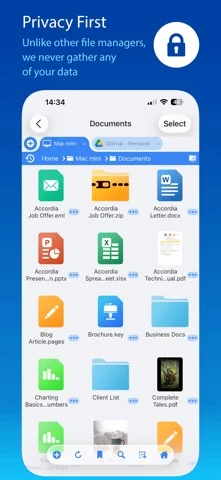
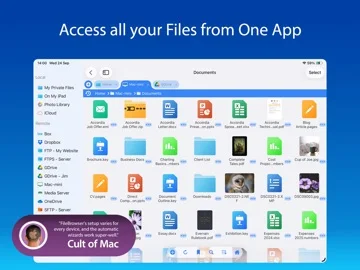
What you can do
- Browse SMB, SFTP/WebDAV and supported clouds
- Copy, rename, archive or edit eligible files
- View media and annotate PDFs/images
Good for
- Users familiar with network shares and backups
Consider alternatives for
- Users expecting a new cloud-storage allowance
Limitations & considerations
- Captured minimum: iOS 15.6.
- Editing in place depends on the target app and server; remote deletion changes original files. Speed claims are not benchmarks.
Privacy & permissions
Credentials are described as stored in iOS Keychain; protocol and server configuration still determine connection security.
Sources & review notes Updated Nov 11, 2026
Reviewed by iApp4Me Editorial Team. Recommendations use the linked documentation and attributed accounts; device observations are identified separately.
- US App Store developer description
Complete description, download price and compatibility metadata captured 2026-11-02.
No comments yet. Be the first to share your experience.