
FileBrowser Professional
FileBrowser Professional manages network/cloud files with in-place editing, backups and bidirectional sync.
Consider for controlled business file workflows
Multiple storage connectors and MDM options connect mobile work with existing infrastructure.
Keep in mind: Provider access and Office editing need separate accounts/apps; automatic two-way sync can propagate mistakes and hardware encryption is not a universal cloud-security guarantee.
Inside the app
Official product images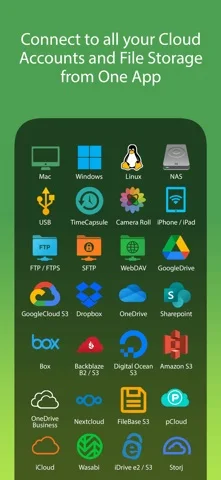
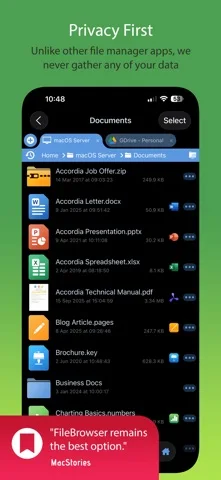
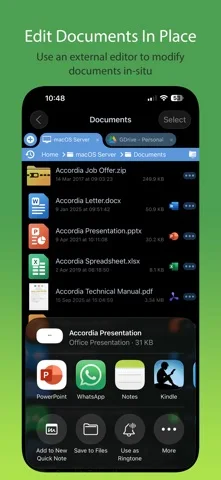
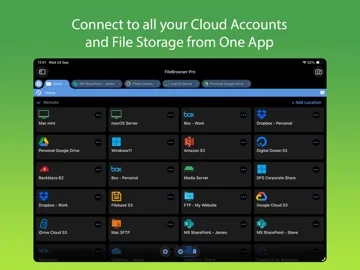
What you can do
- Connect authorized storage and view/cache files
- Copy, rename and configure backups/sync
- Edit via compatible apps and apply eligible MDM policy
Good for
- Teams managing verified storage permissions
Consider alternatives for
- Users expecting all providers/licenses included or risk-free automatic sync
Limitations & considerations
- Captured minimum: iOS 15.0.
- Provider access and Office editing need separate accounts/apps; automatic two-way sync can propagate mistakes and hardware encryption is not a universal cloud-security guarantee.
Privacy & permissions
Publisher says no data collection/account registration with it; storage credentials, offline copies and third-party providers still need protection and retention controls.
Sources & review notes Updated Nov 11, 2026
Reviewed by iApp4Me Editorial Team. Recommendations use the linked documentation and attributed accounts; device observations are identified separately.
- US App Store developer description
Complete description, download price and compatibility metadata captured 2026-11-02.
No comments yet. Be the first to share your experience.