
Filmora: Movie & Video Editor
Filmora combines timeline video editing with effects, captions, audio tools and optional AI features.
Try it for a visual editing workflow with templates and room to add more advanced tools.
Keyframes, tracking and caption tools sit alongside familiar cuts and transitions.
Keep in mind: The saved store description discusses Filmora 14 while its version and notes describe 15; the website now promotes 16. Features, requirements and project compatibility must be checked for the build you install.
Inside the app
Official product images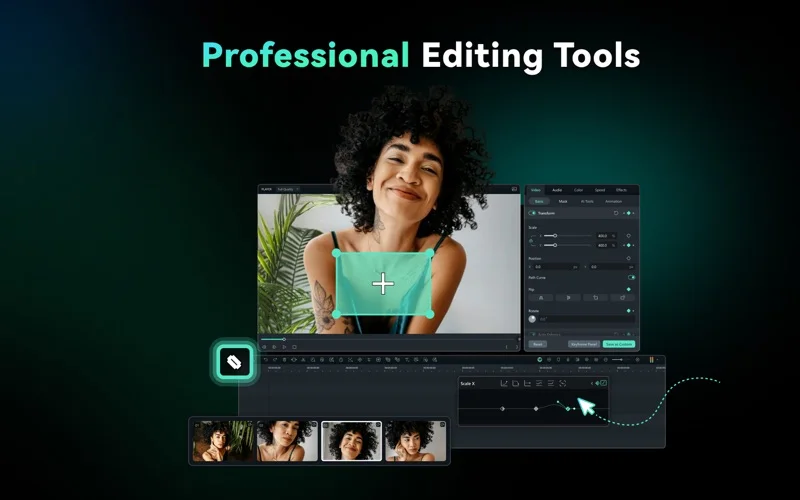
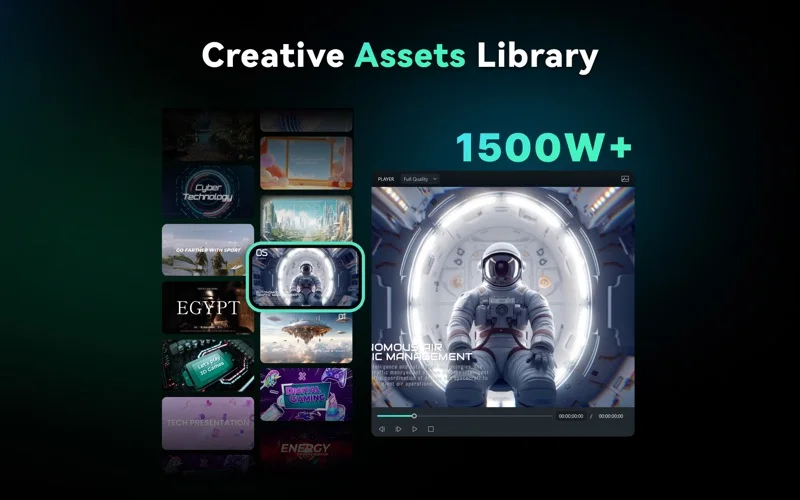
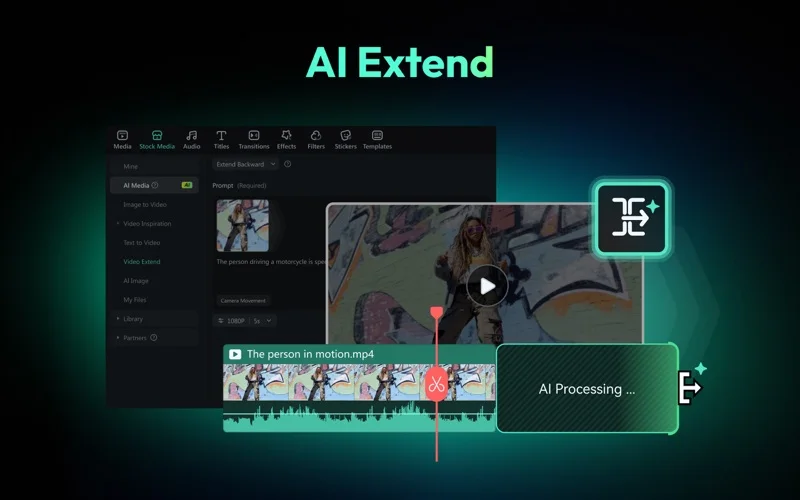
What you can do
- Edit layered video with keyframes and multicamera tools
- Create captions, titles and audio adjustments
- Use optional AI generation, cutout and reframing tools
Good for
- Creators wanting approachable timeline editing with optional guided tools.
Consider alternatives for
- Users expecting unrestricted watermark-free exports or unlimited AI resources from a free download.
Limitations & considerations
- Captured minimum: macOS 10.15.
- The saved store description discusses Filmora 14 while its version and notes describe 15; the website now promotes 16. Features, requirements and project compatibility must be checked for the build you install.
Privacy & permissions
Cloud and generative features can involve uploaded media, prompts or voice samples; use consenting material and review those services before submitting private footage.
Sources & review notes Updated Nov 15, 2026
Reviewed by iApp4Me Editorial Team. Recommendations use the linked documentation and attributed accounts; device observations are identified separately.
- US App Store developer description
Complete description, release notes, download price and compatibility metadata captured 2026-11-02.
- Official developer disclosure
Official cached product or relevant disclosure text captured 2026-11-13, read or reused from the identical previously read source. Platform and edition differences retained.
No comments yet. Be the first to share your experience.