
Finetune
Finetune cleans a music library by proposing metadata, artwork and lyric changes, using acoustic fingerprints to identify tracks.
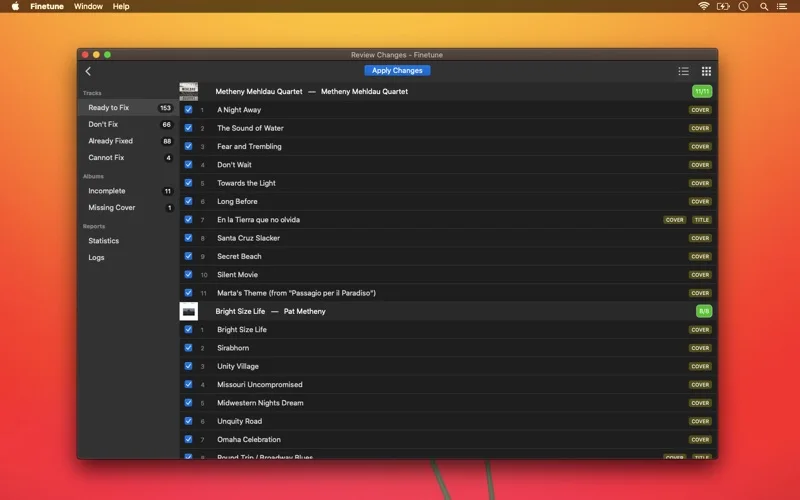
Pick for reviewing music-library corrections before applying them.
A preview of proposed changes helps combine identification with deliberate tag editing.
Keep in mind: Back up music and library files before applying edits, removing duplicates or repairing missing entries. Identification depends on online databases and cannot guarantee the right match for every recording.
Inside the app
Official product images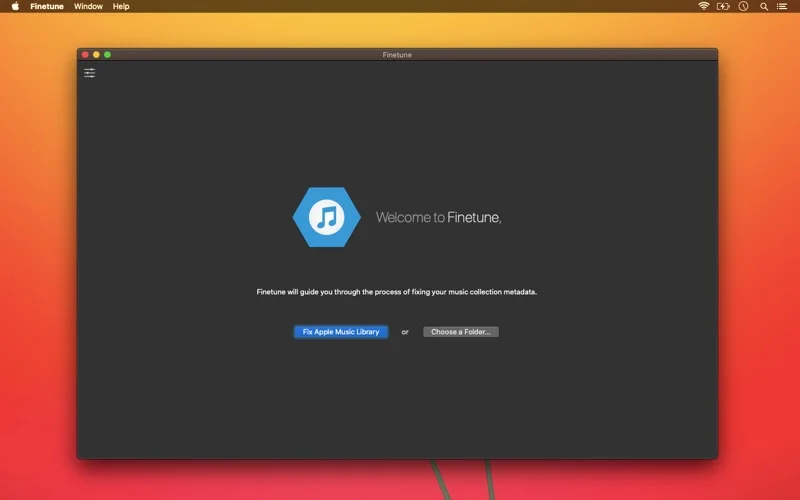
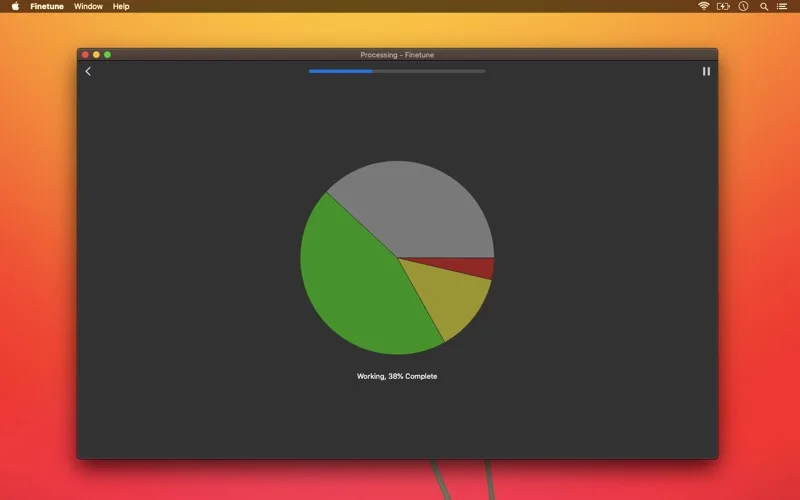
What you can do
- Identify recordings through acoustic fingerprints
- Review tag, artwork and lyric proposals
- Edit tags and inspect duplicate or missing-file problems
Good for
- Collectors maintaining an existing local music library.
Consider alternatives for
- Users expecting an infallible one-click cleanup of irreplaceable files.
Limitations & considerations
- Captured minimum: macOS 10.13.
- Back up music and library files before applying edits, removing duplicates or repairing missing entries. Identification depends on online databases and cannot guarantee the right match for every recording.
Privacy & permissions
Fingerprints and identification requests involve online lookup, while approved tags modify local music files. The captured evidence does not establish a blanket no-collection policy.
Sources & review notes Updated Nov 15, 2026
Reviewed by iApp4Me Editorial Team. Recommendations use the linked documentation and attributed accounts; device observations are identified separately.
- US App Store developer description
Complete description, release notes, download price and compatibility metadata captured 2026-11-02.
No comments yet. Be the first to share your experience.