Folder Compare
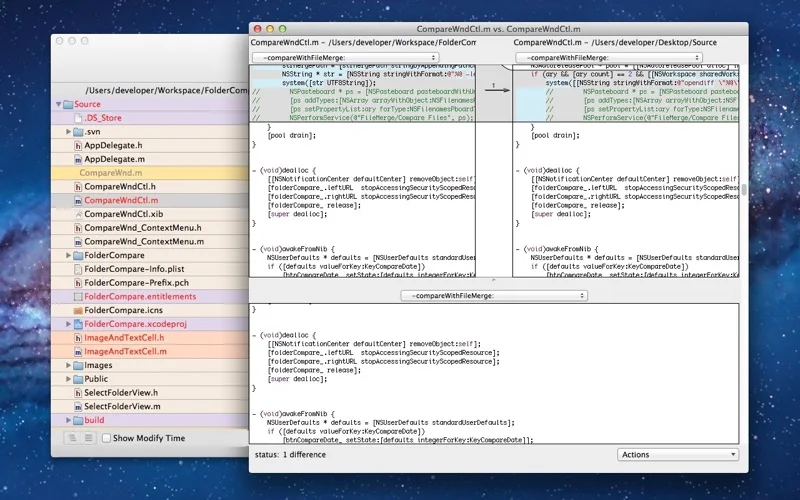
Compare folders/files by content and dates and hand supported merges to FileMerge.
A developer comparing working copies while keeping independent backups.
Compare folders/files by content and dates and hand supported merges to FileMerge.
Keep in mind: Merging can change files and comparison methods differ. Output accuracy, history and modern Mac compatibility were not tested; review changes on copies before replacing originals.
Inside the app
Official product images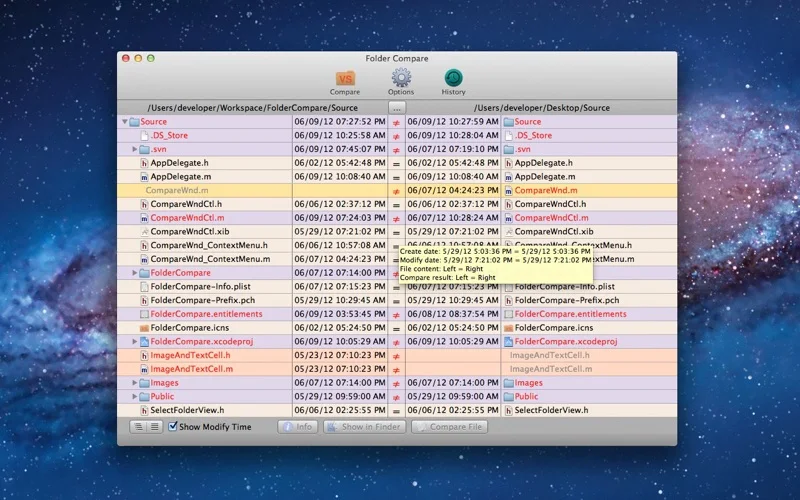
What you can do
- Compare subdirectories automatically.
- Inspect color-coded differences and revisit comparison history.
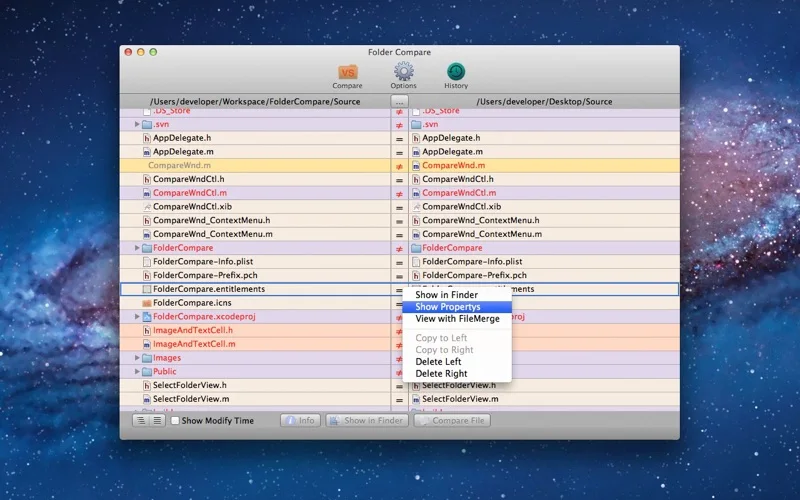
- Choose content/modification/creation-time options or open an installed FileMerge.
Good for
- A developer comparing working copies while keeping independent backups.
Consider alternatives for
- Automatic conflict-free synchronization or a built-in copy of FileMerge.
Limitations & considerations
- Merging can change files and comparison methods differ. Output accuracy, history and modern Mac compatibility were not tested; review changes on copies before replacing originals.
Privacy & permissions
Folder scans can reveal source code and confidential filenames/content. Restrict selected locations and protect comparison history.
Sources & review notes Updated Nov 19, 2026
Reviewed by iApp4Me Editorial Team. Recommendations use the linked documentation and attributed accounts; device observations are identified separately.
- US App Store listing
Full publisher description, version and US download price captured 2026-11-02; source-based coverage, not a device test.
No comments yet. Be the first to share your experience.