
Forms for Google Docs
Forms for Google Docs uses a third-party interface to create Google forms or quizzes and review responses, with scanning and AI-assisted question tools.
Consider after reviewing the permissions granted to the third-party app
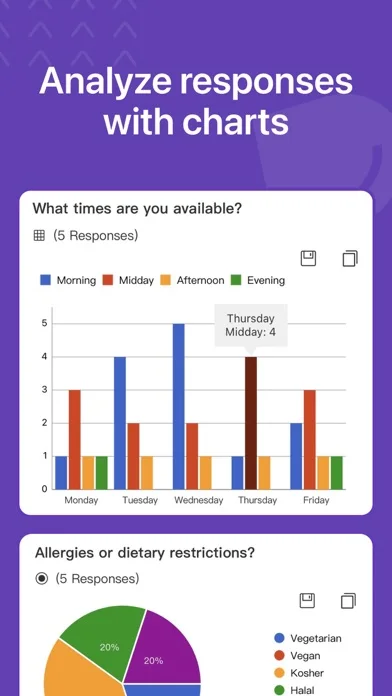
Response charts and exports can keep basic collection and review on mobile.
Keep in mind: It explicitly is not associated with Google; scans, generated questions and grading need review, while account permissions and feature availability may differ from Google’s own web interface.
Inside the app
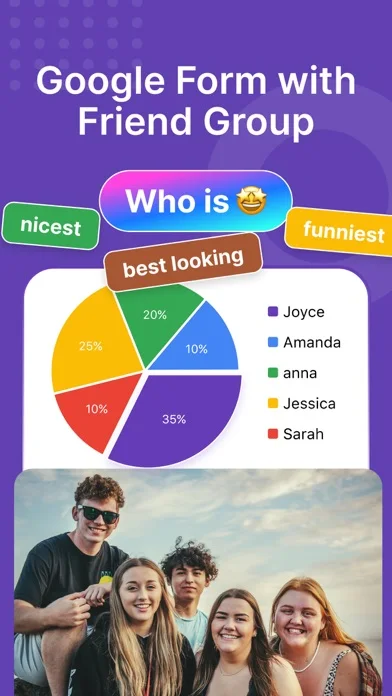
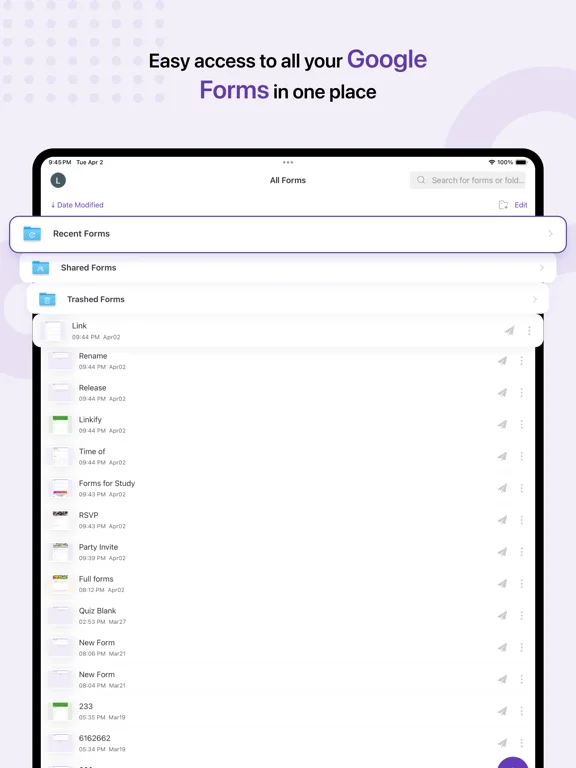
Official product images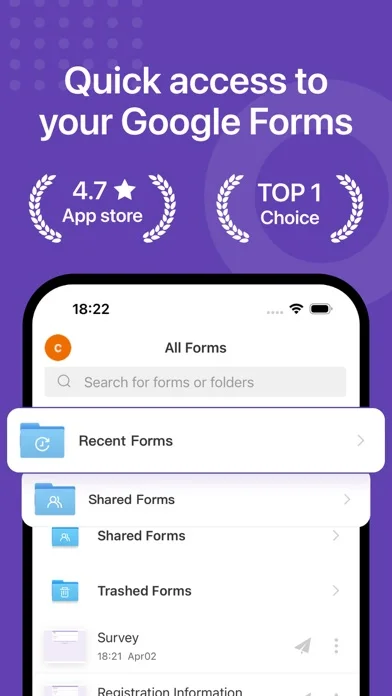
What you can do
- Build forms with questions and branching
- Scan or generate draft questions
- Review and export supported response data
Good for
- Users managing authorized Google forms on mobile
Consider alternatives for
- Users expecting the official Google app or error-free automatic question creation
Limitations & considerations
- Captured minimum: iOS 15.0.
- It explicitly is not associated with Google; scans, generated questions and grading need review, while account permissions and feature availability may differ from Google’s own web interface.
Privacy & permissions
Google Drive access and form responses can expose sensitive data; restrict collaborators, edit links and AI uploads.
Sources & review notes Updated Nov 10, 2026
Reviewed by iApp4Me Editorial Team. Recommendations use the linked documentation and attributed accounts; device observations are identified separately.
- US App Store developer description
Complete description, download price and compatibility metadata captured 2026-11-02.
No comments yet. Be the first to share your experience.