
Fotorist: Art Photo Editor
Turn a photo into sketch, oil-painting or watercolor-style artwork, with downloaded styles available for offline processing.
Trying a painted or illustrated look on a familiar photo
Consider Fotorist for trying several art treatments on the same photo. Compare faces, lettering and fine edges at the final viewing size before converting a larger set. Download required styles before relying on offline processing.
Keep in mind: No installed-device, style-download, export-resolution or image-quality test was performed.
Inside the app
Official product images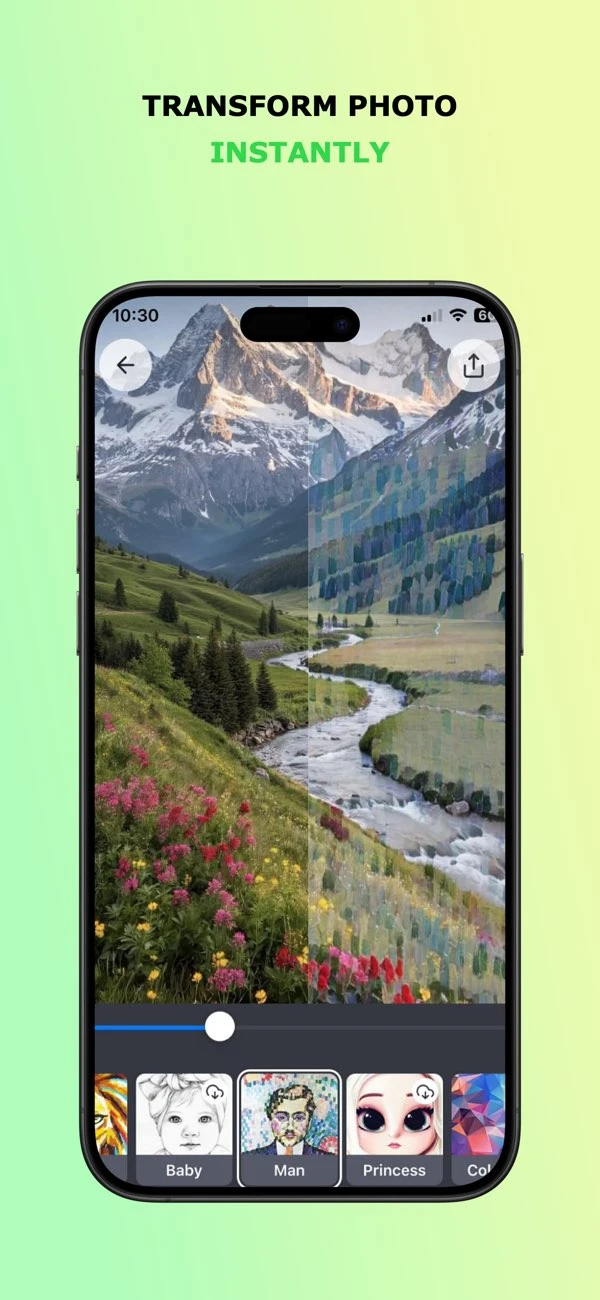

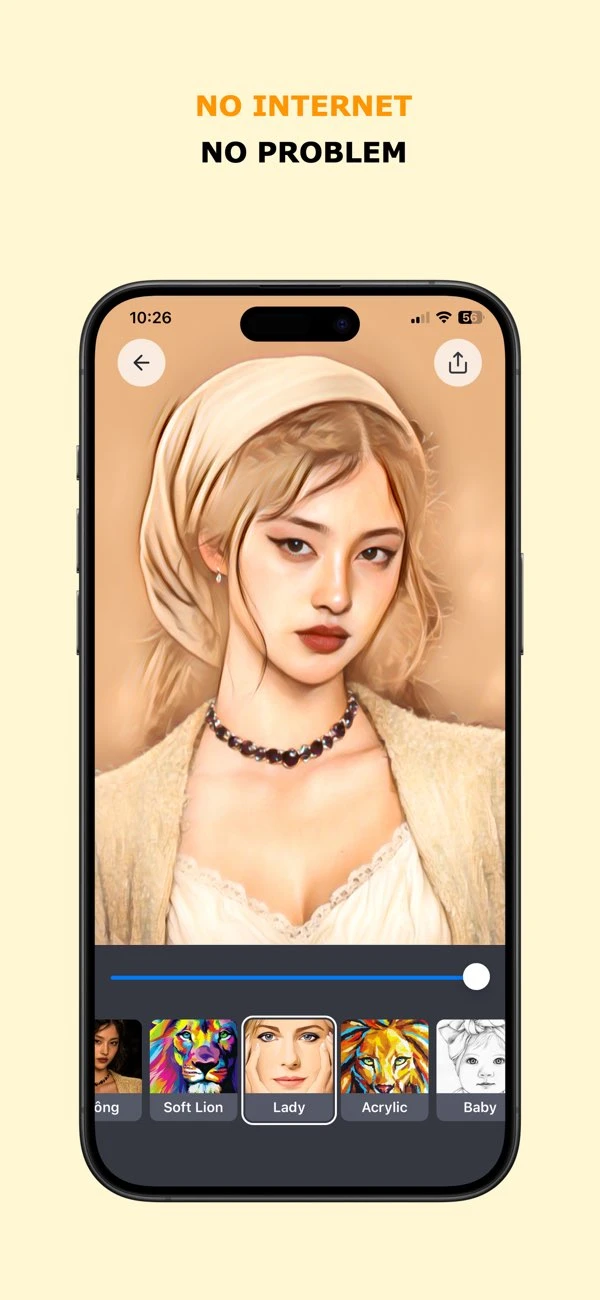

What you can do
- Apply sketch, painting and watercolor-style treatments to photos
- Compare multiple styles using the same image crop
- Use previously downloaded styles for offline image processing
- Save a treated image for checking outside the editor
Good for
- Trying a painted or illustrated look on a familiar photo
- Offline editing after downloading the needed style
Consider alternatives for
- Preserving every face, word and fine texture automatically
- A guarantee of zero advertising, analytics or tracking
Compare one photo before editing an album
Keep the original and use the same framing for each treatment. Inspect faces, signs and small details, then open the saved result outside the app. The developer workflow is useful as a checklist; it does not prove every style preserves those details.
Limitations & considerations
- No installed-device, style-download, export-resolution or image-quality test was performed.
- The submitted article is an AI-assisted developer guide, not an independent review.
- The App Store privacy-button URL returned 404 at review time. The alternative policy linked in the current store description was accessible and is cited here.
Privacy & permissions
The App Store declares identifiers used for tracking and identifiers not linked to identity. Offline photo processing does not establish zero data collection.
The policy linked in the store description identifies an ad-supported app and names AdMob, Firebase Analytics and Crashlytics. It describes usage/device data and IP information; its generic AI statement should not be treated as a technical explanation of the style models.
Privacy policySources & review notes Updated Nov 8, 2026
Reviewed by iApp4Me Editorial Team. Recommendations use the linked documentation and attributed accounts; device observations are identified separately.
- Submitted developer guide
Written by the developer; not an independent product test. Mun Studio guides disclose AI assistance where stated.
- US App Store listing
Current version, compatibility, declared privacy and listed purchases checked November 8, 2026.
- Product privacy policy
Publisher disclosure; not an independent privacy or network audit.
No comments yet. Be the first to share your experience.