
Navigation
FSWidgets Navigator
Display a moving map and flight-plan context for supported desktop flight simulators.
Useful as a simulator companion on iPhone or iPad
Map overlays, simulated aircraft tracking and plan import reduce switching away from a cockpit view.
Keep in mind: For flight simulation only, with FSWidgets Connect and a supported simulator required; it is not certified real-flight navigation.
Inside the app
Official product images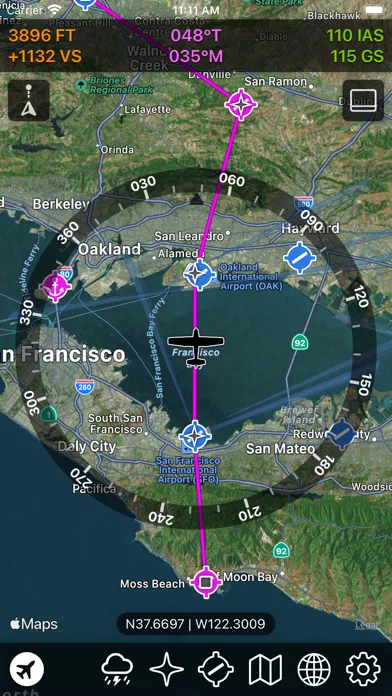
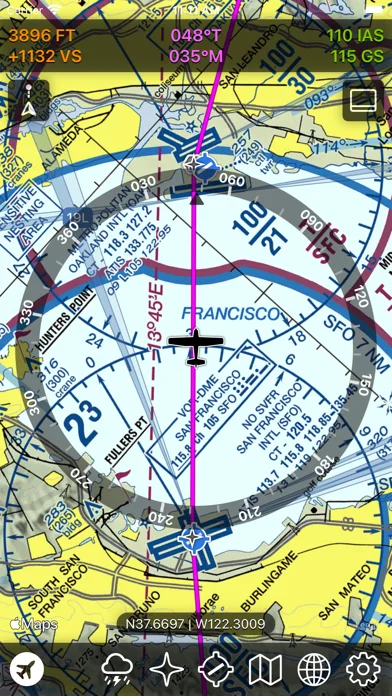
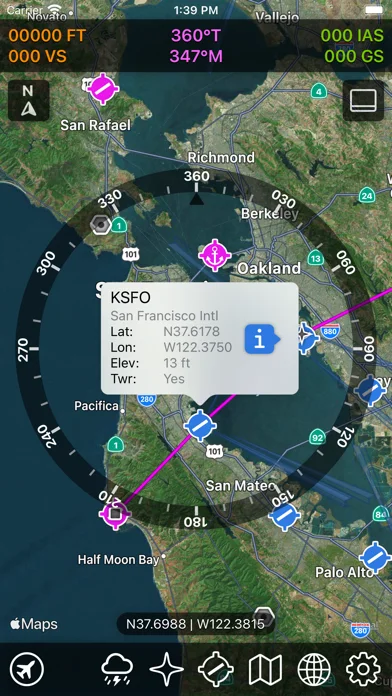
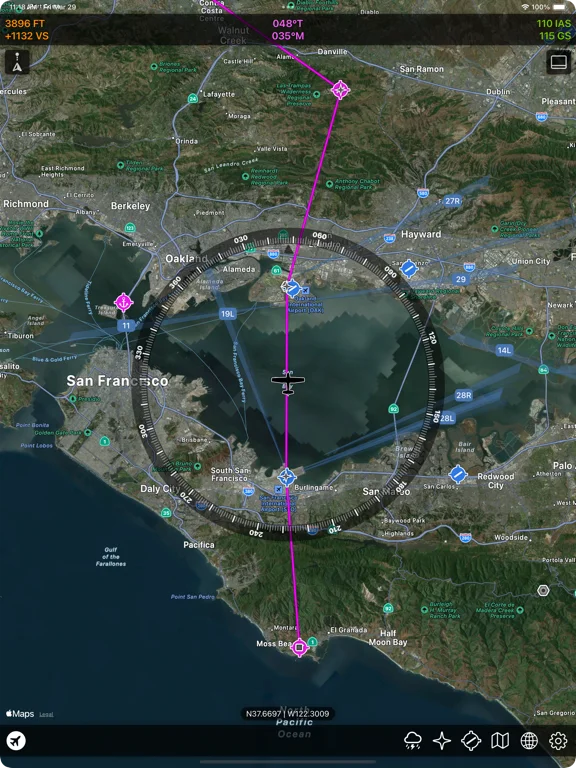
What you can do
- Simulator moving map
- Native flight-plan files and Dropbox transfer
- Chart, airport and weather overlays
Good for
- Flight-simulation enthusiasts
Consider alternatives for
- Operational aircraft navigation or current certified charts
Limitations & considerations
- Captured minimum: iOS 16.0.
- For flight simulation only, with FSWidgets Connect and a supported simulator required; it is not certified real-flight navigation.
Privacy & permissions
Simulator positions and flight plans may pass through connected services or Dropbox; review credentials and cloud sharing.
Sources & review notes Updated Nov 12, 2026
Reviewed by iApp4Me Editorial Team. Recommendations use the linked documentation and attributed accounts; device observations are identified separately.
- US App Store developer description
Complete description, download price and compatibility metadata captured 2026-11-02.
No comments yet. Be the first to share your experience.