Gamma Control 6
Gamma Control adjusts display white points, midtones and color balance, with calibration patterns and exportable color profiles.
Pick for visually matching a screen to a filming environment or preferred tone.
Per-screen adjustments and quick toggling make experimental changes easy to compare.
Keep in mind: Visual adjustment is not a substitute for instrument-based color calibration. Changing gamma can distort reference work; retain a way to restore the original profile.
Inside the app
Official product images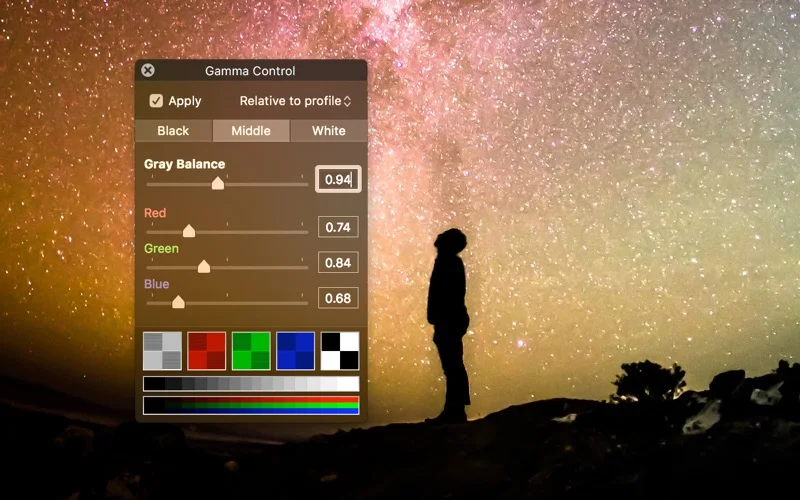
What you can do
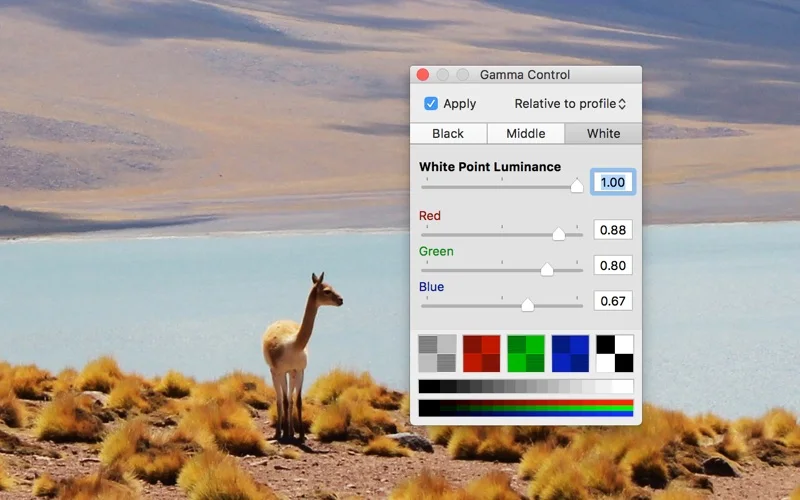
- Adjust screen white and middle points
- View calibration patterns and export a color profile
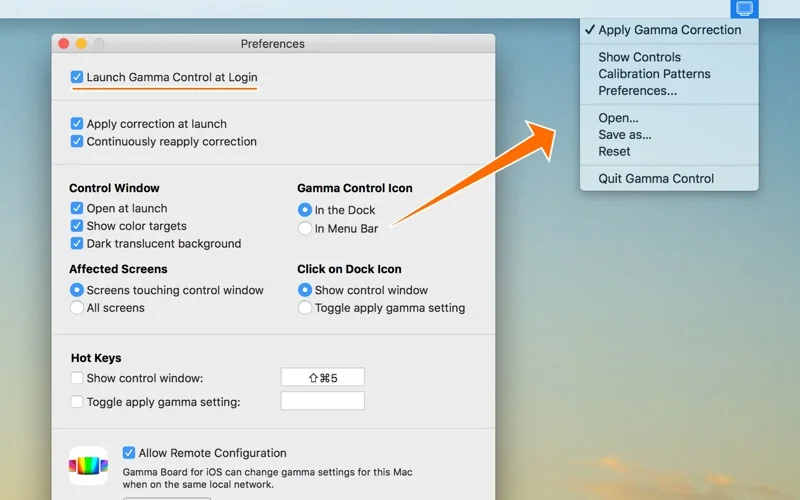
- Use optional Gamma Board remote configuration
Good for
- People matching display appearance to a set or examining dark image detail.
Consider alternatives for
- Users expecting certified monitor accuracy without measurement hardware.
Limitations & considerations
- Captured minimum: macOS 10.13.
- Visual adjustment is not a substitute for instrument-based color calibration. Changing gamma can distort reference work; retain a way to restore the original profile.
Privacy & permissions
Local display adjustments differ from enabling remote configuration. Only allow remote control on an intended network, and inspect any shared settings files.
Sources & review notes Updated Nov 15, 2026
Reviewed by iApp4Me Editorial Team. Recommendations use the linked documentation and attributed accounts; device observations are identified separately.
- US App Store developer description
Complete description, release notes, download price and compatibility metadata captured 2026-11-02.
- Official developer disclosure
Full cached official product or developer repository text reviewed; captured 2026-11-12. External services, hardware and edition limitations retained above.
No comments yet. Be the first to share your experience.