Gifski
Gifski converts a video clip into an animated GIF with trim, crop, size, frame-rate, loop and quality controls.
Pick for short demonstrations or reactions from an existing video.
A preview and adjustable output settings help balance motion quality against file size.
Keep in mind: It is a converter rather than a drawing or text-overlay editor. GIF is space-inefficient, input support follows macOS decoding and the current version requires macOS 26.
Inside the app
Official product images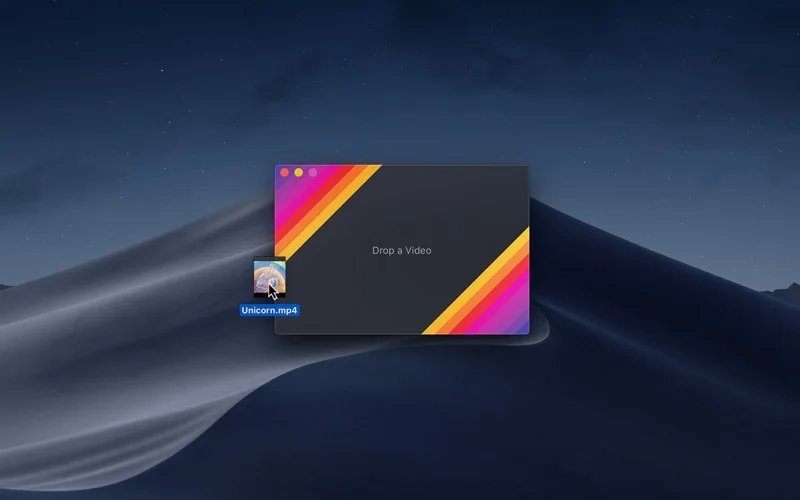
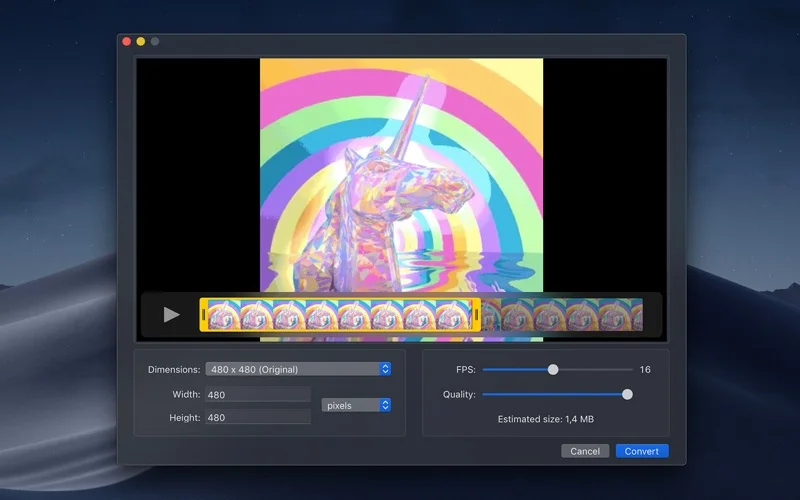
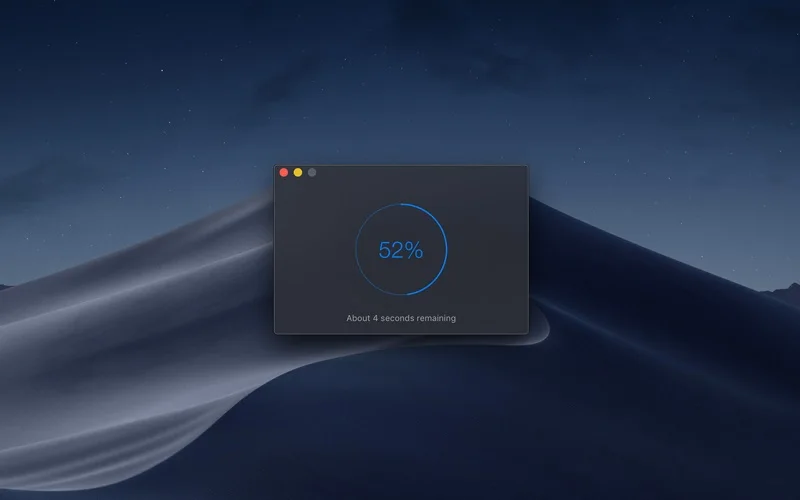
What you can do
- Trim or crop a clip and set dimensions
- Choose speed, loop or bounce behavior
- Preview and export through the app or Shortcuts
Good for
- People converting short existing video clips to shareable GIFs.
Consider alternatives for
- Users needing a full video editor, APNG/WebP output or efficient long-form video delivery.
Limitations & considerations
- Captured minimum: macOS 26.0.
- It is a converter rather than a drawing or text-overlay editor. GIF is space-inefficient, input support follows macOS decoding and the current version requires macOS 26.
Privacy & permissions
The developer states no personal data collected. The exported animation can still reveal private screen content, so review frames before sharing.
Sources & review notes Updated Nov 15, 2026
Reviewed by iApp4Me Editorial Team. Recommendations use the linked documentation and attributed accounts; device observations are identified separately.
- US App Store developer description
Complete description, release notes, download price and compatibility metadata captured 2026-11-02.
- Official developer disclosure
Full cached official text reviewed; captured 2026-11-12. Pricing, provider and version distinctions retained.
No comments yet. Be the first to share your experience.