
Music
GLIMR: Strum Any Sound
Turn a recorded sample into a strummable chord instrument with drums and effects.
Good for quick sampled musical sketches
Automatic pitch finding, one-finger chords and separated audio/MIDI exports connect performance with later editing.
Keep in mind: Recording quality depends on the source and microphone; exported samples still need appropriate rights.
Inside the app
Official product images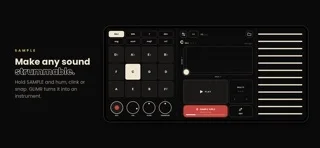
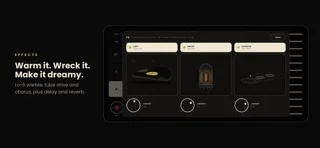
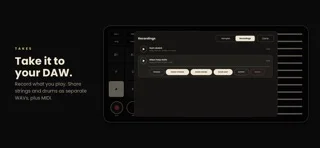
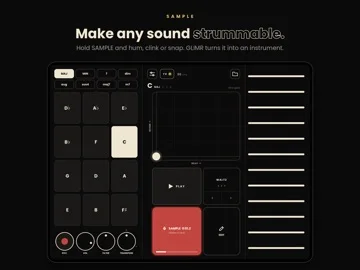
What you can do
- Mic/file sampling with trim and pitch controls
- Strummed chords, effects and rhythm patterns
- Performance recording and WAV/MIDI output
Good for
- Musicians experimenting with playable samples
Consider alternatives for
- A full multitrack mixing workstation
Limitations & considerations
- Captured minimum: iOS 17.0.
- Recording quality depends on the source and microphone; exported samples still need appropriate rights.
Privacy & permissions
The listing says sounds stay on-device without an account; microphone recordings can capture bystanders, and exports are deliberate sharing.
Sources & review notes Updated Nov 12, 2026
Reviewed by iApp4Me Editorial Team. Recommendations use the linked documentation and attributed accounts; device observations are identified separately.
- US App Store developer description
Complete description, download price and compatibility metadata captured 2026-11-02.
No comments yet. Be the first to share your experience.