Goggles - Screen night mode
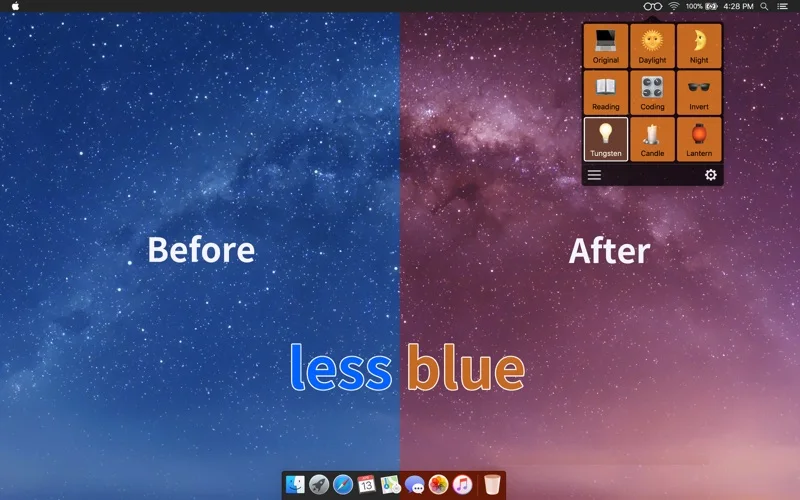
Change screen color temperature or apply custom display-color modes on a Mac.
Someone who prefers a warmer or differently tinted display for personal comfort.
Change screen color temperature or apply custom display-color modes on a Mac.
Keep in mind: The description makes medical claims that are not established by this source-based profile. Color filtering changes appearance and is not a verified treatment or disease-prevention measure.
Inside the app
Official product images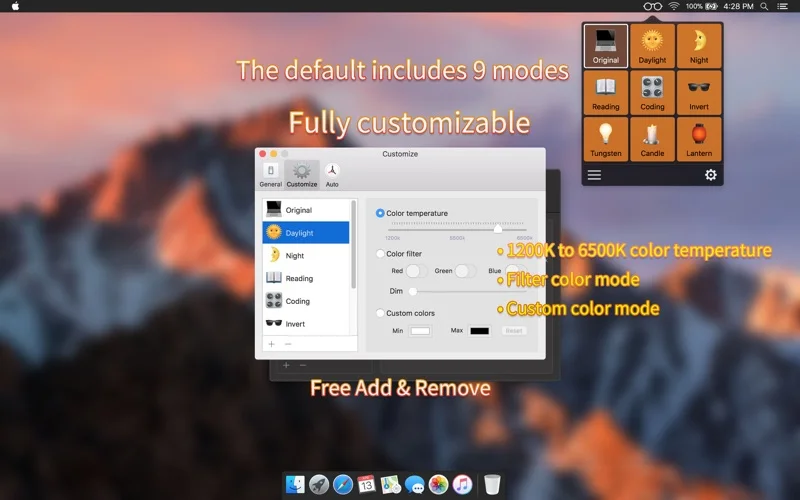
What you can do
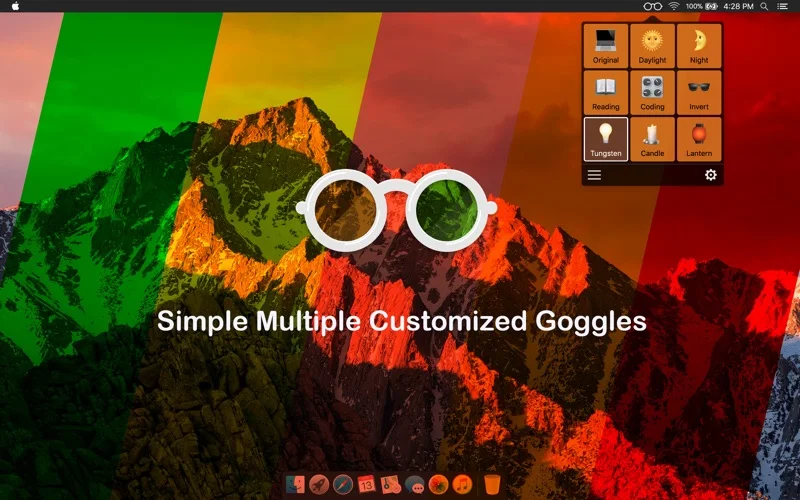
- Choose or create display-color modes.
- Set a described temperature range of 1200K to 6500K.
- Use filter-color or custom-color modes.
Good for
- Someone who prefers a warmer or differently tinted display for personal comfort.
Consider alternatives for
- Preventing retinal disease or a color-accurate production display.
Limitations & considerations
- The description makes medical claims that are not established by this source-based profile. Color filtering changes appearance and is not a verified treatment or disease-prevention measure.
Privacy & permissions
The utility affects displayed colors. Review requested screen-control permissions and the store disclosure before enabling it; no screen-recording or no-collection claim is established.
Sources & review notes Updated Nov 17, 2026
Reviewed by iApp4Me Editorial Team. Recommendations use the linked documentation and attributed accounts; device observations are identified separately.
- US App Store listing
Publisher description and US download price captured 2026-11-02; source-based coverage, not a device test.
No comments yet. Be the first to share your experience.