
Google Authenticator
Generate one-time sign-in codes for compatible accounts, with offline code generation, optional Google Account synchronization and QR-based device transfer.
Consider it when your services support authenticator codes and you want a straightforward choice between account-backed sync and local use
Google Authenticator groups multiple accounts in one app and generates codes without a network connection. Optional Google Account sync can simplify moving to another device, while QR transfer supports manual migration when the old device is available.
Keep in mind: Local use leaves you responsible for recovery if the device is lost. Sync makes the Google Account and its recovery choices important, and deleting synchronized codes affects every linked device. Keep recovery methods for each protected service.
Inside the app
Official product images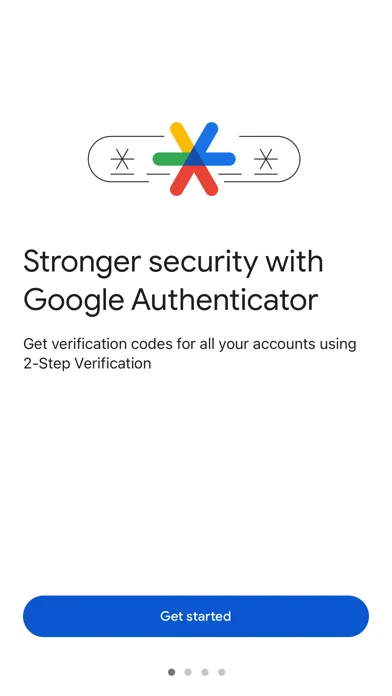
What you can do
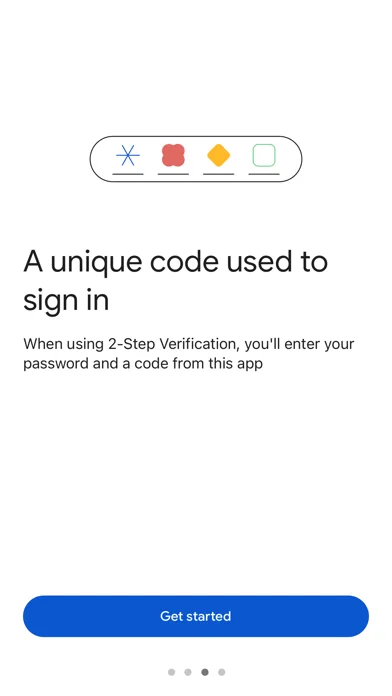
- Generate time-based or counter-based codes for compatible services.
- Generate codes without internet or cellular service.
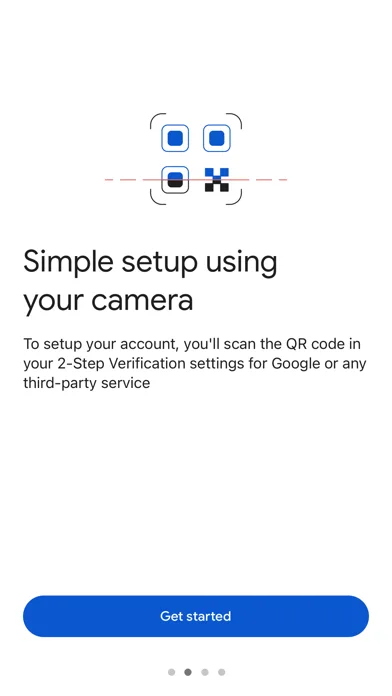
- Add supported accounts by scanning their setup QR code.
- Manage multiple accounts and search/reorder the code list.
- Optionally synchronize codes through a Google Account across devices.
- Transfer selected accounts with a QR code and enable the app’s Privacy Screen where supported.
Good for
- People whose sites or apps offer authenticator-based two-step verification.
- Users who want optional Google Account synchronization or have their old device available for manual transfer.
Consider alternatives for
- Expecting an authenticator code to replace enrollment and recovery setup at each individual service.
- Someone unable to maintain any recovery route beyond a single local device.
Limitations & considerations
- The captured US version 5.1.0 requires iOS 17.0 or later; the official help also contains Android/version-specific notes that are not treated as iOS 5.1 changes.
- Each protected site/app must support and be enrolled in authenticator-based verification.
- Using Authenticator with a Google Account requires enabling Google’s 2-Step Verification; other providers have their own setup.
- Google’s help says switching to use without an account removes codes from Google Accounts and stores them on the device, making them unavailable on other devices. Review the chosen mode before changing it.
- Deleting a synchronized code also deletes it on other synchronized devices; deleting the Authenticator service removes its codes without deleting the entire Google Account.
- Manual QR transfer needs the old device containing the codes; the help recommends additional sign-in methods to reduce lockout risk.
- The help describes encryption in transit and at rest. No independent security audit or stronger encryption architecture claim is made here.
Privacy & permissions
Google’s product-specific iPhone/iPad help distinguishes local use from codes synchronized with a Google Account. It states that synchronized codes are encrypted in transit and at rest. Privacy Screen can require device biometric verification before opening the app. Code deletion propagates across synced devices, while switching to account-free use removes cloud copies and keeps codes on the local device. Account/service deletion can remove access to codes. The selected Google Account and its recovery protection therefore matter alongside device access. This summary covers the specific code-storage/control disclosures reviewed; it is not a review of all Google-wide data practices or an independently verified security guarantee.
Sources & review notes Updated Nov 6, 2026
Reviewed by iApp4Me Editorial Team. Recommendations use the linked documentation and attributed accounts; device observations are identified separately.
- US App Store listing
Complete developer description and version metadata captured 2026-11-02; official images cached locally.
- Google Authenticator iPhone/iPad help
Official source consulted 2026-11-06.
No comments yet. Be the first to share your experience.