
Google Meet
Make video calls, join scheduled meetings and collaborate with chat and shared visuals, with additional features on eligible paid plans.
Join everyday calls and meetings across devices
Meet suits people who want to join from a phone or browser and coordinate meetings with Google’s calendar and collaboration tools.
Keep in mind: Meeting limits and features depend on the account, plan and device. Recording, enhanced audio and larger meetings should not be assumed to come with the free app.
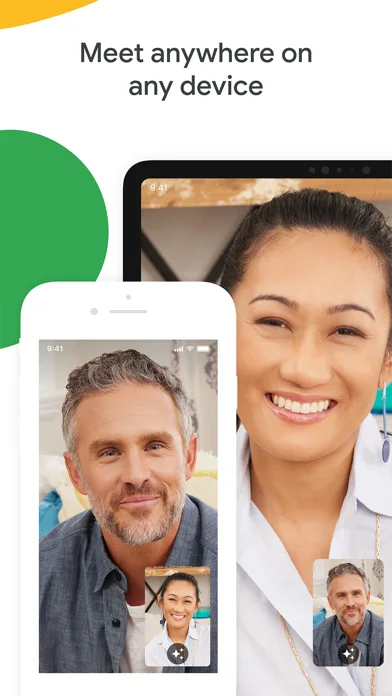
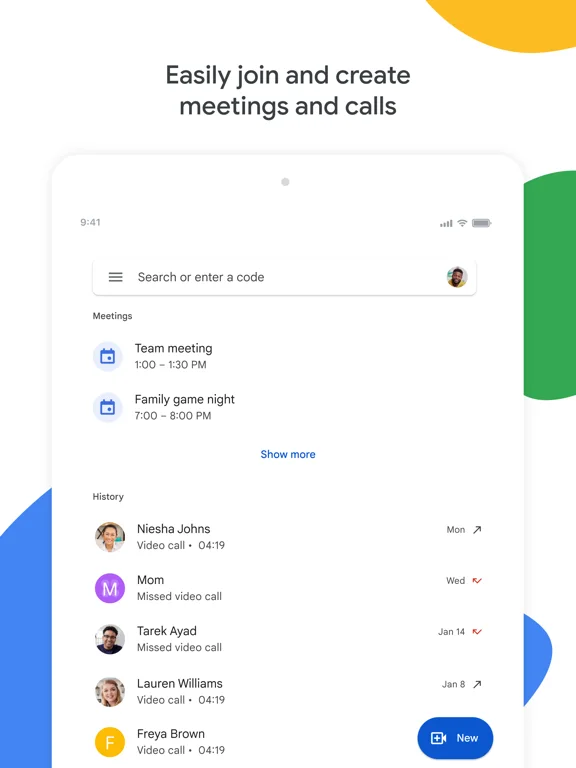
Inside the app
Official product images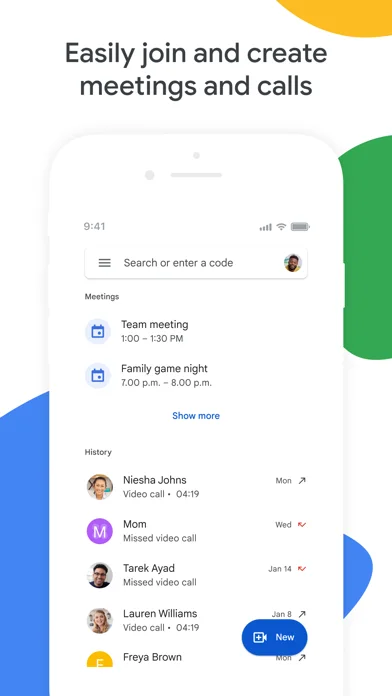

What you can do
- Start supported spontaneous calls or join scheduled meetings.
- Join from supported phones, tablets or a computer browser.
- Use in-call chat, reactions and shared visuals.
- Follow supported live captions, with translated-caption availability depending on the account and language.
- Use supported Calendar and other Google Workspace integrations.
- Access recording, enhanced audio or larger-meeting features with eligible plans.
App Store review themes
Recurring praise and complaints, grouped by topic.
50 reviews · US App Store · Written feedback; review platforms are not identified
What reviewers like
No recurring positive theme has at least three supporting reviews.
What reviewers dislike
Launch failures in late-October and early-November reviews
36 reviewsReviewers of versions 382.0 and 382.1 describe immediate exits or failure to load around October 27–November 1, 2026, often after updates or despite reinstalling. These dated reports do not establish whether a later release fixed the issue.
See 2 review examples
The reviewer says the app cannot be entered, preventing calls to friends.
Original excerpt“it won’t let me in the app”Apple source · Review 14740155290
The reviewer describes a new launch failure despite reinstalling, updating and restarting.
Original excerpt“whenever i oper the app it immediately kicks me out”Apple source · Review 14740144332
Older-device and update-access concerns
4 reviewsReviewers describe difficulty using or updating Meet on named older phones, or lacking a required newer version. These are user-reported access concerns; they do not establish an official compatibility cutoff.
See 2 review examples
The reviewer asks for update support on an iPhone 7 Plus running iOS 15.8.8.
Original excerpt“Update problems (iPhone 7 Plus)”Apple source · Review 14739783404
The reviewer says lack of the new version prevents further use; no device or operating-system cause is inferred.
Original excerpt“I can’t use it anymore because I don’t have the new version”Apple source · Review 14731020416
Call audio
3 reviewsReviewers raise concerns or requests about call audio.
See 2 review examples
The reviewer also reports sound problems during their experience.
Original excerpt“sound problems”Apple source · Review 14738207977
The reviewer says call volume sometimes fails, alongside video problems.
Original excerpt“sometimes the volume and video isn’t working”Apple source · Review 14735317492
Show fewer negative themes
Call connection
3 reviewsReviewers raise concerns or requests about call connection.
See 2 review examples
The reviewer also reports recurring call connection problems.
Original excerpt“ive had constant connection problems”Apple source · Review 14738207977
The reviewer says outgoing calls began failing about two weeks before the review after years of use.
Original excerpt“since two weeks ago cannot make a call out is saying call can’t be completed.”Apple source · Review 14734150074
Good for
- Everyday meetings with people joining from different devices.
- Groups already coordinating work through Google Workspace.
Consider alternatives for
- Assuming recording or every translated-caption feature is free for every account.
- Expecting maximum video quality regardless of bandwidth or device.
Limitations & considerations
- The official overview describes no-cost meetings for up to 100 participants and 60 minutes; other call types and plans have different limits.
- Premium features and administrative controls depend on the plan and account.
- The captured listing and product page describe different maximum video resolutions, so no universal 4K promise is made.
Privacy & permissions
Google’s policy covers account information, uploaded content, device data and service activity, with controls for reviewing, exporting and deleting data. Managed-account administrators may access retained information and restrict settings. Consider meeting access, screen sharing and recording choices before discussing sensitive material; available recording and sharing controls depend on the account.
Privacy policySources & review notes Updated Nov 6, 2026
Reviewed by iApp4Me Editorial Team. Recommendations use the linked documentation and attributed accounts; device observations are identified separately.
- US App Store listing
Complete developer description and version metadata captured 2026-11-02; official images cached locally.
- Google Meet official overview and FAQ
Official source consulted 2026-11-06.
- Google privacy policy
Official source consulted 2026-11-06.
No comments yet. Be the first to share your experience.