
Navigation
GPS Coordinate Converter
A geographic-coordinate converter with bearing/distance comparisons and saved locations.
Consider for independently checked coordinate-format work
A dedicated keyboard and bookmarks reduce repeated transcription.
Keep in mind: Datums, hemispheres and input formats must be verified. It is not certified navigation/surveying; release notes describe a corrected longitude-direction bug.
Inside the app
Official product images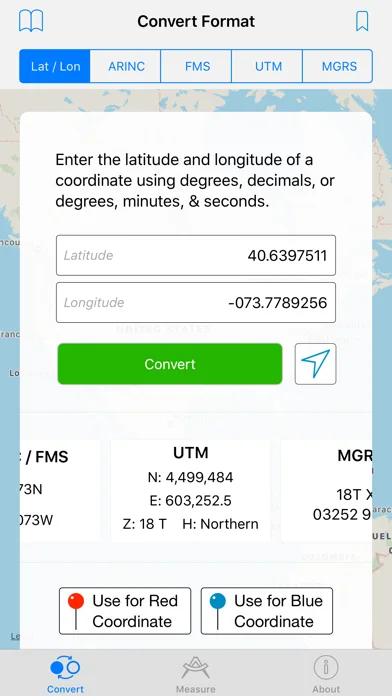
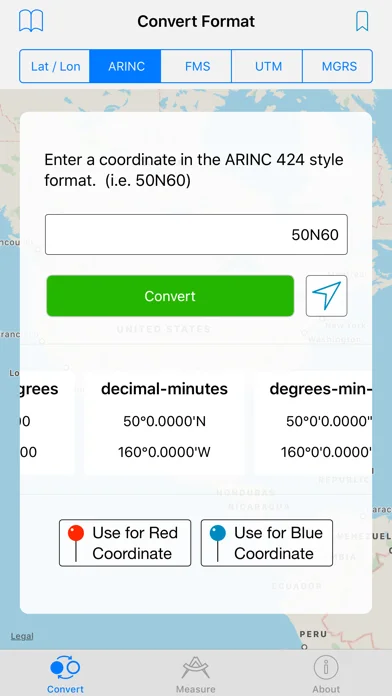
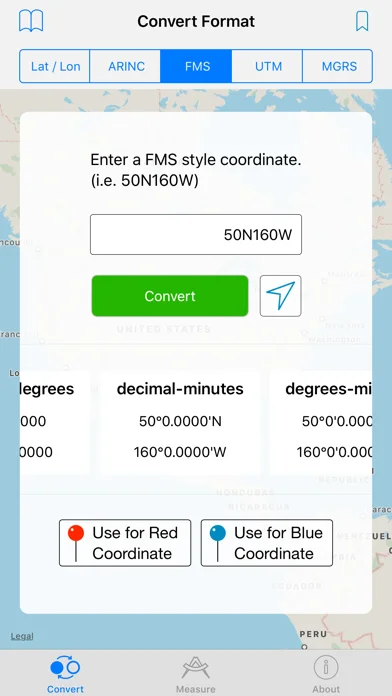
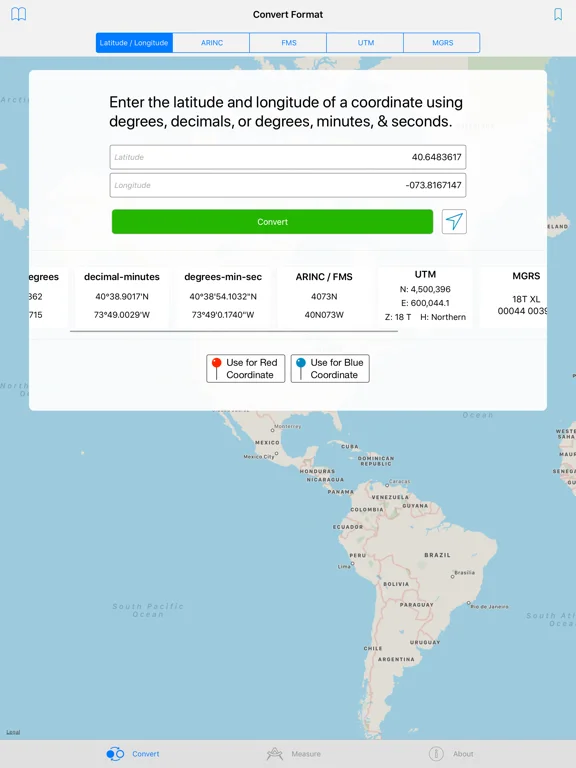
What you can do
- Convert listed formats
- Measure between points
- Bookmark coordinates
- Inspect eligible airport/navaid records
Good for
- Users validating results against an appropriate reference.
Consider alternatives for
- People relying on unverified conversions for safety-critical navigation.
Limitations & considerations
- Captured minimum: iOS 11.0.
- Datums, hemispheres and input formats must be verified. It is not certified navigation/surveying; release notes describe a corrected longitude-direction bug.
Privacy & permissions
Saved coordinates reveal location interests; online address lookup involves connectivity.
Sources & review notes Updated Nov 11, 2026
Reviewed by iApp4Me Editorial Team. Recommendations use the linked documentation and attributed accounts; device observations are identified separately.
- US App Store developer description
Complete description, download price and compatibility metadata captured 2026-11-02.
No comments yet. Be the first to share your experience.