
Greenshot
Greenshot for Mac captures regions, windows or the full screen and adds annotations, highlighting and obscuring before export.
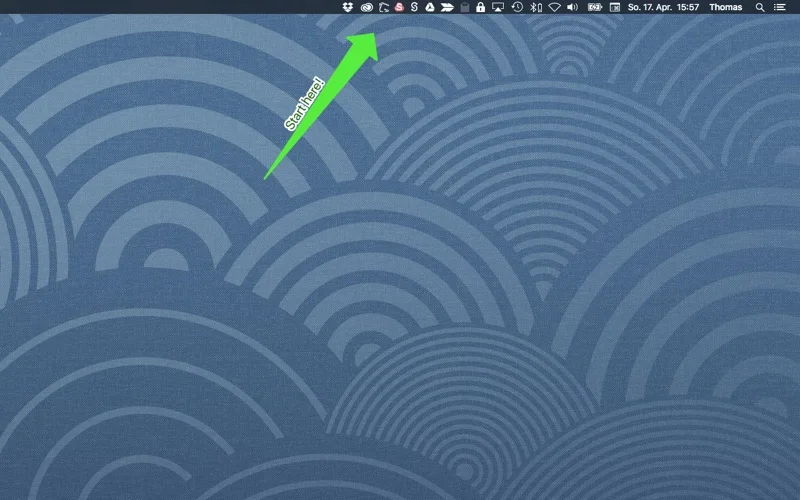
Pick for simple annotated screenshots from the menu bar.
Capture, quick markup and clipboard or file output form a compact everyday workflow.
Keep in mind: The developer explicitly warns that the Mac edition has fewer features than Greenshot for Windows. Screen Recording permission is required on newer macOS versions.
Inside the app
Official product images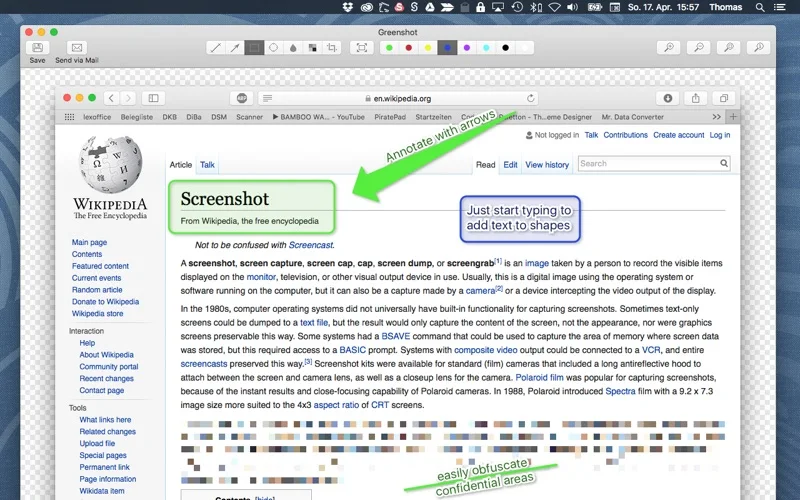
What you can do
- Capture a selected region, window or full screen
- Annotate, highlight or obscure captured content
- Save images, copy to the clipboard or attach to email
Good for
- People documenting a screen with a small amount of markup.
Consider alternatives for
- Windows users assuming every Greenshot integration and scrolling-capture feature carries over.
Limitations & considerations
- Captured minimum: macOS 10.12.
- The developer explicitly warns that the Mac edition has fewer features than Greenshot for Windows. Screen Recording permission is required on newer macOS versions.
Privacy & permissions
Screen Recording permission grants access to visible screen content. Check that sensitive text is actually obscured before exporting or emailing a screenshot.
Sources & review notes Updated Nov 15, 2026
Reviewed by iApp4Me Editorial Team. Recommendations use the linked documentation and attributed accounts; device observations are identified separately.
- US App Store developer description
Complete description, release notes, download price and compatibility metadata captured 2026-11-02.
No comments yet. Be the first to share your experience.