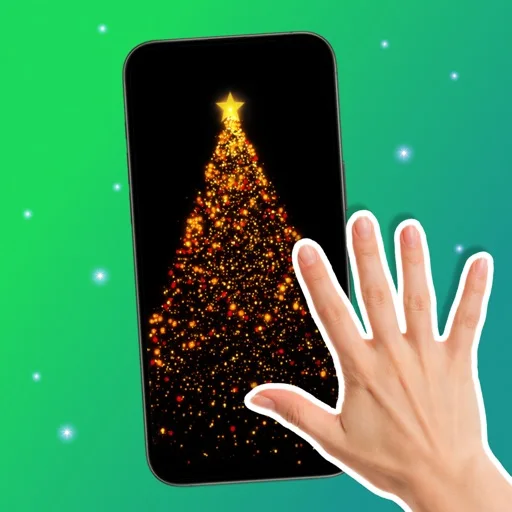
Entertainment
Hand Control: Hand Sign Master
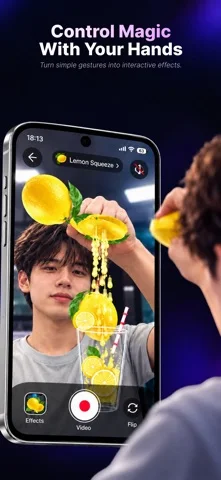
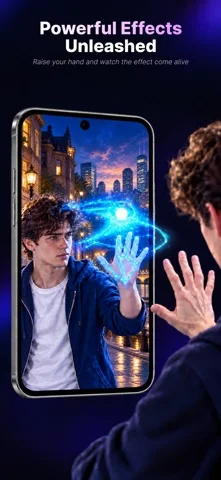
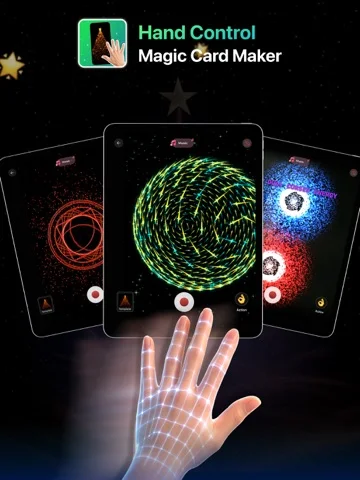
Gesture Studio uses hand movement in the camera view to shape particles and trigger effects.
Consider it for trying motion-controlled visuals or making an animated greeting card.
The gesture effects are interactive and can morph shapes instead of merely placing a static filter over video.
Keep in mind: The listing does not explain video export formats or performance on particular devices.
Inside the app
Official product images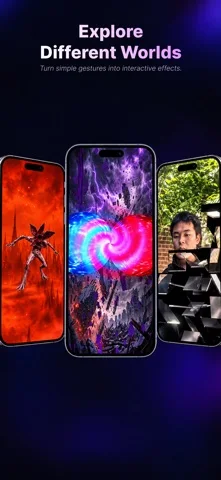
What you can do
- Move your hands to interact with 3D particles
- Trigger effects with specific hand signs
- Design an animated card
Good for
- People who want a playful camera-based visual tool
Consider alternatives for
- Creators who need documented production export formats
Limitations & considerations
- Captured minimum: iOS 15.0.
- The listing does not explain video export formats or performance on particular devices.
Privacy & permissions
Hand tracking uses the camera; the listing does not establish whether all processing is local.
Sources & review notes Updated Nov 11, 2026
Reviewed by iApp4Me Editorial Team. Recommendations use the linked documentation and attributed accounts; device observations are identified separately.
- US App Store developer description
Complete description, download price and compatibility metadata captured 2026-11-02.
No comments yet. Be the first to share your experience.