
Utilities
Handwriting Keyboard
Enter handwriting into other apps using an offline keyboard with finger or Apple Pencil input.
Choose for US English or Japanese handwriting entry.
Layout choices and adjustable recognition delay accommodate different writing habits.
Keep in mind: Only US English and Japanese are supported, and custom text fields may need Inline Input disabled.
Inside the app
Official product images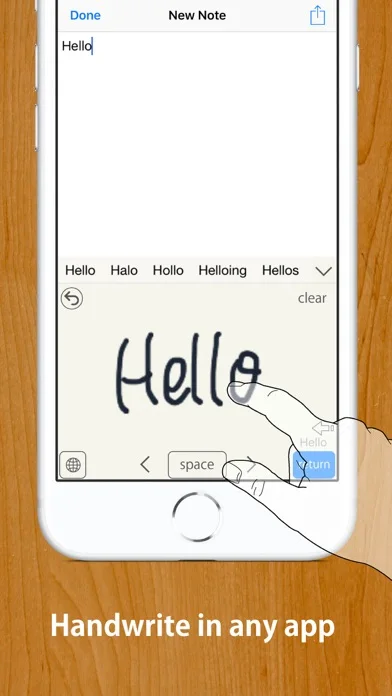
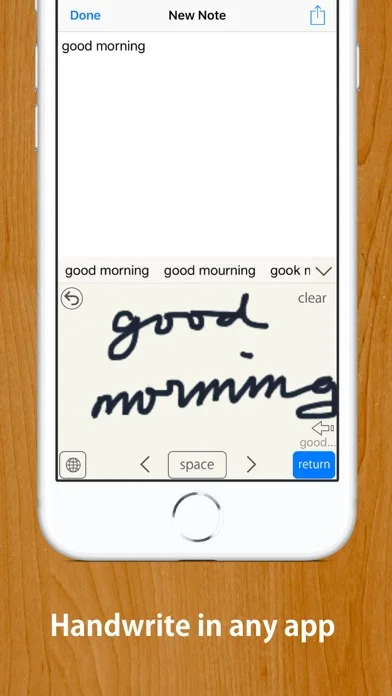
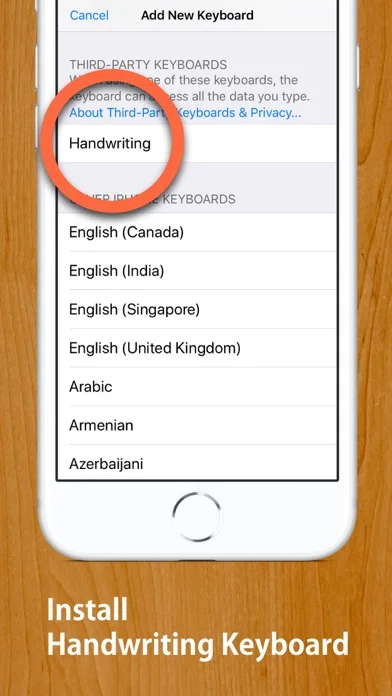
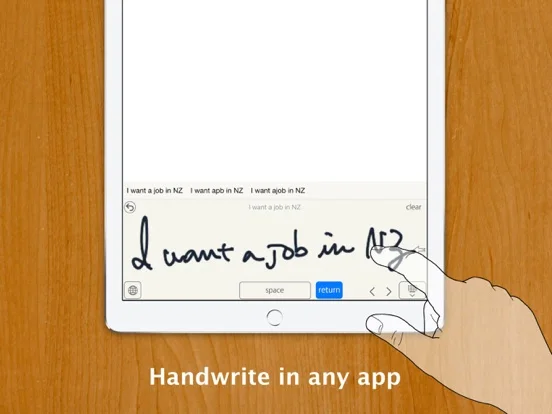
What you can do
- Three handwriting layouts
- Japanese conversion and US English recognition
- Pencil palm rejection and editable writing controls
Good for
- People who prefer handwriting in supported languages.
Consider alternatives for
- People needing British English or other recognition languages.
Limitations & considerations
- Captured minimum: iOS 13.6.
- Only US English and Japanese are supported, and custom text fields may need Inline Input disabled.
Privacy & permissions
The developer states on-device recognition, no data collection and no Full Access requirement; iOS uses its system keyboard for passwords.
Sources & review notes Updated Nov 11, 2026
Reviewed by iApp4Me Editorial Team. Recommendations use the linked documentation and attributed accounts; device observations are identified separately.
- US App Store developer description
Complete description, download price and compatibility metadata captured 2026-11-02.
No comments yet. Be the first to share your experience.