Social Networking
Handwritten email
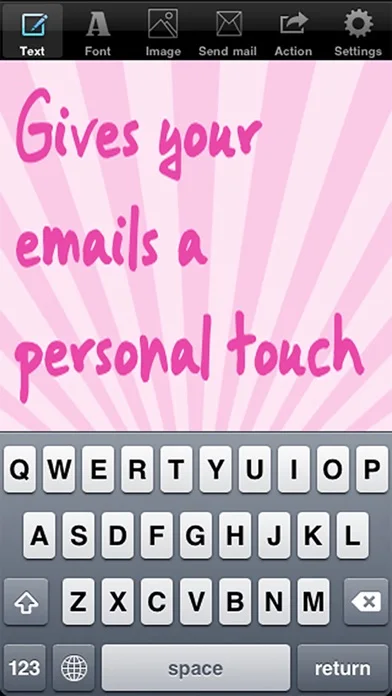
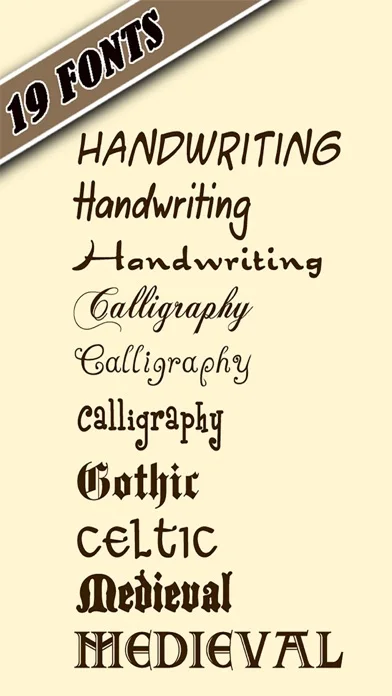
Handwritten Email converts typed text into handwriting-style compositions with selectable fonts, colors and backgrounds.
Consider for adding a decorative personal look to a message.
Preview and editing modes make it possible to adjust the composition before copying or sending it.
Keep in mind: It creates styled text from keyboard input, not biometric handwriting or a verified personal signature.
Inside the app
Official product images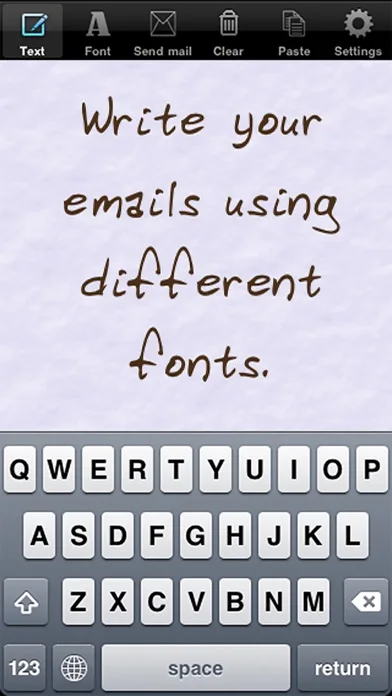
What you can do
- Type text into handwriting styles
- Adjust size, color and alignment
- Choose twenty backgrounds
- Switch between editing and preview
- Copy output to supported apps
Good for
- People preparing informal greeting messages
Consider alternatives for
- Users seeking document signing or handwriting authentication
Limitations & considerations
- Captured minimum: iOS 9.0.
- It creates styled text from keyboard input, not biometric handwriting or a verified personal signature.
Privacy & permissions
Message text may be personal, and sending through other apps exposes it to their recipients and services.
Sources & review notes Updated Nov 11, 2026
Reviewed by iApp4Me Editorial Team. Recommendations use the linked documentation and attributed accounts; device observations are identified separately.
- US App Store developer description
Complete description, download price and compatibility metadata captured 2026-11-02.
No comments yet. Be the first to share your experience.