HEIC Converter
HEIC Converter turns HEIC files into JPEG or PNG with adjustable JPEG quality and metadata options.
Pick for a focused batch-photo conversion on supported macOS.
A small drag-and-drop workflow is convenient when source HEIC files are already available.
Keep in mind: Version 3.6 requires macOS 26, supports only .heic and outputs eight-bit images. The developer limits batches to 1,000 photos and directs older systems to older builds.
Inside the app
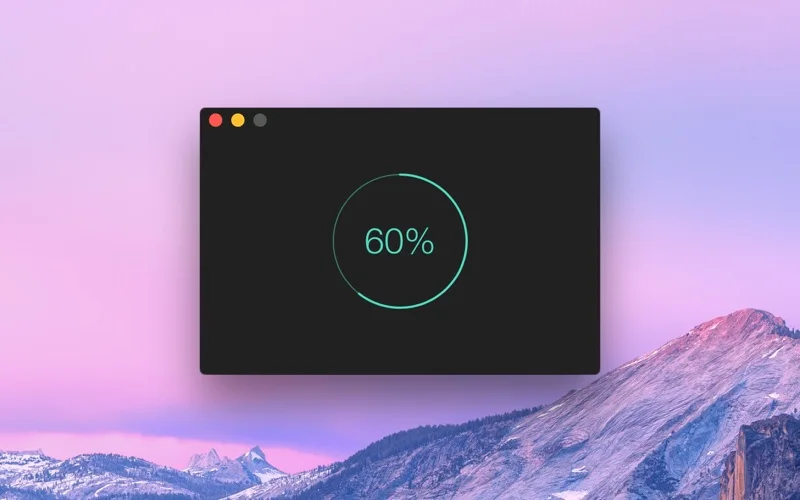
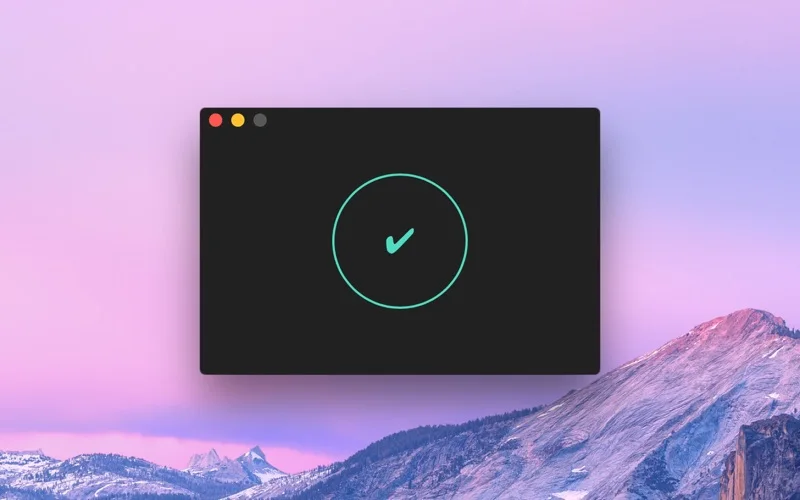
Official product images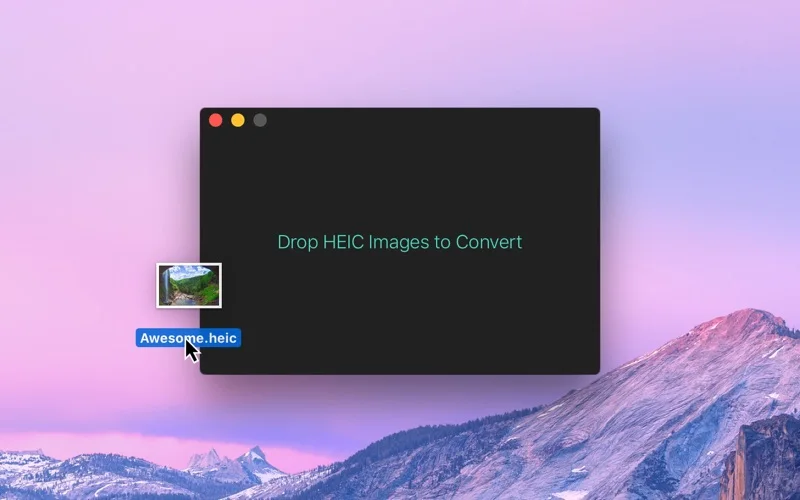
What you can do
- Convert HEIC files to JPEG or PNG
- Set JPEG quality and output location
- Choose metadata retention including location details
Good for
- Users needing straightforward HEIC compatibility conversions.
Consider alternatives for
- People requiring ten-bit preservation, HEVC video conversion or support for every HEIF variant.
Limitations & considerations
- Captured minimum: macOS 26.0.
- Version 3.6 requires macOS 26, supports only .heic and outputs eight-bit images. The developer limits batches to 1,000 photos and directs older systems to older builds.
Privacy & permissions
The developer states no personal data collected. Metadata can still be copied into exported photos, so review location retention before sharing.
Sources & review notes Updated Nov 15, 2026
Reviewed by iApp4Me Editorial Team. Recommendations use the linked documentation and attributed accounts; device observations are identified separately.
- US App Store developer description
Complete description, release notes, download price and compatibility metadata captured 2026-11-02.
- Official developer disclosure
Full cached official text reviewed, including split continuation for long pages; captured 2026-11-12. Captured edition and newer service offers are distinguished.
No comments yet. Be the first to share your experience.