
HiPaint- Sketch & Paint
HiPaint draws and animates with customizable brushes, layers and illustration tools.
For mobile illustration experimentation
Brush import, stabilization and perspective guides support varied styles.
Keep in mind: Pressure/tilt and PSD compatibility depend on hardware/file complexity and are untested.
Inside the app
Official product images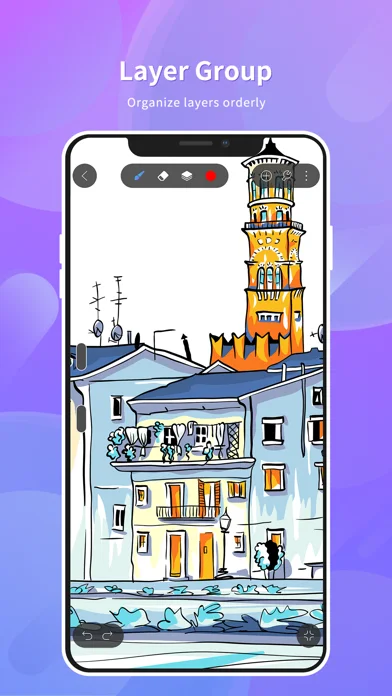
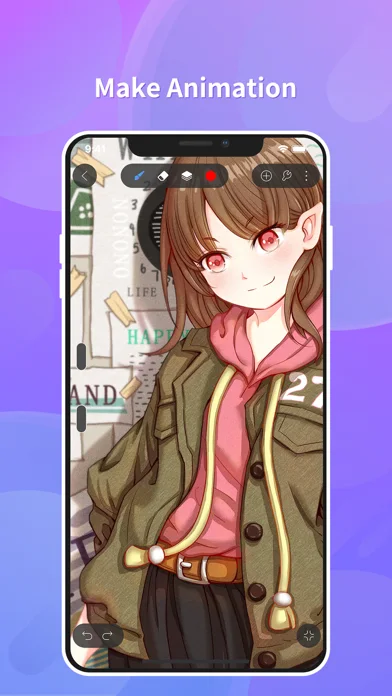
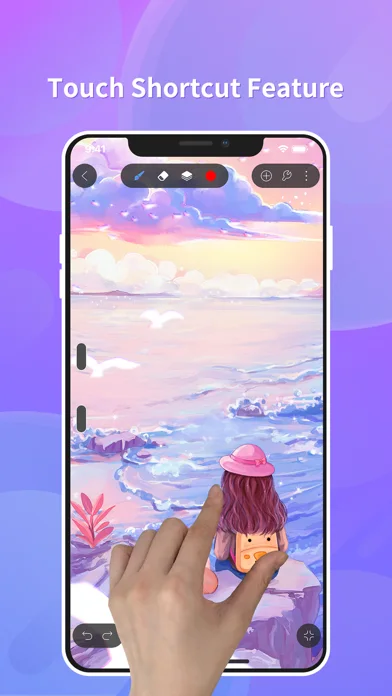
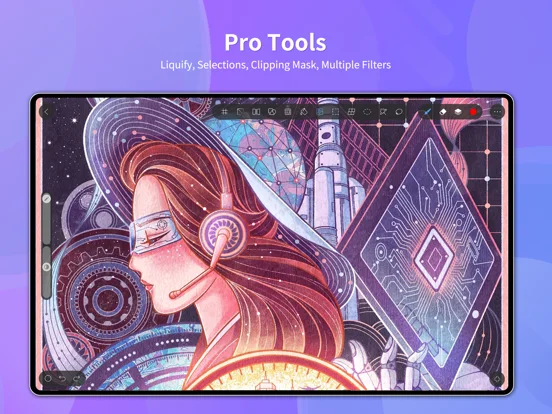
What you can do
- Paint with layered brushes.
- Use selection, vector, color and symmetry tools.
- Create frame animations and export artwork/process videos.
App Store review themes
Recurring praise and complaints, grouped by topic.
70 reviews · US App Store · Written feedback; review platforms are not identified
What reviewers like
Useful free access
8 reviewsReviewers praise free drawing tools.
See 2 review examples
In version 6.1.11, the reviewer values free access for digital art without establishing all tools are free.
Original excerpt“great free option for digital art”Apple source · Review 14574341416
In version 6.1.10, the reviewer appreciates free drawing use.
Original excerpt“favorite free drawing app”Apple source · Review 14222120470
Ease of use
8 reviewsReviewers praise drawing interface.
See 2 review examples
In version 6.1.11, the reviewer finds the layout approachable.
Original excerpt“not at all overwhelming”Apple source · Review 14574341416
In version 6.1.9, the reviewer finds it accessible for beginners.
Original excerpt“simple and easy for new artists”Apple source · Review 14202072203
Brush tools
7 reviewsReviewers praise brush tools.
See 2 review examples
In version 6.1.11, the reviewer likes access to redeemable brushes, without independently confirming the unlock method.
Original excerpt“reedeem brushes”Apple source · Review 14561279325
In version 6.1.10, the reviewer likes the brush tools.
Original excerpt“I like the brushes”Apple source · Review 14554113336
Show fewer positive themes
An unobtrusive experience
5 reviewsPositive feedback covers ad frequency (4 reviews); ad tradeoff (1 review).
See 2 review examples
In version 6.1.9, the reviewer finds the experience worth tolerating ads; no absence of ads is inferred.
Original excerpt“THE ADS ARE WORTH IT”Apple source · Review 14154836005
In version 6.1.9, the reviewer finds ad frequency low in their experience.
Original excerpt“not a ton of ads”Apple source · Review 14132335442
Value and purchase options
3 reviewsPositive feedback covers affordable alternative (2 reviews); purchase value (1 review).
See 2 review examples
In version 6.1.5, the reviewer appreciates it as an affordable option for their child compared with another app; the typo-obscured improvement claim is not treated as a measured learning gain.
Original excerpt“couldn’t afford pro-create”Apple source · Review 13903843783
In version 6.1.4, the reviewer finds the reported low purchase cost worthwhile as a personal alternative to Fix; current price and capability parity are unverified.
Original excerpt“just a few dollars”Apple source · Review 13659078502
What reviewers dislike
Ads, prompts and interruptions
12 reviewsReviewers raise concerns or requests about canvas advertising.
See 2 review examples
In version 6.1.11, the reviewer reports ads cover correction and pressure-sensitivity controls and return after temporarily clearing.
Original excerpt“obstruct the view of some things”Apple source · Review 14574341416
In version 6.1.11, the reviewer dislikes the volume or placement of ads; actual ad behavior is not independently tested.
Original excerpt“Too many ads”Apple source · Review 14570268667
Workflow and interface friction
9 reviewsReviewers raise concerns or requests about drawing interface.
See 2 review examples
In version 6.1.11, the reviewer finds the layout confusing.
Original excerpt“difficult to understand the layout”Apple source · Review 14629375605
In version 6.1.10, the reviewer finds operation difficult.
Original excerpt“very hard to use”Apple source · Review 14554113336
Reports of lost or overwritten work
6 reviewsReviewers raise concerns or requests about drawing progress.
See 2 review examples
In version 6.1.9, the reviewer reports losing artwork after repeated crashes, based on the Chinese title; cause and recoverability are unverified.
Original excerpt“图都没了”Apple source · Review 14150989079
In version 6.1.5, the reviewer reports drawing progress fails to save around repeated crashes even after updating; ample storage and newer phone do not establish the technical cause.
Original excerpt“none of it saved”Apple source · Review 13920137048
Show fewer negative themes
Brush tools
6 reviewsReviewers raise concerns or requests about brush tools.
See 2 review examples
In version 6.1.9, the reviewer finds the brushes too similar.
Original excerpt“brushes tend to look pretty similar”Apple source · Review 14095698582
In version 6.1.5, the reviewer cannot set the blending tool to their preferred size.
Original excerpt“won’t let me adjust the size”Apple source · Review 13973578631
Free access and limits
5 reviewsReviewers raise concerns or requests about free drawing tools.
See 2 review examples
In version 6.1.10, the reviewer dislikes a paywall for blending tools.
Original excerpt“pay for blends”Apple source · Review 14354638010
In version 6.1.4, the reviewer objects to basic text being ad-gated or paid; other apps’ temporary unlock lengths are not attributed to HiPaint.
Original excerpt“Simply typing requires you to watch an ad or buy”Apple source · Review 13709572996
Slowdowns and waiting
5 reviewsReviewers raise concerns or requests about drawing responsiveness.
See 2 review examples
In version 6.1.11, the reviewer reports lag while drawing or navigating the canvas; underlying cause is unverified.
Original excerpt“sort of laggy”Apple source · Review 14616697579
In version 6.1.10, the reviewer reports lag while drawing or navigating the canvas; underlying cause is unverified.
Original excerpt“super laggy”Apple source · Review 14554113336
Crashes, freezes and reliability problems
5 reviewsReviewers raise concerns or requests about crashes and freezes.
See 2 review examples
In version 6.1.9, the reviewer reports drawing crashes or freezes in the reviewed version; cause and current behavior are not independently established.
Original excerpt“CRASHING”Apple source · Review 14163545603
In version 6.1.9, the reviewer reports drawing crashes or freezes in the reviewed version; cause and current behavior are not independently established.
Original excerpt“老是闪退”Apple source · Review 14150989079
Import and export difficulties
3 reviewsConcerns and requests cover brush import (1 review); saving artwork (1 review); timelapse export (1 review).
See 2 review examples
In version 6.1.11, the reviewer reports exported timelapse freezes then skips much of the drawing process; loss of the original artwork is not established.
Original excerpt“pause at a certain frame”Apple source · Review 14602063755
In version 6.1.5, the reviewer cannot find how to save and resorts to screenshots; actual data deletion is not established.
Original excerpt“saving my art is difficult”Apple source · Review 13973578631
Canvas creation
3 reviewsReviewers raise concerns or requests about canvas creation.
See 2 review examples
In version 6.1.3, the reviewer cannot create a canvas for an unknown reason.
Original excerpt“won’t let me create a canvas”Apple source · Review 13645910537
In version 6.1.3, the reviewer reports inability to create a new canvas on an iPhone 16; general incompatibility is not established.
Original excerpt“невозможно создать новый холст на айфоне 16”Apple source · Review 13637101240
Layer controls
3 reviewsReviewers raise concerns or requests about layer controls.
See 2 review examples
In version 6.1.11, the reviewer reports newly added layers are not visible and cannot be freely reordered; they are unsure whether operation is incorrect.
Original excerpt“it doesn’t appear”Apple source · Review 14574341416
In version 6.1.4, the reviewer cannot reorder layers; availability or operation is unverified.
Original excerpt“layers you cant move them around”Apple source · Review 13777945562
Good for
- Artists comparing mobile drawing editors.
Consider alternatives for
- Anyone requiring guaranteed desktop format fidelity.
Limitations & considerations
- Captured minimum: iOS 13.0.
- Pressure/tilt and PSD compatibility depend on hardware/file complexity and are untested.
Privacy & permissions
Photo imports, recordings and shared artwork can be private.
Sources & review notes Updated Nov 9, 2026
Reviewed by iApp4Me Editorial Team. Recommendations use the linked documentation and attributed accounts; device observations are identified separately.
- US App Store developer description
Complete description, download price and compatibility metadata captured 2026-11-02.
No comments yet. Be the first to share your experience.