Utilities
iDOS 3
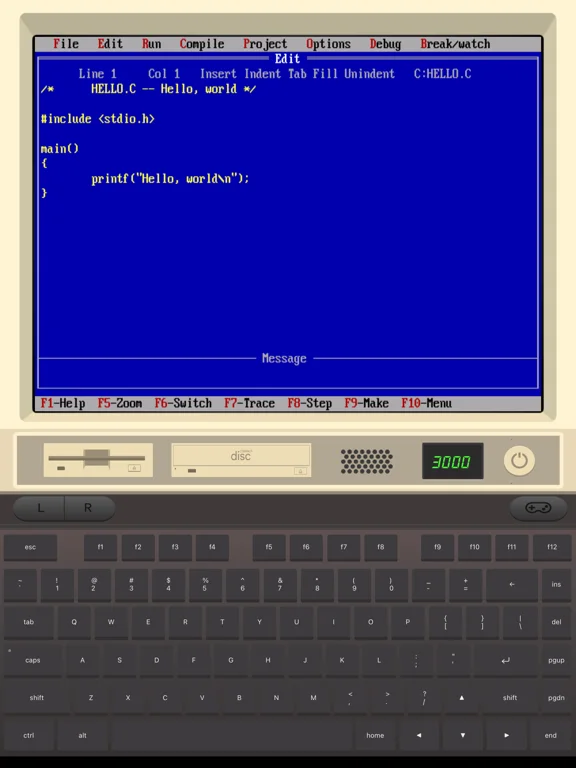
iDOS 3 emulates a DOS computer for compatible classic games and other user-supplied DOS software.
Choose for exploring legally obtained older programs on an iPhone or iPad.
Keyboard, gamepad and pointer controls give different ways to adapt software designed for a PC.
Keep in mind: Compatibility varies by program, and the emulator does not grant a license to any game or operating-system files.
Inside the app
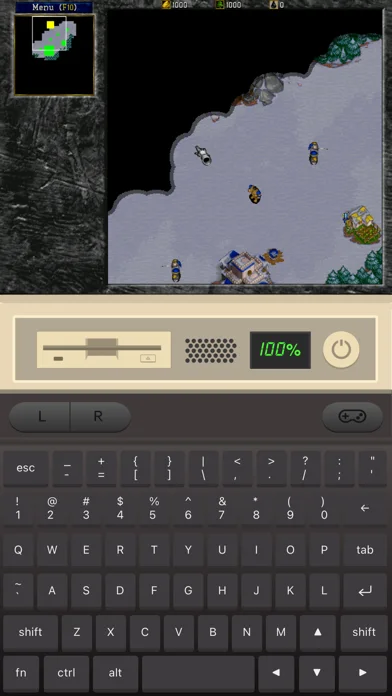
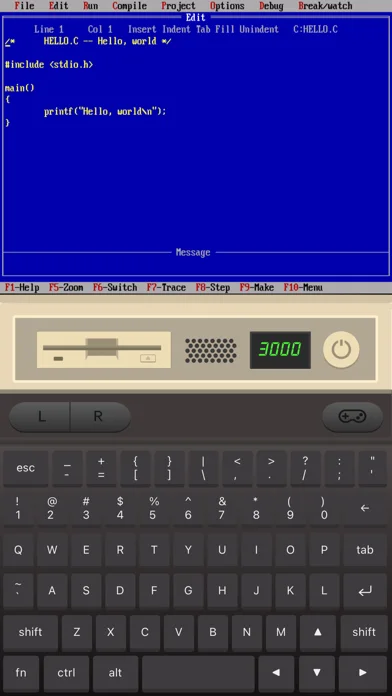
Official product images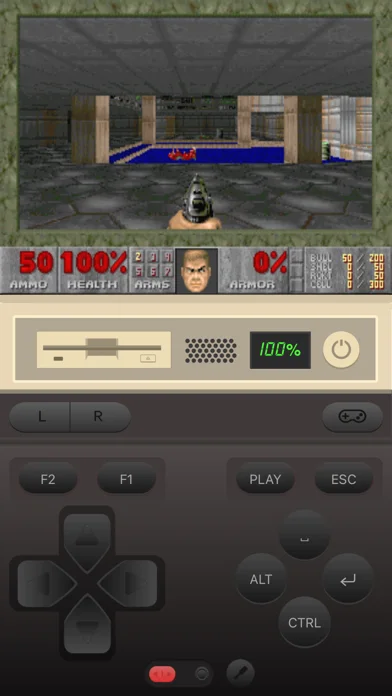
What you can do
- Use a PC-style onscreen keyboard
- Map virtual gamepad keys
- Connect supported external controllers
- Use touchpad-style mouse control
- Play supported MIDI and CD-image audio
- Adjust emulation speed
Good for
- Users with compatible classic DOS software they have rights to use
Consider alternatives for
- Users expecting every modern PC game or included commercial software
Limitations & considerations
- Captured minimum: iOS 15.0.
- Compatibility varies by program, and the emulator does not grant a license to any game or operating-system files.
Privacy & permissions
Imported programs and files can contain personal documents; use trusted sources and preserve separate backups.
Sources & review notes Updated Nov 11, 2026
Reviewed by iApp4Me Editorial Team. Recommendations use the linked documentation and attributed accounts; device observations are identified separately.
- US App Store developer description
Complete description, download price and compatibility metadata captured 2026-11-02.
No comments yet. Be the first to share your experience.