
iDownloader - Fast and Elegant File Downloader
Manage HTTP and HTTPS file downloads on Mac using segmented transfers, queue controls and a scheduler.
Choose for authorized direct-file downloads.
Pause and resume can help with supported servers and intermittent connections.
Keep in mind: Server capabilities determine resume and size detection; recent reviews report failed video downloads, so success is not guaranteed.
Inside the app
Official product images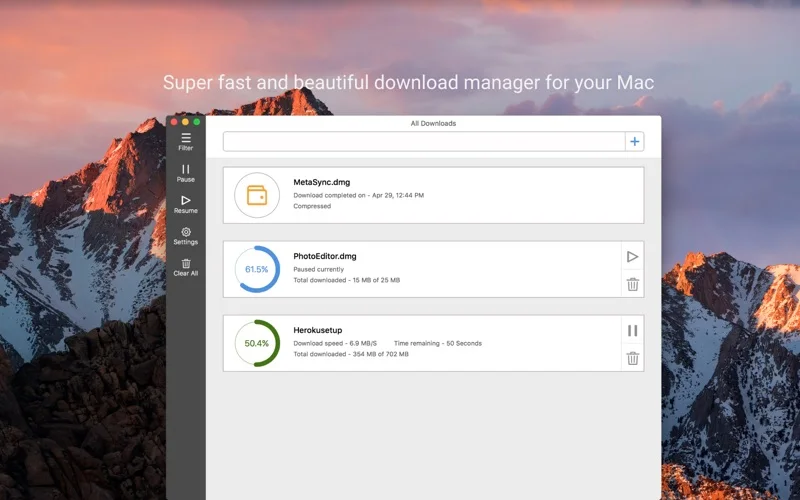
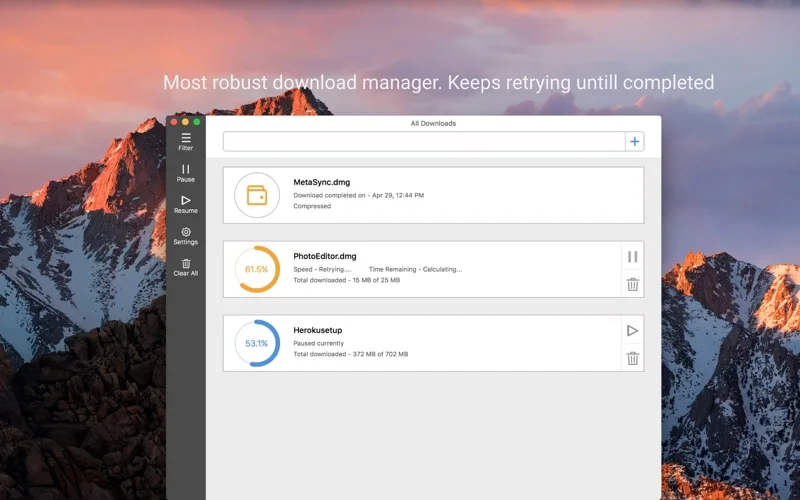
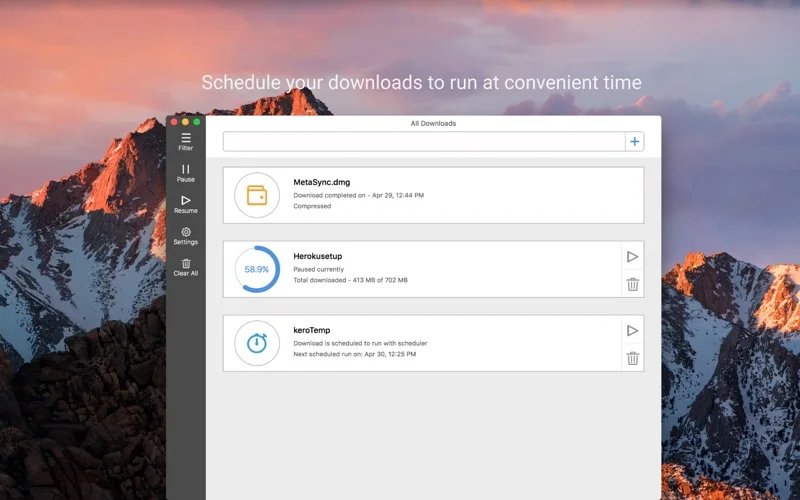
What you can do
- Segmented transfer management
- Pause, resume and scheduling
- Browser link capture and file-type filters
App Store review themes
Recurring praise and complaints, grouped by topic.
4 reviews · US App Store · Written feedback; review platforms are not identified
What reviewers like
No recurring positive theme has at least three supporting reviews.
What reviewers dislike
No recurring negative theme has at least three supporting reviews.
Good for
- People downloading files they are entitled to access.
Consider alternatives for
- People expecting every streaming site or protected video to be supported.
Limitations & considerations
- Captured minimum: macOS 10.12.
- Server capabilities determine resume and size detection; recent reviews report failed video downloads, so success is not guaranteed.
Privacy & permissions
Links, authentication and downloaded files can be sensitive; inspect browser integration permissions and use trusted sources.
Sources & review notes Updated Nov 11, 2026
Reviewed by iApp4Me Editorial Team. Recommendations use the linked documentation and attributed accounts; device observations are identified separately.
- US App Store developer description
Complete description, download price and compatibility metadata captured 2026-11-02.
No comments yet. Be the first to share your experience.