
iJustine Teaches FCP X
Follow iJustine’s Final Cut Pro X editing workflow through sixteen lessons and supplied practice media.
A beginner interested in this creator’s end-to-end video-editing workflow.
Follow iJustine’s Final Cut Pro X editing workflow through sixteen lessons and supplied practice media.
Keep in mind: The course uses Final Cut Pro X terminology and requires your own copy of the editor. Lesson count and included practice files are publisher claims; current-version UI differences were not assessed.
Inside the app
Official product images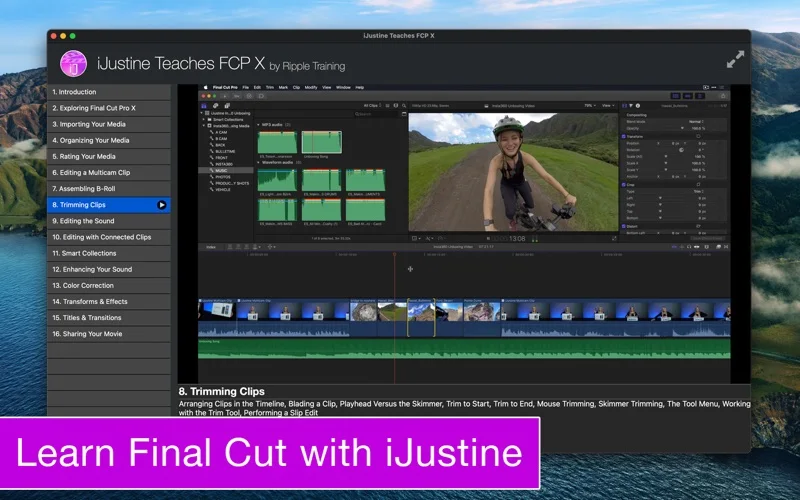
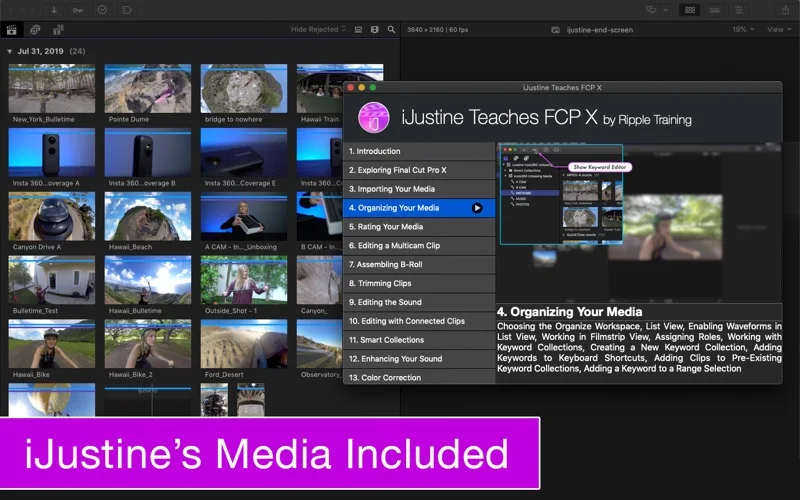
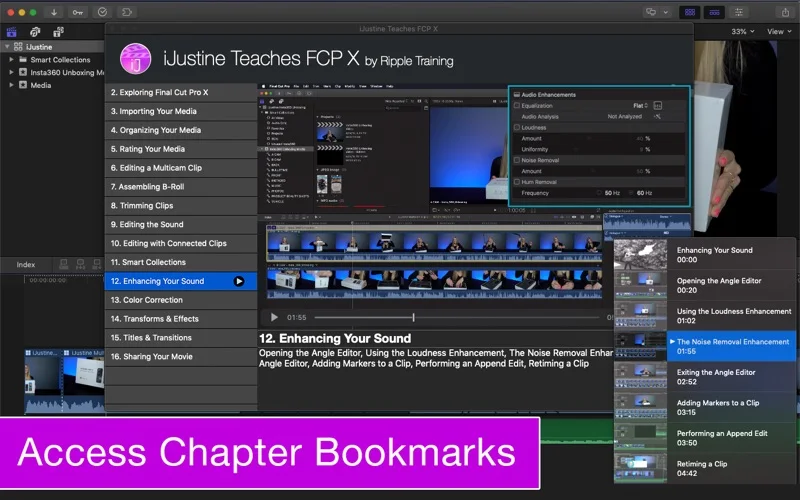
What you can do
- Learn media organization, two-camera multicam editing and b-roll assembly.
- Study audio, color, titles, effects and YouTube delivery.
- Use chapter markers and keyboard overlays while editing supplied media.
Good for
- A beginner interested in this creator’s end-to-end video-editing workflow.
Consider alternatives for
- A Final Cut Pro license or a guarantee that an older tutorial matches today’s interface.
Limitations & considerations
- The course uses Final Cut Pro X terminology and requires your own copy of the editor. Lesson count and included practice files are publisher claims; current-version UI differences were not assessed.
Privacy & permissions
Following the course involves downloading practice media and working in a separate editor. Review the store disclosure and use authorized files; publishing your own projects is a separate choice.
Sources & review notes Updated Nov 18, 2026
Reviewed by iApp4Me Editorial Team. Recommendations use the linked documentation and attributed accounts; device observations are identified separately.
- US App Store listing
Publisher description, version and US download price captured 2026-11-02; source-based coverage, not a device test.
No comments yet. Be the first to share your experience.