
InShot - Video Editor
Edit video clips and photos, build collages and prepare captioned social videos with optional AI-assisted tools.
Assemble a short video with captions and layered effects
InShot suits individual creators who want trimming, audio, text, overlays and export controls together, with photo editing and collages in the same app.
Keep in mind: Some tools and materials are paid. Auto captions and certain advanced photo tools use cloud processing, while use of supplied music and other assets has licensing restrictions.
Inside the app
Official product images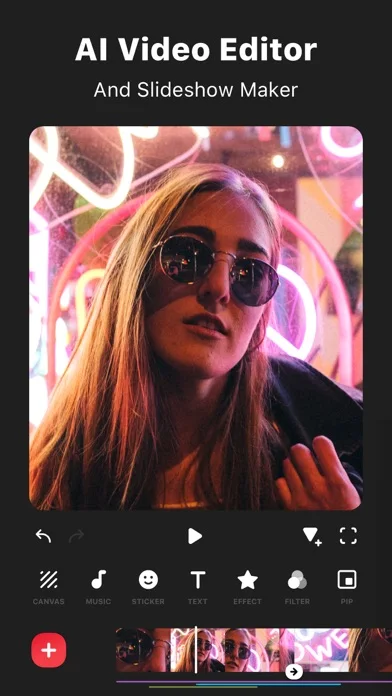
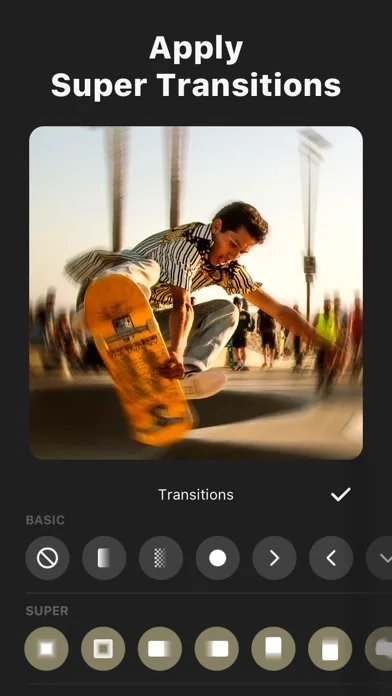
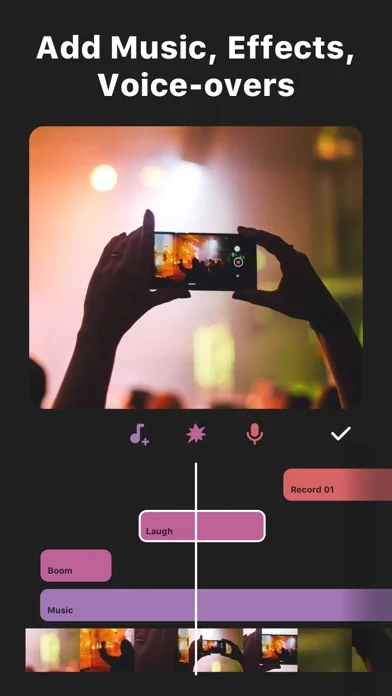
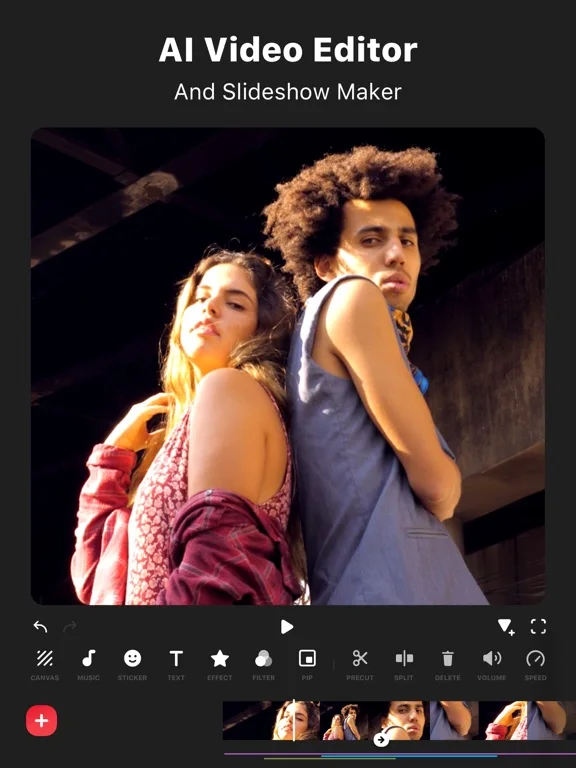
What you can do
- Trim, split, merge and reverse clips, with speed curves and keyframes.
- Layer picture-in-picture video, text and stickers, and use chroma key.
- Add music, recorded voice and audio adjustments.
- Generate captions, bilingual subtitles or synthesized speech with supported AI tools.
- Make photo collages and use supported cutout, enhancement or object-removal tools.
- Export supported projects at up to 4K and 60 fps.
Good for
- Individuals assembling captioned vlogs, personal videos or social posts.
- People who want manual timeline editing alongside optional AI-assisted tools.
Consider alternatives for
- Keeping every captioning and advanced photo operation strictly offline.
- Assuming supplied music or other assets have unrestricted commercial licensing.
Limitations & considerations
- The official terms restrict legal-entity use without written consent; check licensing before organizational or commercial projects.
- Music and other materials have use restrictions; an exported video does not provide unlimited rights to included assets.
- The terms describe iOS-only purchases that do not transfer between systems.
- AI-generated speech and captions require review for suitability and accuracy.
Privacy & permissions
InShot’s policy describes local media and drafts, but separately says auto-caption audio and some advanced photo-processing inputs are uploaded and deleted after processing. It also describes advertising and technical partners and tracking choices. Review permissions and the selected feature before editing sensitive material; this is not an entirely offline workflow.
Privacy policySources & review notes Updated Nov 6, 2026
Reviewed by iApp4Me Editorial Team. Recommendations use the linked documentation and attributed accounts; device observations are identified separately.
- US App Store listing
Complete developer description and version metadata captured 2026-11-02; official images cached locally.
- InShot terms of use
Official source consulted 2026-11-06.
- InShot privacy policy linked by its terms
Official source consulted 2026-11-06.
No comments yet. Be the first to share your experience.