IPA Keyboard
A phonetic-symbol palette for composing IPA transcription with editable language layouts.
Useful when you know the target sounds and need to enter their symbols.
Click-to-compose and physical-key assignments reduce hunting for unusual characters.
Keep in mind: It does not automatically transcribe audio, teach pronunciation or validate a phonetic analysis. Keyboard mode is described inside the app, not as a universal system input source.
Inside the app
Official product images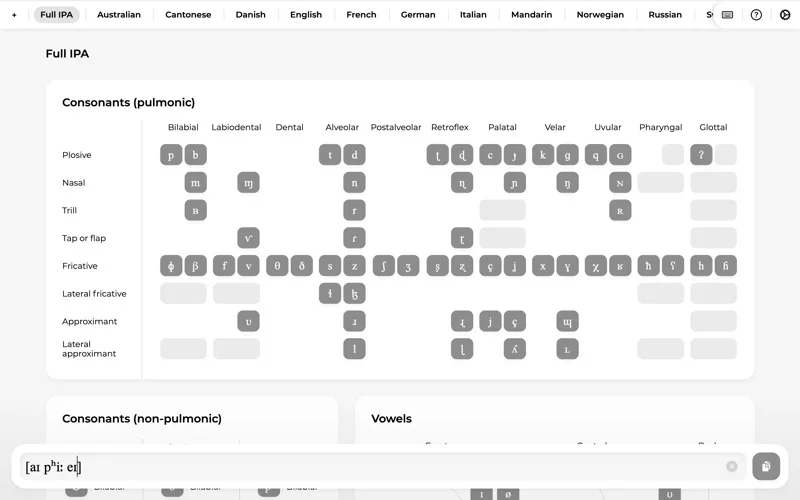
What you can do
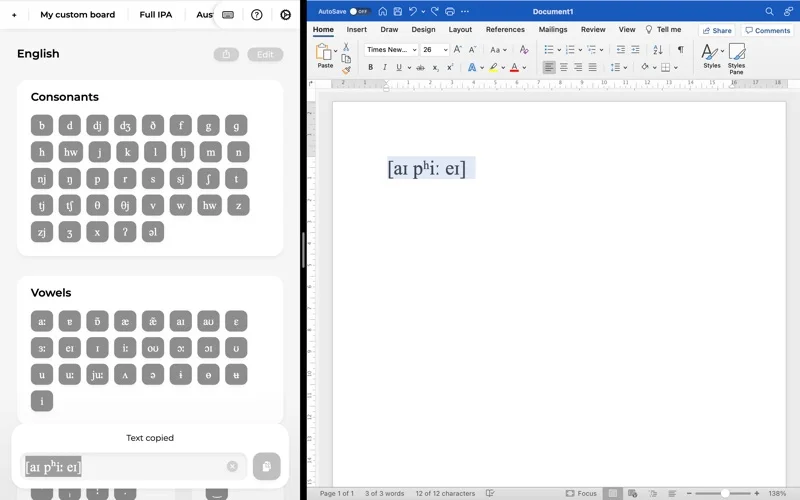
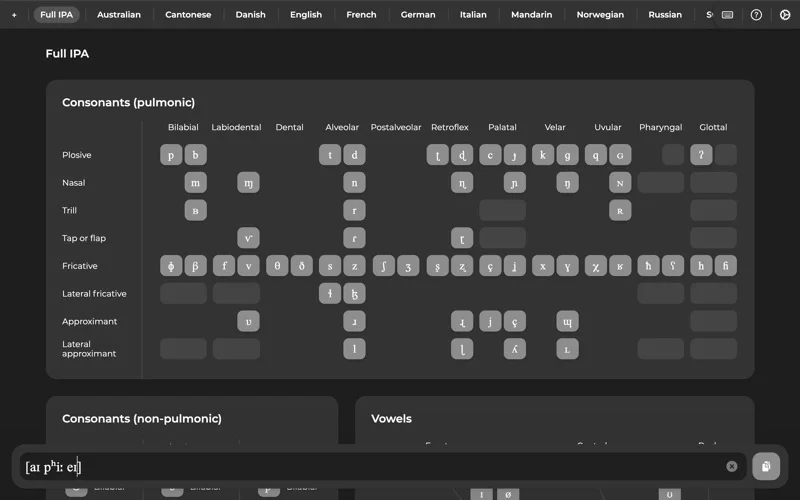
- IPA and language-specific boards
- Editable custom layouts
- Text composition, copy and in-app keyboard mode
Good for
- Linguists and students entering phonetic notation.
Consider alternatives for
- People needing speech recognition or automatic IPA conversion.
Limitations & considerations
- Captured minimum: macOS 10.11.0.
- It does not automatically transcribe audio, teach pronunciation or validate a phonetic analysis. Keyboard mode is described inside the app, not as a universal system input source.
Privacy & permissions
The official page says the app does not collect private or sensitive user information; website analytics cookies are separate. Copied transcriptions still enter the system clipboard.
Sources & review notes Updated Nov 15, 2026
Reviewed by iApp4Me Editorial Team. Recommendations use the linked documentation and attributed accounts; device observations are identified separately.
- US App Store developer description
Complete description, release notes, download price and compatibility metadata captured 2026-11-02.
- Official developer disclosure
Full cached official text read, captured 2026-11-12. Subscription channels, editions and feature entitlements distinguished.
No comments yet. Be the first to share your experience.