
iPulse - Monitor Your Device
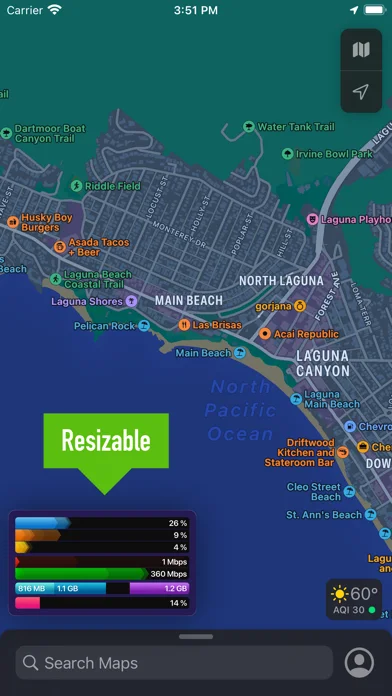
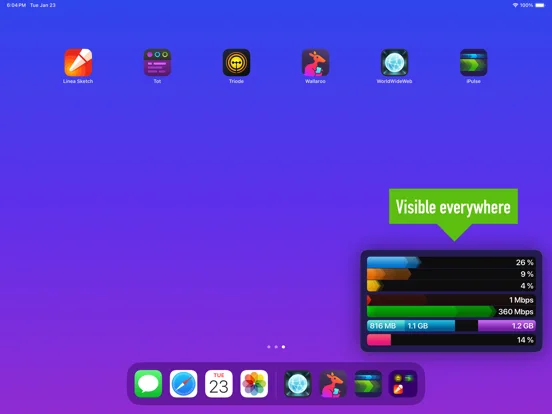
An iOS and iPadOS resource monitor displaying processor, graphics, network, memory and storage indicators in a picture-in-picture view.
Consider for observing device behavior during other tasks
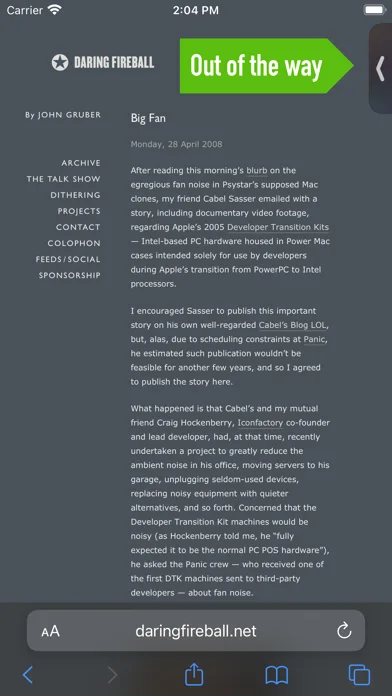
The floating display and configurable threshold sounds make it easier to notice changes while another app is running.
Keep in mind: Visible metrics and sampling are constrained by the operating system; this is not a complete replacement for development profiling or a repair tool.
Inside the app
Official product images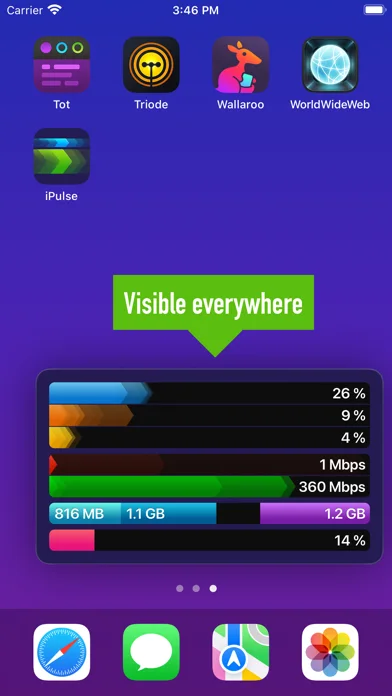
What you can do
- View CPU and graphics usage indicators
- Monitor upload and download throughput
- Inspect memory and internal or external storage usage
- Use picture-in-picture monitoring and threshold alerts
Good for
- Power users and developers looking for a convenient high-level device activity view.
Consider alternatives for
- People expecting per-process forensic analysis, a guaranteed battery diagnosis or automatic performance repair.
Limitations & considerations
- Captured minimum: iOS 16.0.
- Visible metrics and sampling are constrained by the operating system; this is not a complete replacement for development profiling or a repair tool.
Privacy & permissions
Resource statistics can reveal device activity. The capture does not establish telemetry, logging retention or external sharing practices.
Sources & review notes Updated Nov 11, 2026
Reviewed by iApp4Me Editorial Team. Recommendations use the linked documentation and attributed accounts; device observations are identified separately.
- US App Store developer description
Complete description, download price and compatibility metadata captured 2026-11-02.
No comments yet. Be the first to share your experience.