
IPYNB Viewer + Editor
View and edit Jupyter notebook files on a Mac with Finder Quick Look and LaTeX rendering.
Someone inspecting or making simple notebook edits without setting up a notebook environment.
View and edit Jupyter notebook files on a Mac with Finder Quick Look and LaTeX rendering.
Keep in mind: Viewing and editing do not establish code execution, dependency support or complete notebook round-trip fidelity. Test a copy containing representative cells and outputs before changing originals.
Inside the app
Official product images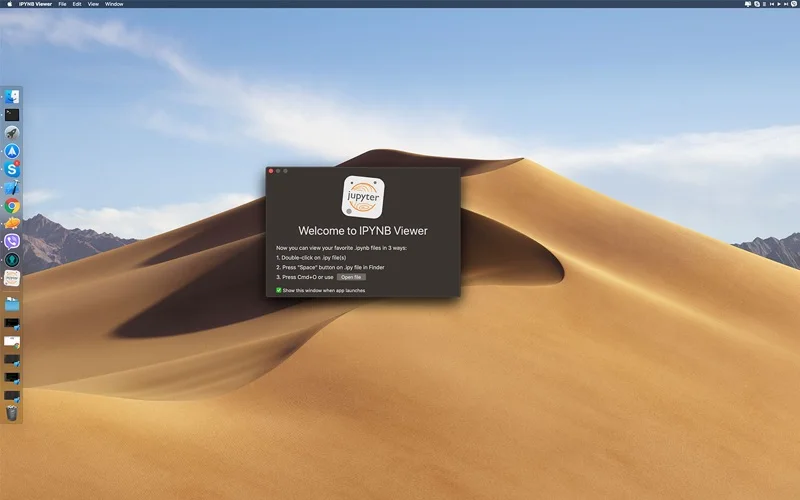
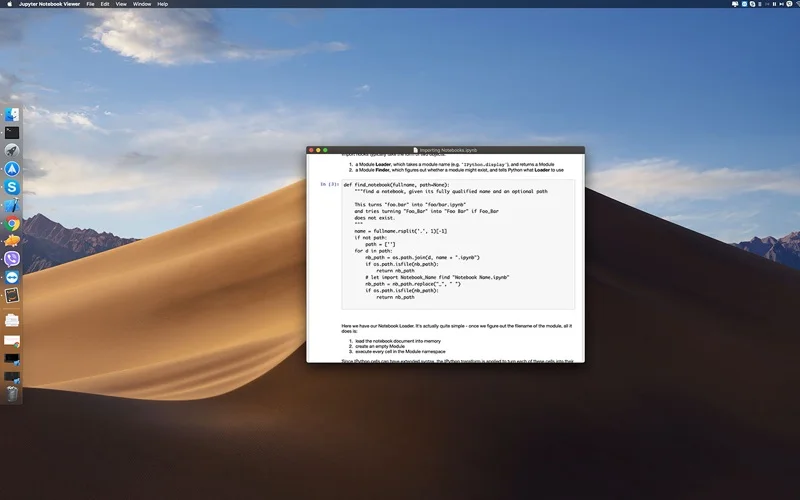
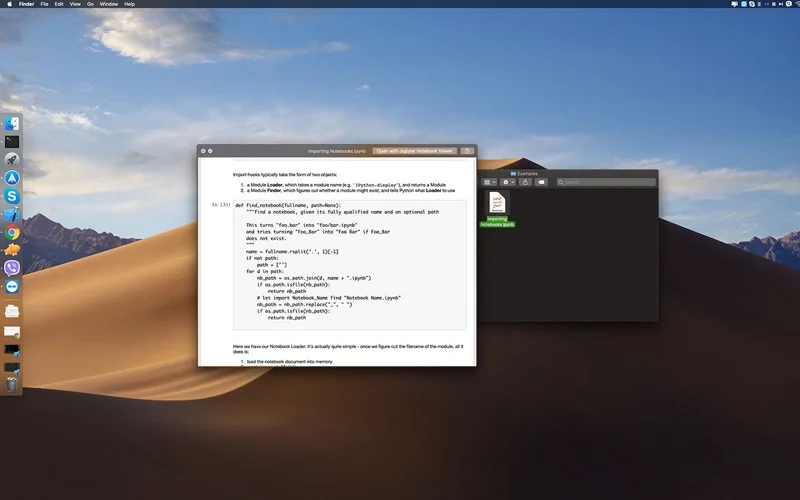
What you can do
- Open associated .ipynb files without installing the described extra tools.
- Use the advertised real-time editor.
- Preview notebooks through Quick Look and render LaTeX content.
Good for
- Someone inspecting or making simple notebook edits without setting up a notebook environment.
Consider alternatives for
- A documented Python kernel or full Jupyter execution environment.
Limitations & considerations
- Viewing and editing do not establish code execution, dependency support or complete notebook round-trip fidelity. Test a copy containing representative cells and outputs before changing originals.
Privacy & permissions
Notebooks can contain data, credentials and rendered outputs. Review file permissions and disclosure before opening sensitive notebooks; the description does not establish trusted execution or local-only processing.
Sources & review notes Updated Nov 17, 2026
Reviewed by iApp4Me Editorial Team. Recommendations use the linked documentation and attributed accounts; device observations are identified separately.
- US App Store listing
Publisher description and US download price captured 2026-11-02; source-based coverage, not a device test.
No comments yet. Be the first to share your experience.