Business
iRecorder Pro Audio Recorder
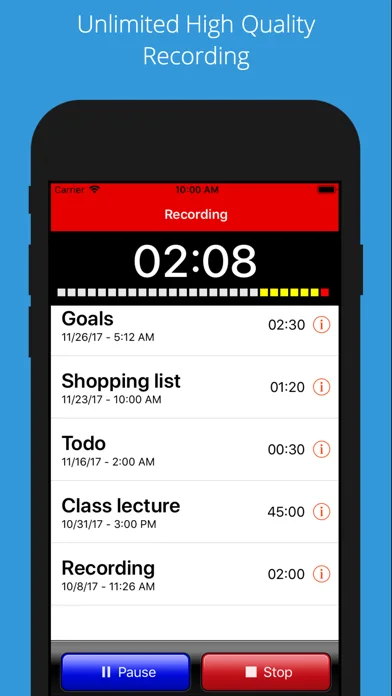
iRecorder Pro captures audio with pause/resume, background recording and several transfer options.
Consider after testing microphone quality and recovery on a sample
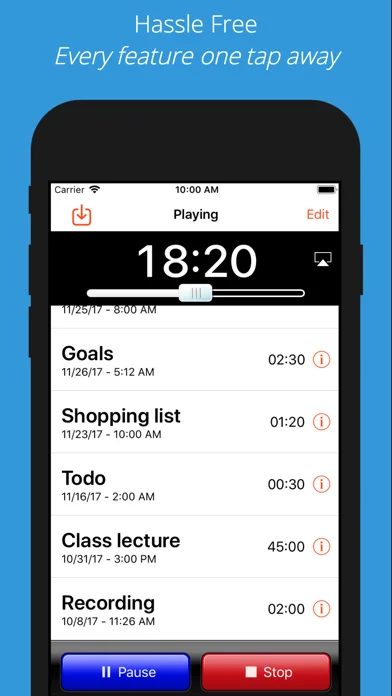
Wi-Fi transfer, split sharing and playback-speed control cover a focused recording workflow.
Keep in mind: No recording-length limit still depends on storage, power and OS behavior; pro-quality and accessibility claims require testing on the intended hardware.
Inside the app
Official product images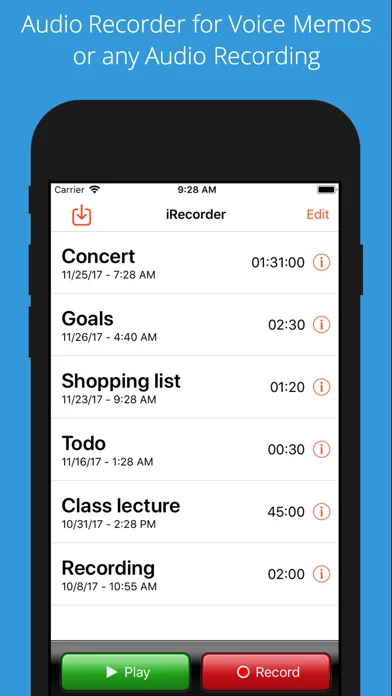
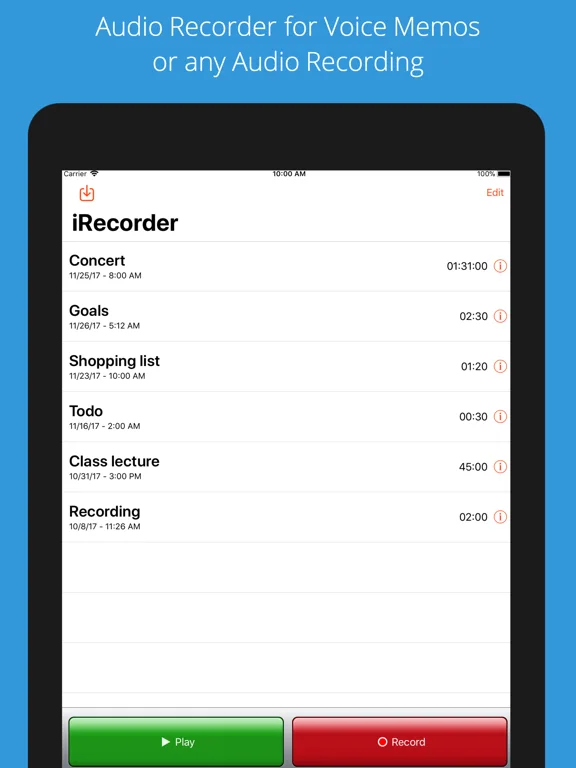
What you can do
- Record, pause and resume audio
- Rename and arrange recordings
- Transfer through supported Wi-Fi/file sharing or split large exports
Good for
- Users who need straightforward consented audio notes
Consider alternatives for
- Users expecting guaranteed uninterrupted capture or studio quality from any microphone
Limitations & considerations
- Captured minimum: iOS 10.3.
- No recording-length limit still depends on storage, power and OS behavior; pro-quality and accessibility claims require testing on the intended hardware.
Privacy & permissions
Lectures, voices and private conversations are sensitive; obtain appropriate permission and share only with intended recipients on trusted networks.
Sources & review notes Updated Nov 11, 2026
Reviewed by iApp4Me Editorial Team. Recommendations use the linked documentation and attributed accounts; device observations are identified separately.
- US App Store developer description
Complete description, download price and compatibility metadata captured 2026-11-02.
No comments yet. Be the first to share your experience.