
KeyPad - Bluetooth Keyboard
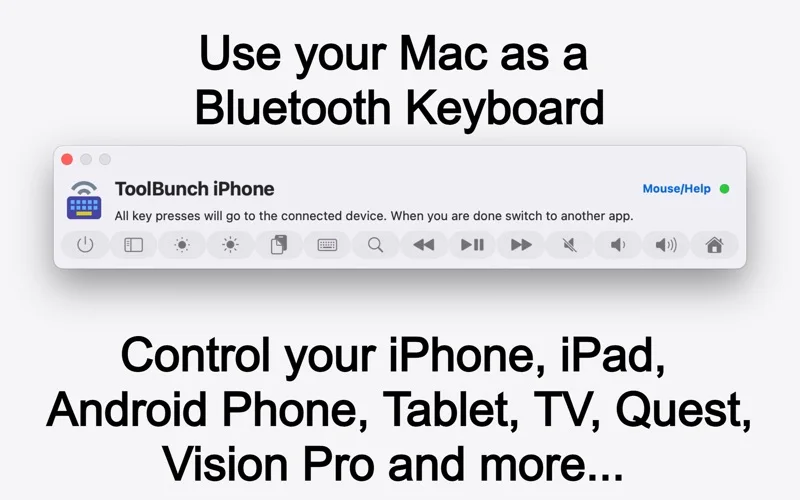
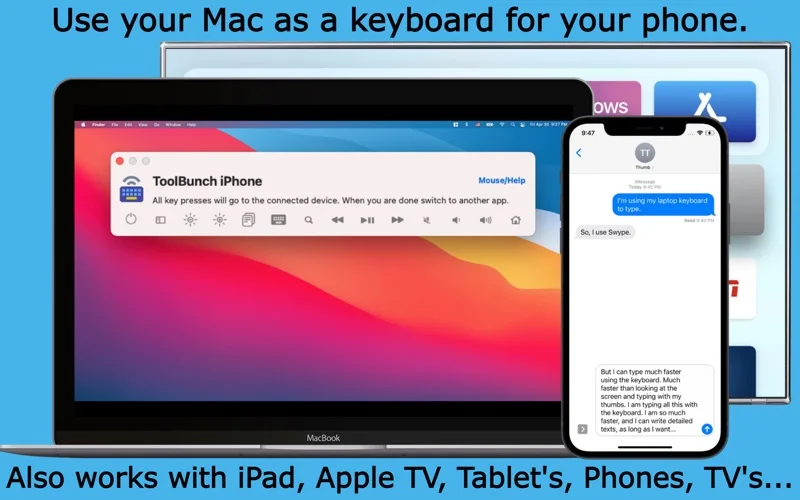
KeyPad turns a Mac keyboard and trackpad into Bluetooth input for paired phones, tablets, TVs and other supported devices.
Try it before buying a separate keyboard for occasional device input.
Device shortcuts and keyboard, mouse and media functions let one Mac serve several nearby devices.
Keep in mind: The receiving device must support the relevant Bluetooth input; iPhone mouse control is limited and may require AssistiveTouch. It does not transmit a remote screen.
Inside the app
Official product images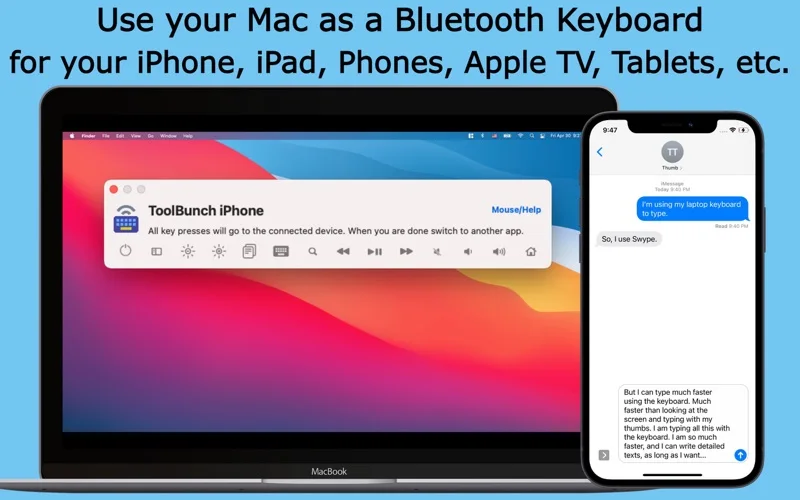
What you can do
- Pair and select multiple Bluetooth devices
- Type using the Mac keyboard and switch with shortcuts
- Use supported mouse and media remote controls
Good for
- People typing longer messages on a nearby phone or controlling a compatible TV.
Consider alternatives for
- Users needing internet remote desktop, video switching or guaranteed support for every smart speaker.
Limitations & considerations
- Captured minimum: macOS 11.0.
- The receiving device must support the relevant Bluetooth input; iPhone mouse control is limited and may require AssistiveTouch. It does not transmit a remote screen.
Privacy & permissions
Pair only trusted nearby devices because typed text and pointer actions go to the selected receiver; confirm the active device before entering passwords.
Sources & review notes Updated Nov 15, 2026
Reviewed by iApp4Me Editorial Team. Recommendations use the linked documentation and attributed accounts; device observations are identified separately.
- US App Store developer description
Complete description, release notes, download price and compatibility metadata captured 2026-11-02.
- Official developer disclosure
Official product or purchase information read from the complete cached page captured 2026-11-12; dated evidence, not a live price check.
No comments yet. Be the first to share your experience.