Kino - Pro Video Camera
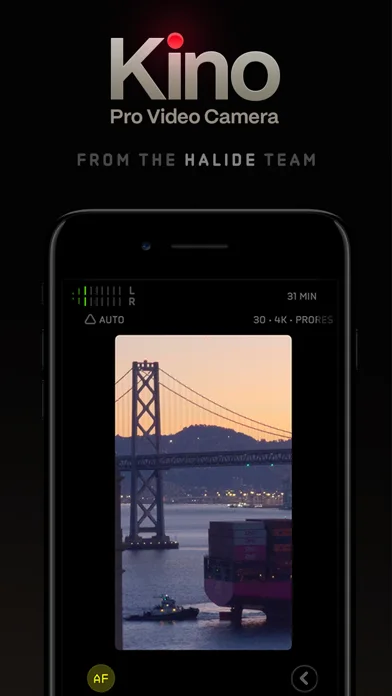
Kino records iPhone video with optional baked-in color looks and manual camera tools.
Consider after testing the exact format and phone model
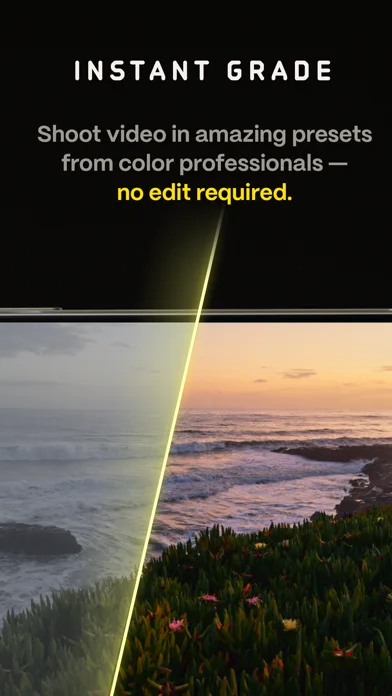
Instant Grade and manual controls support quick output or deliberate exposure work.
Keep in mind: Cinematic look is an aesthetic claim, not a guarantee; AutoMotion depends on light, and high-end Apple Log/ProRes settings require compatible hardware/storage. Baked-in looks reduce later grading flexibility.
Inside the app
Official product images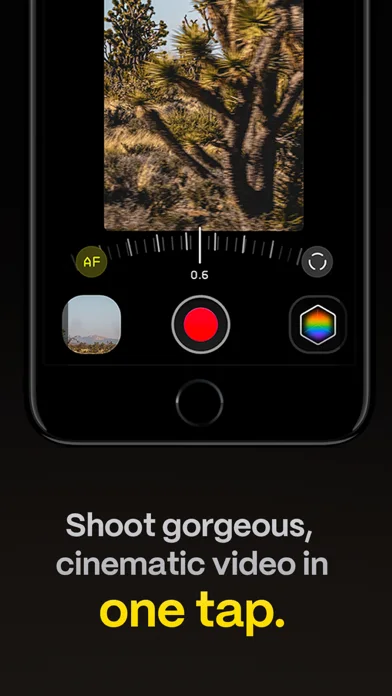
What you can do
- Record with a selected color preset
- Adjust supported exposure, focus and waveform tools
- Import eligible cube LUTs or save recordings to Files
Good for
- Video makers checking camera settings and sample outputs
Consider alternatives for
- Users expecting every format on all iPhones or recovered detail from any lighting
Limitations & considerations
- Captured minimum: iOS 17.0.
- Cinematic look is an aesthetic claim, not a guarantee; AutoMotion depends on light, and high-end Apple Log/ProRes settings require compatible hardware/storage. Baked-in looks reduce later grading flexibility.
Privacy & permissions
Publisher says its apps do not collect or analyze photos/videos; recorded subjects, Files destinations and optional emailed lessons still need appropriate consent and access.
Sources & review notes Updated Nov 11, 2026
Reviewed by iApp4Me Editorial Team. Recommendations use the linked documentation and attributed accounts; device observations are identified separately.
- US App Store developer description
Complete description, download price and compatibility metadata captured 2026-11-02.
No comments yet. Be the first to share your experience.