
Graphics & Design
Lazy Lighting
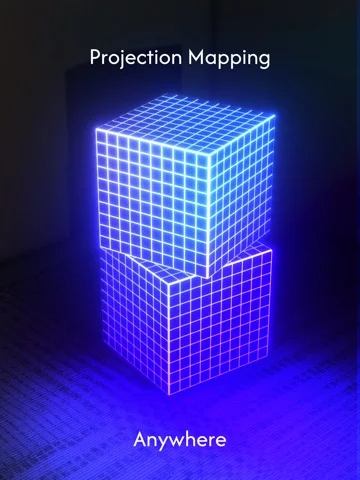
Lazy Lighting maps video and live visuals to projector surfaces using an iPhone or iPad.
Consider it if you need to align different clips or effects to several shapes without a laptop.
Touch adjustments and masks fit visuals to a surface, while scenes and a timeline help you build a show.
Keep in mind: External output needs a compatible projector or display. Receiver playback requires Lazy Lighting Link on the same network at transfer.
Inside the app
Official product images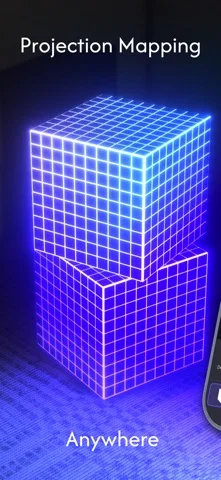
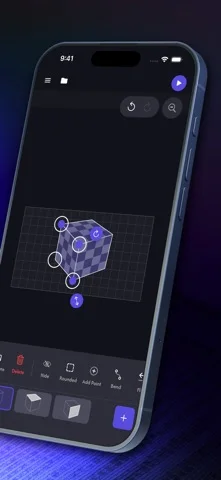
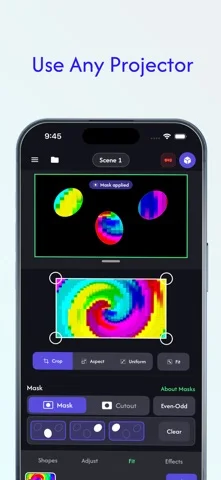
What you can do
- Warp, mask and layer projected clips
- Build scenes with audio and MIDI control
- Export a show or transfer it to a compatible receiver
Good for
- Projection artists and performers setting up small installations
Consider alternatives for
- Anyone seeking a video editor without projection alignment tools
Limitations & considerations
- Captured minimum: iOS 17.0.
- External output needs a compatible projector or display. Receiver playback requires Lazy Lighting Link on the same network at transfer.
Privacy & permissions
The live camera, face or hand tracking and imported media can contain identifiable material. Check permissions and receiver access.
Sources & review notes Updated Nov 11, 2026
Reviewed by iApp4Me Editorial Team. Recommendations use the linked documentation and attributed accounts; device observations are identified separately.
- US App Store developer description
Complete description, download price and compatibility metadata captured 2026-11-02.
No comments yet. Be the first to share your experience.