Local Music Organizer
Inspect a local Music.app library, find duplicate or missing references, reconnect moved audio files and examine local audio metadata.
Maintaining a large local Music.app collection on a Mac
Consider Local Music Organizer for diagnosing a Mac collection built from local files. Its missing-file guide separates a broken library link from an audio file that has actually disappeared. Review matches and back up the library before changing records.
Keep in mind: No installed-device, Music.app relink, deletion, conversion or audio-analysis test was performed.
Inside the app
Official product images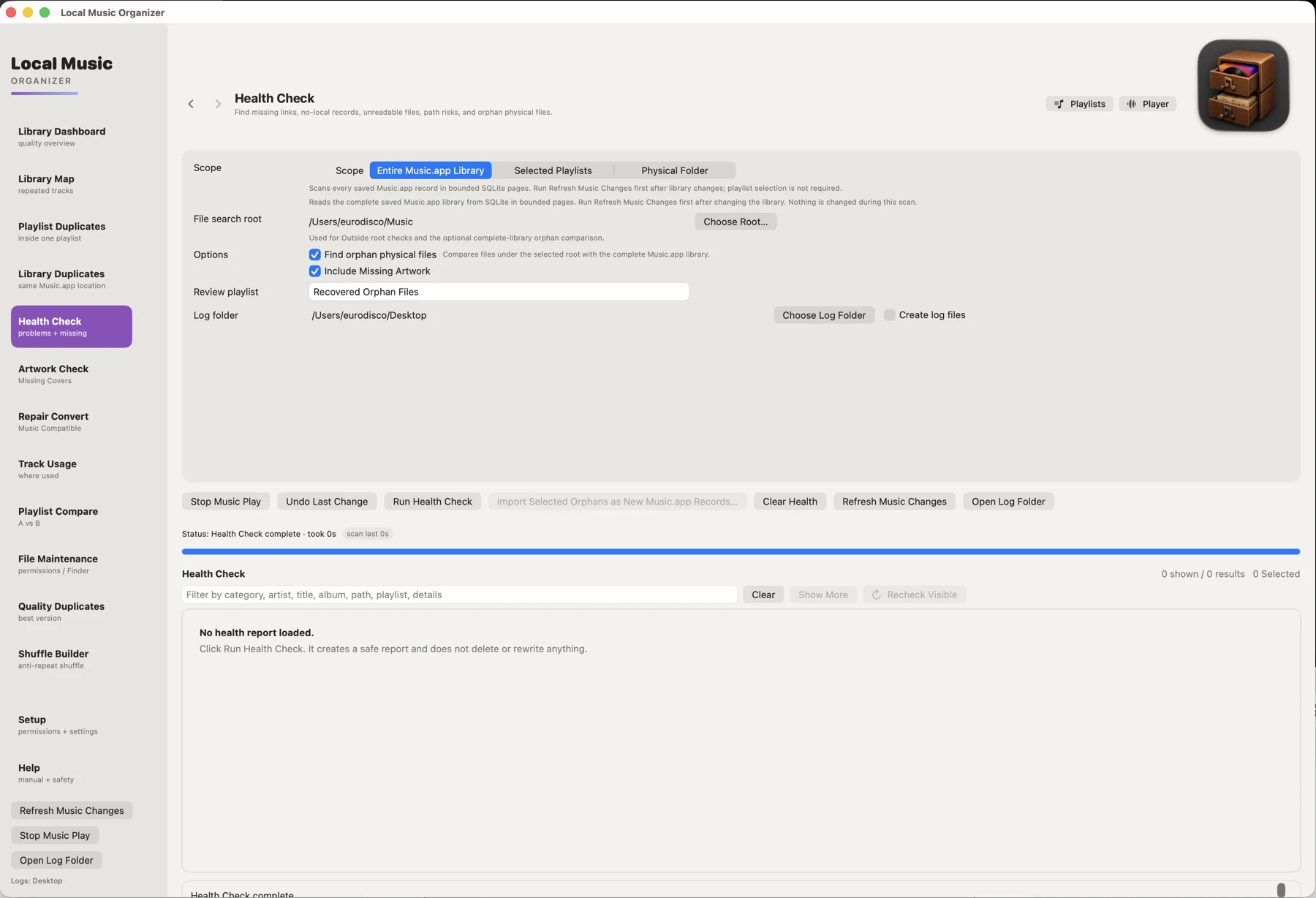
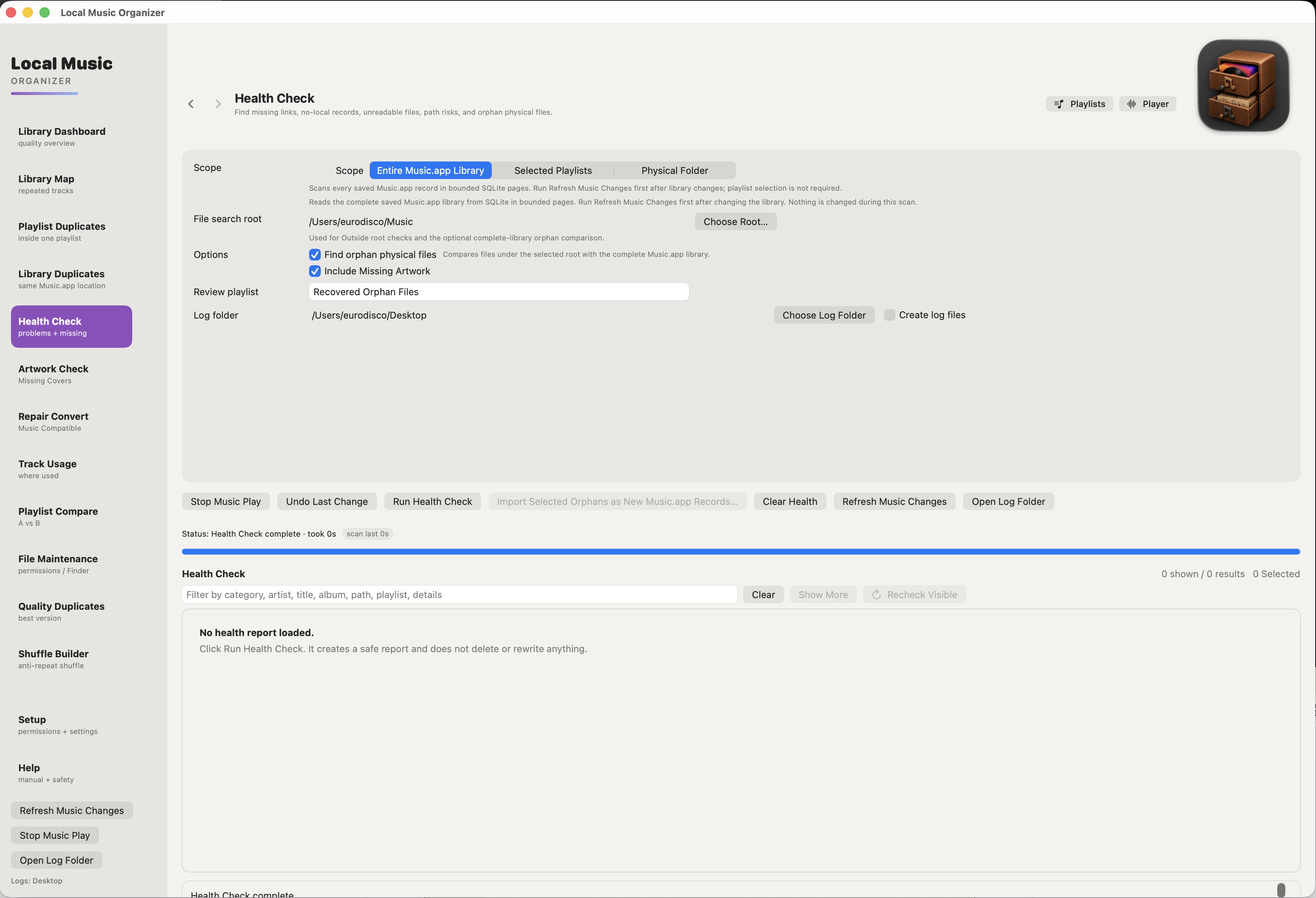
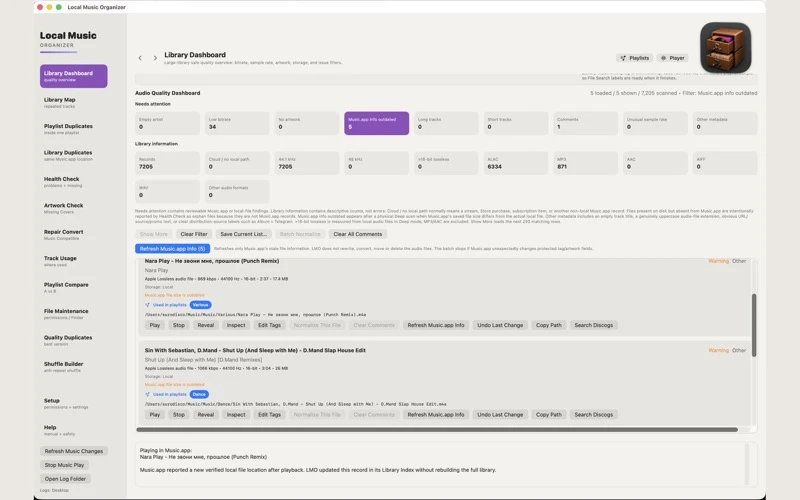

What you can do
- Build a local library index and inspect Health Check results
- Find duplicate tracks, compare playlists and reveal files in Finder
- Search authorized folders and repair an existing local Music.app link
- Inspect audio metadata, play local files and review technical audio estimates
Good for
- Maintaining a large local Music.app collection on a Mac
- Finding moved files without immediately importing duplicate records
Consider alternatives for
- Repairing unavailable Apple Music streaming or cloud-only tracks
- Treating authenticity estimates as proof of a recording’s history
A missing reference is not a missing file
Connect the relevant drive, check the folder in Finder and review Health Check before importing anything. File Search can find possible replacements. The guide describes Repair Local Link and Relink This Folder as updating existing records with previewed matches rather than moving or deleting audio.
Keep record removal separate from relinking
An orphan physical file exists but is not referenced at its exact path in the saved library. A missing record refers to an unavailable path. Review each case; the separate Remove Missing Record action is not the same as deleting or repairing an audio file.
Limitations & considerations
- No installed-device, Music.app relink, deletion, conversion or audio-analysis test was performed.
- The submitted guide is written by the developer; it is not an independent repair report.
- Back up the music library and original files before applying record or location changes. Technical authenticity results are estimates, not proof.
Privacy & permissions
The publisher and store describe local processing without a developer account, cloud upload, analytics, advertising or tracking. No independent network inspection was performed.
Music.app access and authorized file locations are needed for relevant operations. Apple processes store purchases; support correspondence is separate from the local library workflow.
Privacy policySources & review notes Updated Nov 8, 2026
Reviewed by iApp4Me Editorial Team. Recommendations use the linked documentation and attributed accounts; device observations are identified separately.
- Submitted developer guide
Written by the developer; not an independent product test. Mun Studio guides disclose AI assistance where stated.
- US App Store listing
Current version, compatibility, declared privacy and listed purchases checked November 8, 2026.
- Product privacy policy
Publisher disclosure; not an independent privacy or network audit.
No comments yet. Be the first to share your experience.