Education
LockDown Browser
LockDown Browser confines supported iPad exams to an institution-configured assessment environment.
Consider only when your instructor explicitly enables iPad use
It supports taking a permitted exam without switching normal apps.
Keep in mind: Institution/system compatibility is required; Respondus Monitor works only when iPad use is enabled. Test requirements in advance, not during a live exam.
Inside the app
Official product images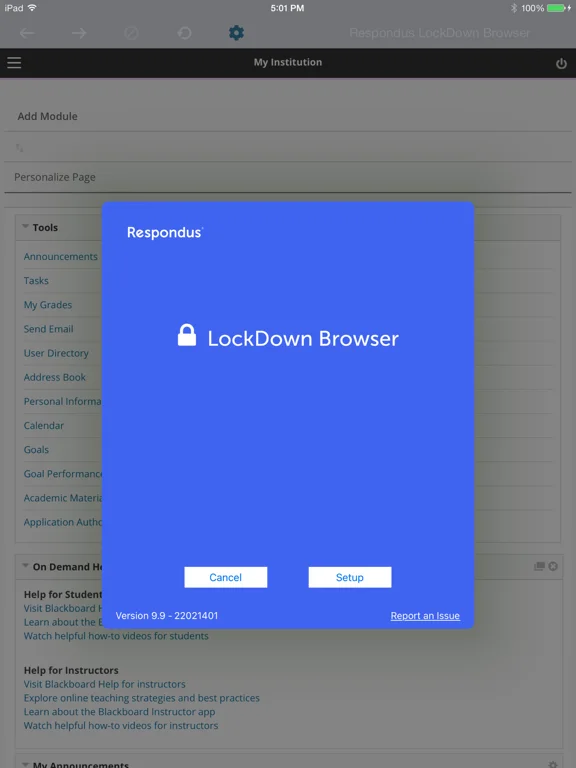
What you can do
- Open an eligible institutional assessment
- Remain within supported exam restrictions
- Submit through the configured system
Good for
- Students following their institution’s exam setup
Consider alternatives for
- Users expecting ordinary unrestricted browsing
Limitations & considerations
- Captured minimum: iOS 15.0.
- Institution/system compatibility is required; Respondus Monitor works only when iPad use is enabled. Test requirements in advance, not during a live exam.
Privacy & permissions
Exam responses and any proctoring camera/mic data are sensitive; review institution-specific consent and retention conditions.
Sources & review notes Updated Nov 11, 2026
Reviewed by iApp4Me Editorial Team. Recommendations use the linked documentation and attributed accounts; device observations are identified separately.
- US App Store developer description
Complete description, download price and compatibility metadata captured 2026-11-02.
No comments yet. Be the first to share your experience.