
Social Networking
Long Video for WhatsApp
Long Video for WhatsApp splits a longer video into ordered short clips for later posting to social stories or statuses.
Prepare a sequence of shorter video clips
Separate generated clips and album ordering simplify manual posting.
Keep in mind: The app is independent of WhatsApp; platform length limits change, and splitting does not remove a platform's own restrictions.
Inside the app
Official product images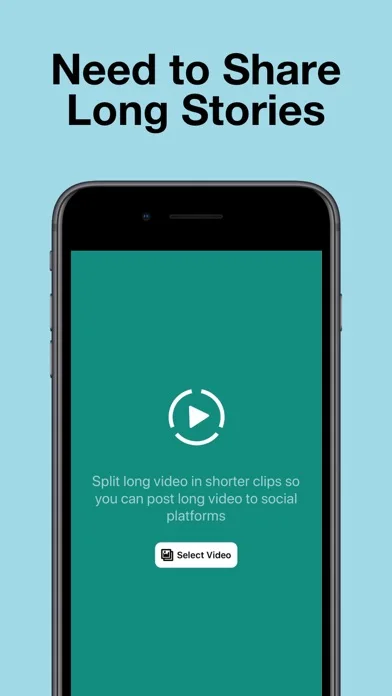
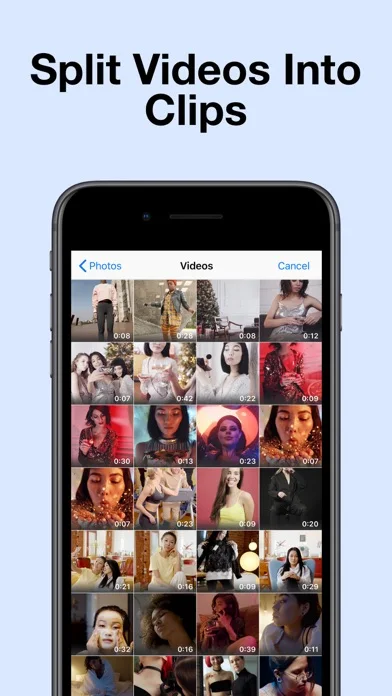
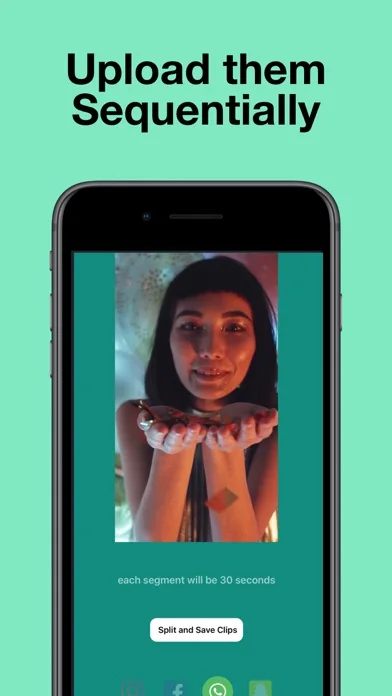
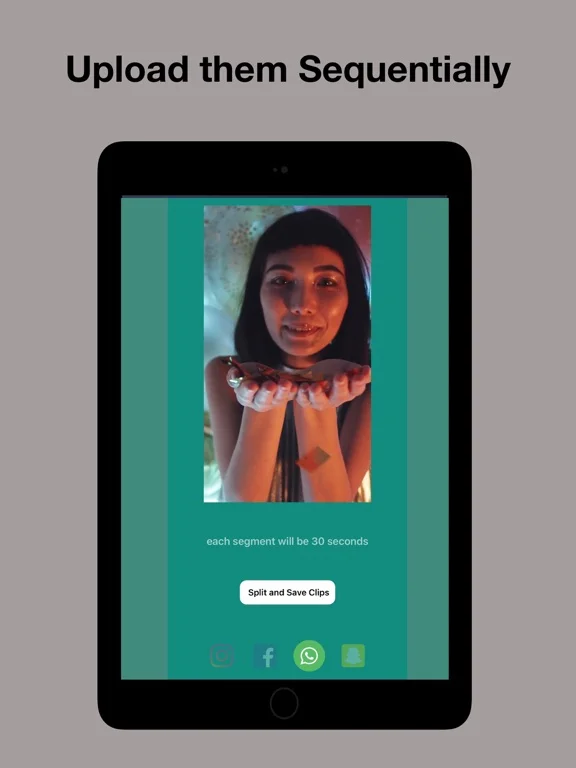
What you can do
- Choose a video from the camera roll
- Split into listed fifteen twenty thirty or sixty-second clips
- Store generated clips in sequence for sharing
Good for
- Creators who want manually controlled segments from an existing video.
Consider alternatives for
- Users expecting a single unrestricted-length status upload.
Limitations & considerations
- Captured minimum: iOS 12.0.
- The app is independent of WhatsApp; platform length limits change, and splitting does not remove a platform's own restrictions.
Privacy & permissions
Photo-library access and subsequent social posting can expose private footage; review the selected media and destination.
Sources & review notes Updated Nov 11, 2026
Reviewed by iApp4Me Editorial Team. Recommendations use the linked documentation and attributed accounts; device observations are identified separately.
- US App Store developer description
Complete description, download price and compatibility metadata captured 2026-11-02.
No comments yet. Be the first to share your experience.