
Luminar: AI Photo Editor
Luminar combines RAW photo adjustments, layers and optional AI enhancement or generative editing on a Mac.
Try it for a broad photo-editing toolkit with guided AI effects.
Portrait, landscape, noise and merge tools can sit in one workflow rather than separate utilities.
Keep in mind: Generated or restored details are not verified originals. Camera support, generative access and OS requirements vary by build; the website now lists macOS 13+, while the stored release warns of leaving Monterey support.
Inside the app
Official product images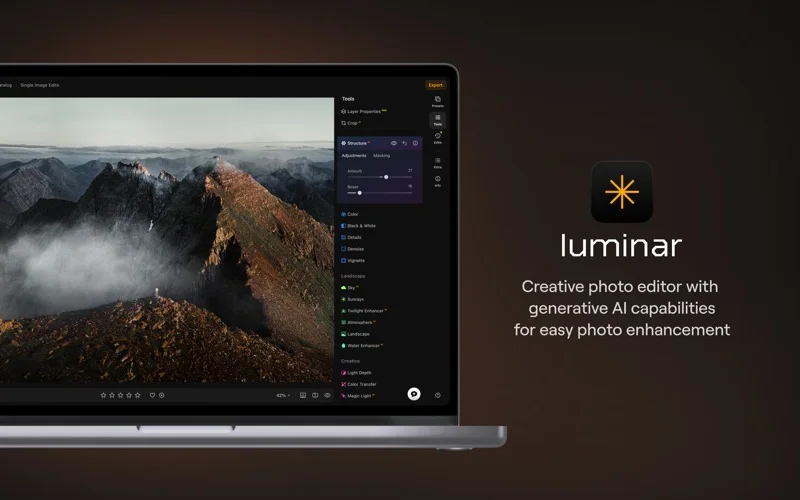
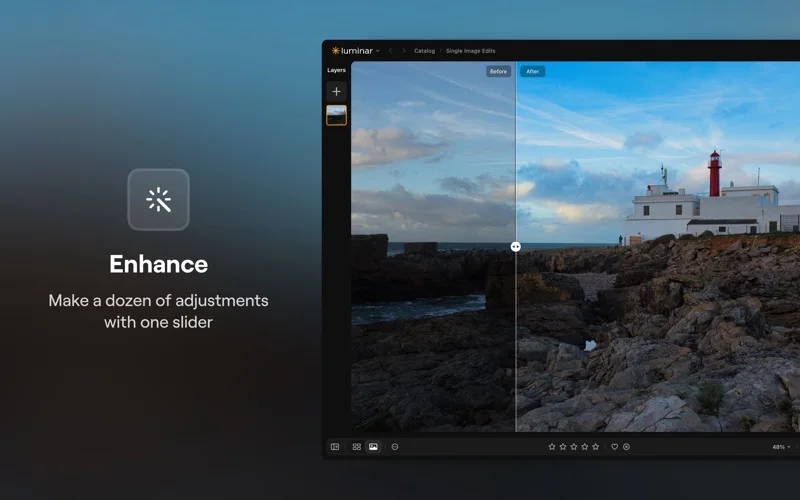
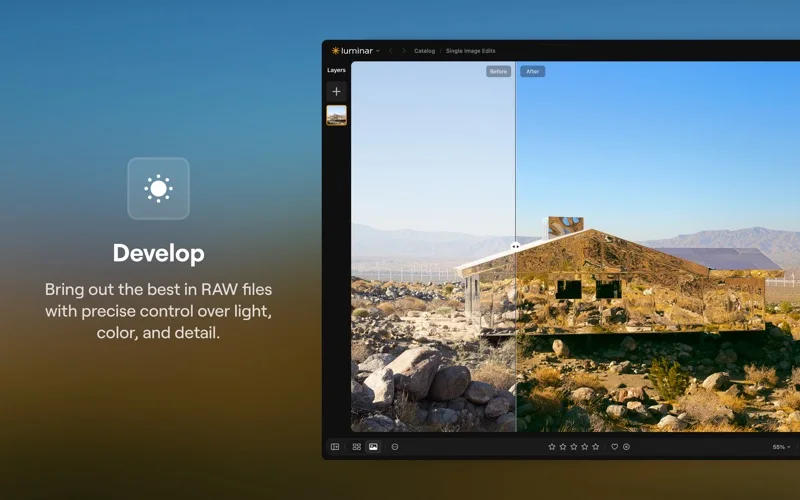
What you can do
- Edit RAW and common photo formats with layers and presets
- Use portrait, sky, noise and sharpening adjustments
- Access supported generative tools, HDR, panoramas and stacking
Good for
- Photographers who want creative photo adjustments and can evaluate AI results.
Consider alternatives for
- Users requiring evidentiary image fidelity or every AI service included forever in a base license.
Limitations & considerations
- Captured minimum: macOS 12.0.0.
- Generated or restored details are not verified originals. Camera support, generative access and OS requirements vary by build; the website now lists macOS 13+, while the stored release warns of leaving Monterey support.
Privacy & permissions
Accounts, cross-device sync and online AI can involve private photos and prompts; use consenting material and check processing terms before uploading sensitive images.
Sources & review notes Updated Nov 15, 2026
Reviewed by iApp4Me Editorial Team. Recommendations use the linked documentation and attributed accounts; device observations are identified separately.
- US App Store developer description
Complete description, release notes, download price and compatibility metadata captured 2026-11-02.
- Official developer disclosure
Official cached source captured 2026-11-13 read or reused from identical source text. Described product scope, optional services, regional pricing and version differences retained without a hands-on claim.
- Official developer disclosure
Official cached source captured 2026-11-13 read or reused from identical source text. Described product scope, optional services, regional pricing and version differences retained without a hands-on claim.
No comments yet. Be the first to share your experience.