
LUT Preview
LUT Preview adds a Finder Quick Look extension for seeing the effect of a color LUT on a sample image.
Consider it if you sort through LUT files and want a preview without opening an editor each time.
You can replace the demo image with your own reference to compare looks on relevant footage.
Keep in mind: The extension must be enabled in System Settings. Confirm compatibility with the LUT formats you use.
Inside the app
Official product images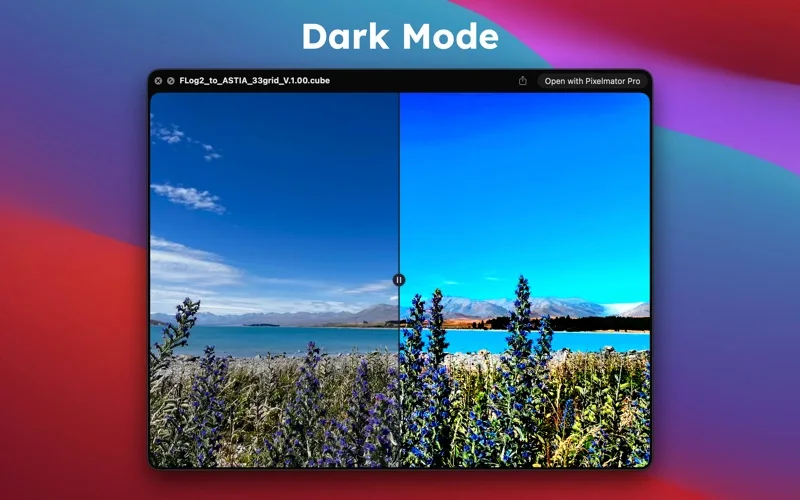
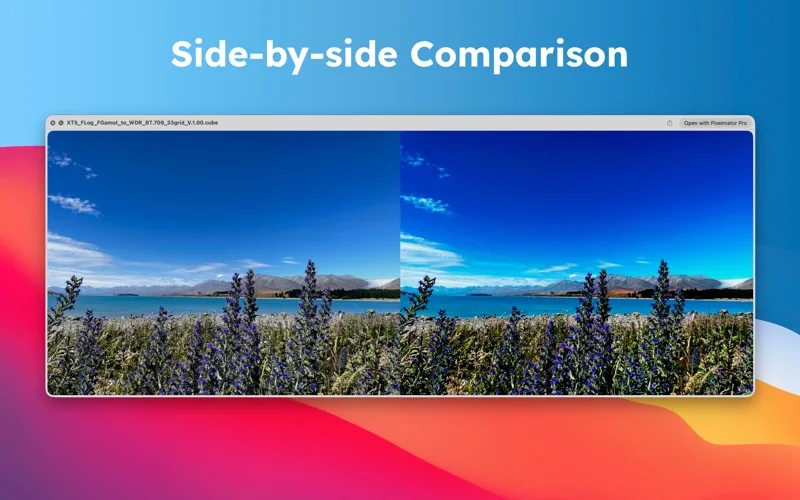
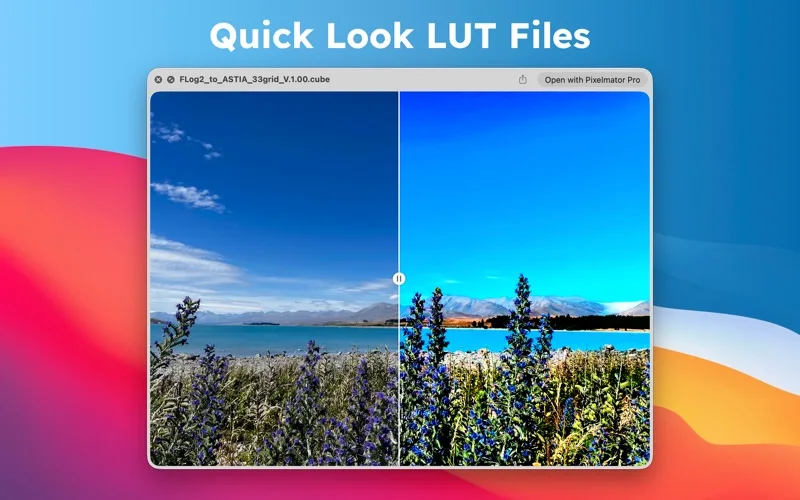
What you can do
- Preview LUT effects in Finder
- Enable the Quick Look extension
- Update the preview with a sample image of your choice
App Store review themes
Recurring praise and complaints, grouped by topic.
3 reviews · US App Store · Written feedback; review platforms are not identified
What reviewers like
No recurring positive theme has at least three supporting reviews.
What reviewers dislike
No recurring negative theme has at least three supporting reviews.
Good for
- Mac users comparing LUT files while organizing assets
Consider alternatives for
- Anyone who needs to edit LUTs or grade footage directly
Limitations & considerations
- Captured minimum: macOS 13.0.
- The extension must be enabled in System Settings. Confirm compatibility with the LUT formats you use.
Privacy & permissions
The extension reads a chosen LUT and sample image; the listing does not describe off-device processing.
Sources & review notes Updated Nov 11, 2026
Reviewed by iApp4Me Editorial Team. Recommendations use the linked documentation and attributed accounts; device observations are identified separately.
- US App Store developer description
Complete description, download price and compatibility metadata captured 2026-11-02.
No comments yet. Be the first to share your experience.