
Memorio - Learn Words
Continue short vocabulary lessons from the iPhone Lock Screen.
Learners who want brief word quizzes between other activities
Choose Memorio for short vocabulary sessions that continue on the iPhone Lock Screen after you start them in the app. It is a focused recall interface rather than a full language course. Consider the recurring free lesson allowance before making it your daily Lock Screen routine.
Keep in mind: The native lesson must first be started in the app.
Inside the app
Official product images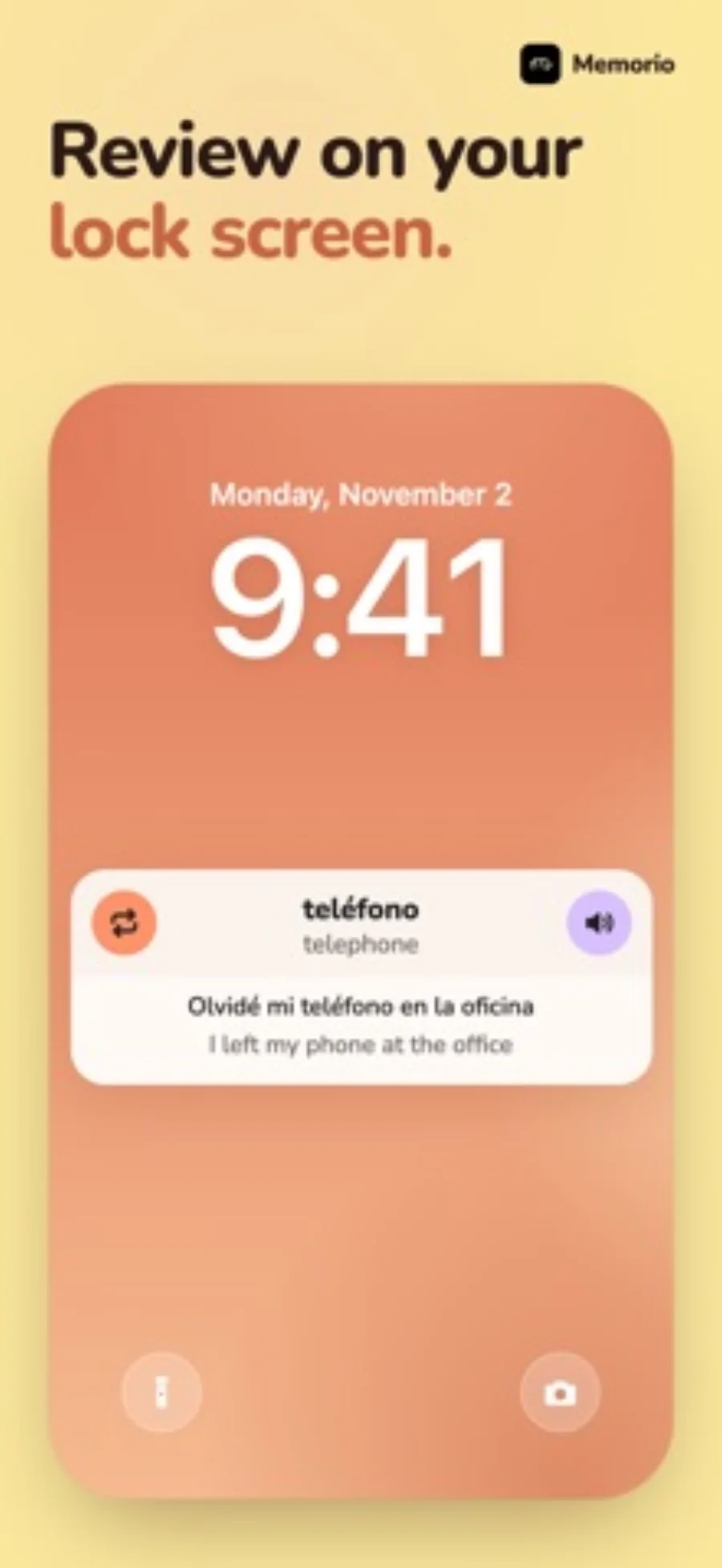
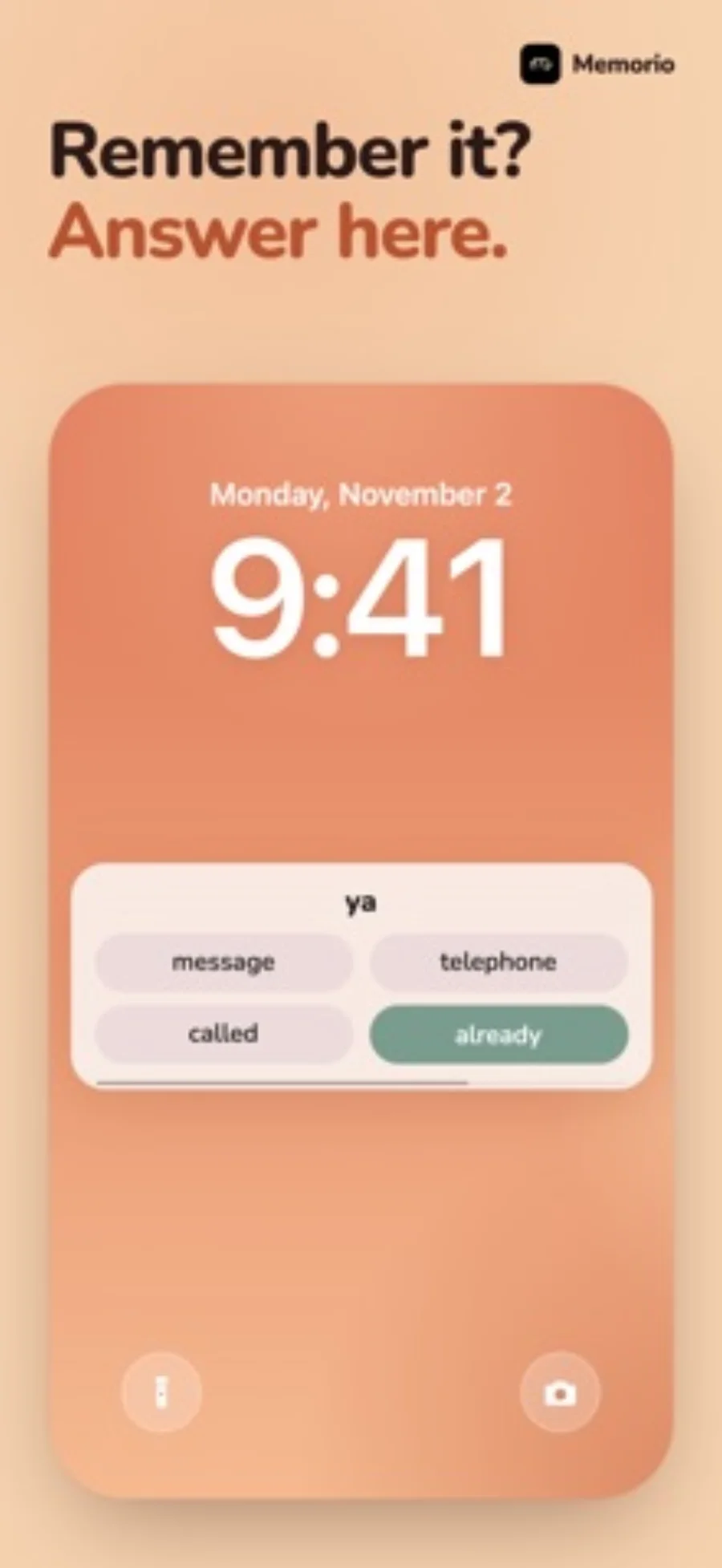
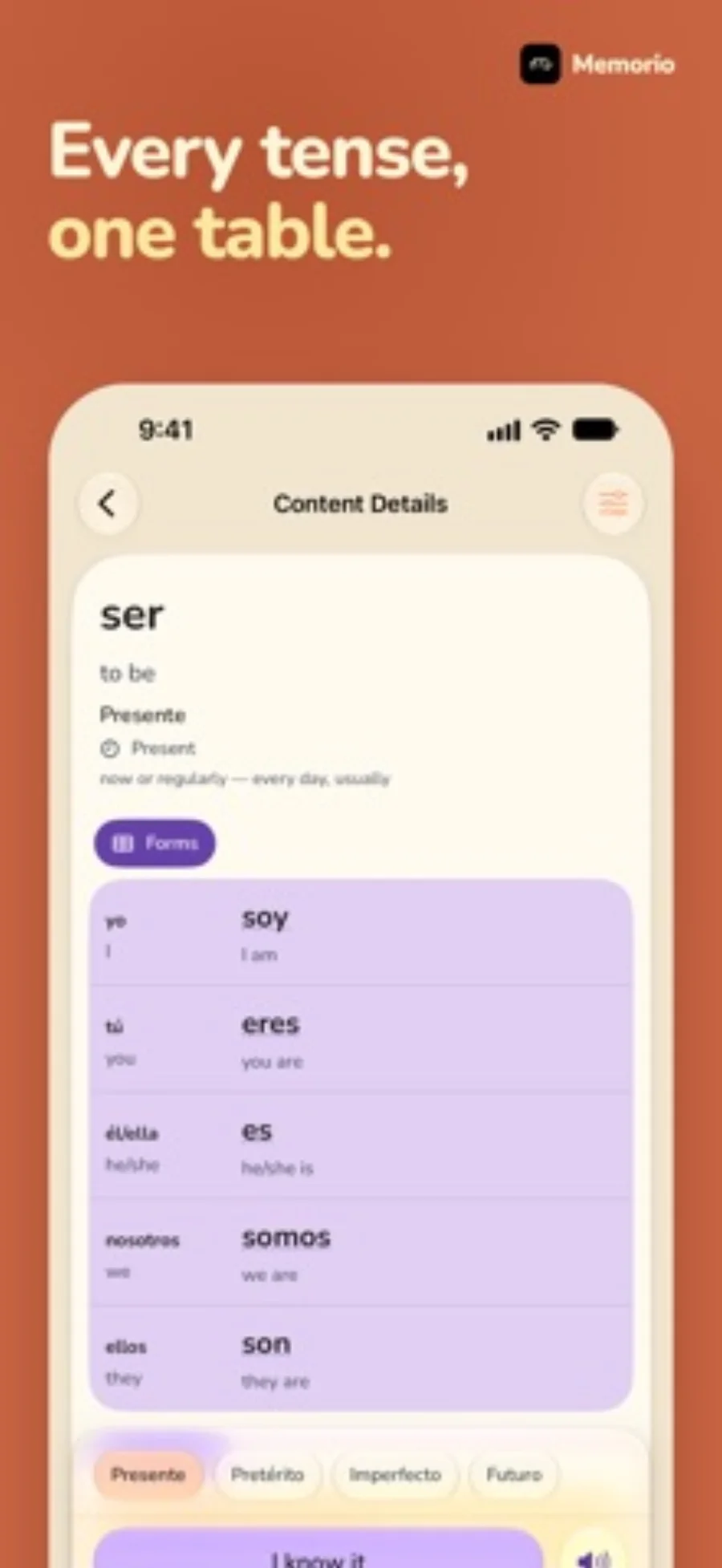
What you can do
- Translation reveal and vocabulary quizzes through a Live Activity
- Topic-based vocabulary and spaced review
- Free in-app practice alongside optional Premium Lock Screen access
Good for
- Learners who want brief word quizzes between other activities
- People willing to start a session in the app before using its Live Activity
Consider alternatives for
- A permanently installed Lock Screen lesson that starts itself
- A complete language course or a proven learning-outcome improvement
Decide whether the Lock Screen is the right place to practise
Memorio suits a learner who wants to reveal a word and make a quick recall decision during a short break. It is less relevant if your main goal is building a detailed personal deck or following a full lesson with listening and speaking.
Start a native session before judging the interaction. A web playground can show the reveal-and-answer idea, but cannot demonstrate system permissions, session persistence or the real Lock Screen controls.
Read the free allowance as a routine
Three initial lessons can help you judge the format. After that, one free Lock Screen lesson every seven days is a different routine from daily unlimited practice. The free in-app exercises remain a separate way to continue; consider Premium specifically for the features you will use.
Editorial basis and disclosure
The developer submitted this app for consideration. We selected it for the task it serves, with no payment, paid ranking or promise of a positive recommendation. This profile uses the dated official sources; offered test access has not been used.
Limitations & considerations
- The native lesson must first be started in the app.
- Available vocabulary content differs by language.
- The browser playground is an illustrative sample, not proof of native iPhone behavior.
Privacy & permissions
A word displayed on a Lock Screen can be visible to someone looking at the phone. Choose lesson content accordingly. The store description does not establish that every account, progress or audio function is processed only on-device; consult the current policy for those flows.
Use it for
Sources & review notes Updated Oct 28, 2026
Reviewed by iApp4Me Editorial Team. Recommendations use the linked documentation and attributed accounts; device observations are identified separately.
- Memorio - Learn Words · US App Store
Apple US listing and developer-supplied description, checked October 28, 2026. Used for identity, compatibility, feature boundaries and provider statements; not independent performance testing.
No comments yet. Be the first to share your experience.