
Menubar Calendar
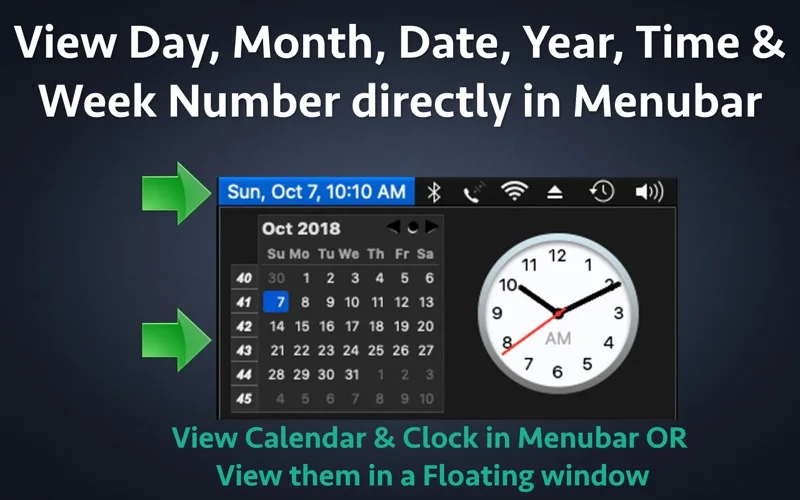
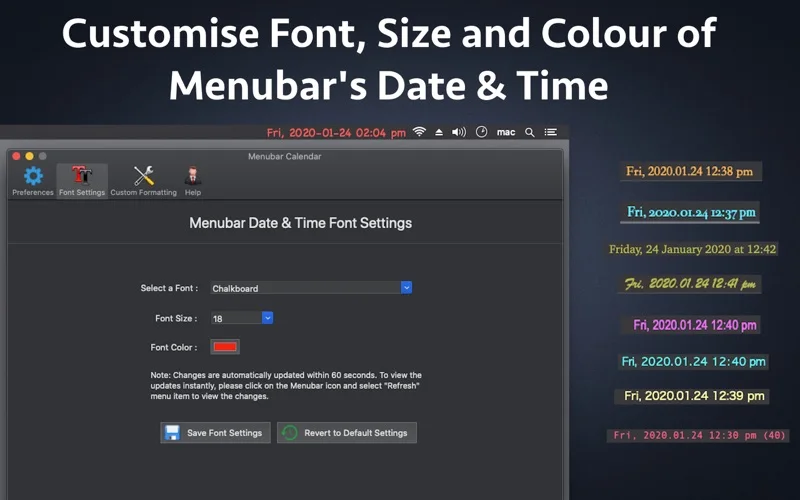
Menubar Calendar shows customizable date and time text plus a calendar, week numbers and events from the Mac's configured calendars.
Pick for checking and adding calendar events without opening a full calendar window.
Menu-bar access and a hotkey make the current schedule easier to reach.
Keep in mind: It depends on system Calendar accounts and permissions. Alerts are managed by the system calendar, and viewing an account does not include or repair its underlying service.
Inside the app
Official product images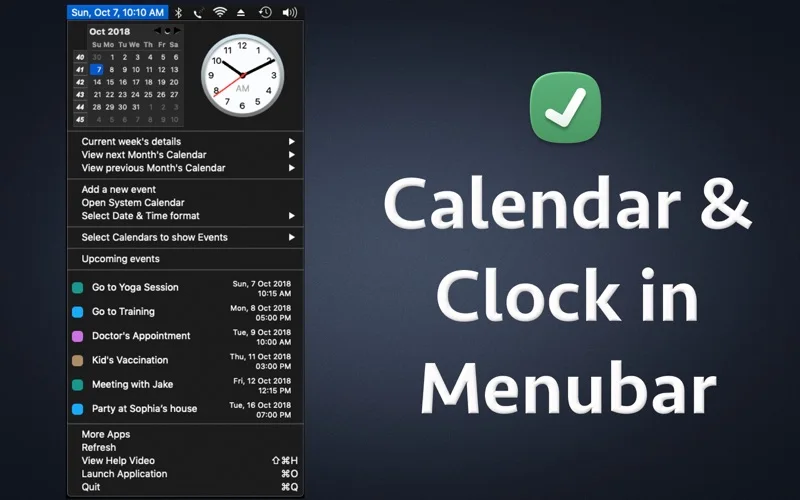
What you can do
- Customize displayed date and time formats
- Browse months, week numbers and event details
- Add events or show a floating calendar and clock
Good for
- People wanting a small front end to existing Mac calendars.
Consider alternatives for
- Users seeking a full team scheduling or appointment-booking service.
Limitations & considerations
- Captured minimum: macOS 10.11.
- It depends on system Calendar accounts and permissions. Alerts are managed by the system calendar, and viewing an account does not include or repair its underlying service.
Privacy & permissions
Calendar access can include private notes, locations and meeting links. Consider what appears in the menu on a shared screen.
Sources & review notes Updated Nov 15, 2026
Reviewed by iApp4Me Editorial Team. Recommendations use the linked documentation and attributed accounts; device observations are identified separately.
- US App Store developer description
Complete description, release notes, download price and compatibility metadata captured 2026-11-02.
No comments yet. Be the first to share your experience.