
Microsoft Authenticator
An authenticator for one-time codes, supported push approvals and Microsoft passwordless sign-in.
Consider it for accounts that support its authentication methods
Time-based codes can work offline, while Microsoft account and organization flows support additional approval options.
Keep in mind: Offline codes do not make every push or organizational sign-in work without a connection; setup and recovery remain account-specific.
Inside the app
Official product images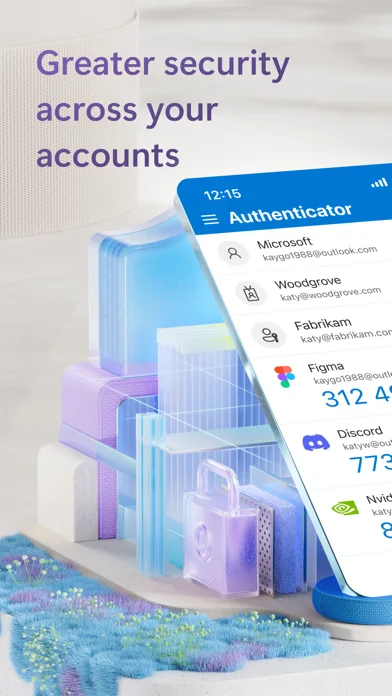
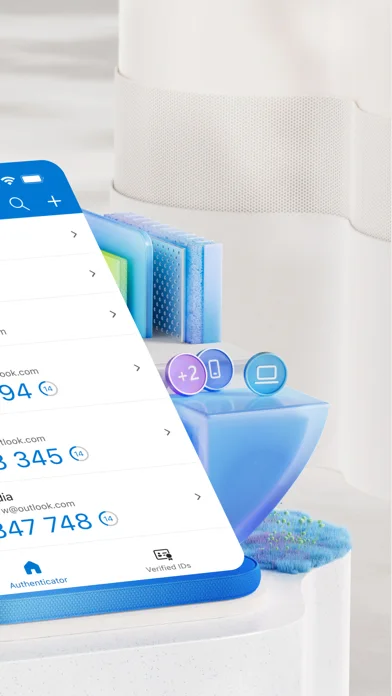
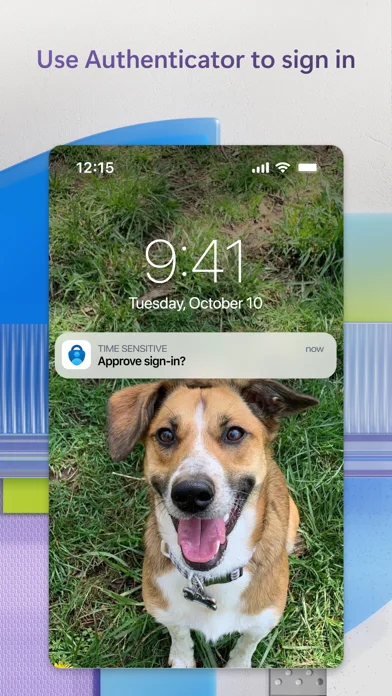
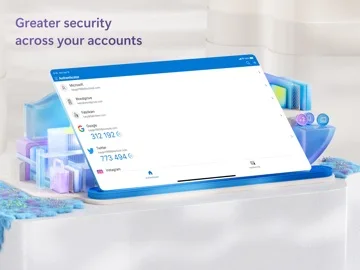
What you can do
- Generate time-based one-time passwords.
- Approve supported Microsoft sign-in requests.
- Use supported passwordless sign-in.
- Register eligible work/school accounts and certificates.
Good for
- Users securing compatible personal or organizational accounts.
Consider alternatives for
- Anyone expecting automatic access recovery after losing all authentication methods.
Limitations & considerations
- Captured minimum: iOS 17.0.
- Keep recovery options before replacing or erasing a device.
- Organization policies determine enrollment and resource access; obsolete password-autofill wording is not promoted here.
Privacy & permissions
Authentication secrets, registered devices and work/school identity are sensitive. The camera permission supports QR setup and Face ID can lock the app; only approve sign-ins you initiated.
Sources & review notes Updated Nov 8, 2026
Reviewed by iApp4Me Editorial Team. Recommendations use the linked documentation and attributed accounts; device observations are identified separately.
- US App Store developer description
Complete description, download price and compatibility metadata captured 2026-11-02.
No comments yet. Be the first to share your experience.