Microsoft Power BI
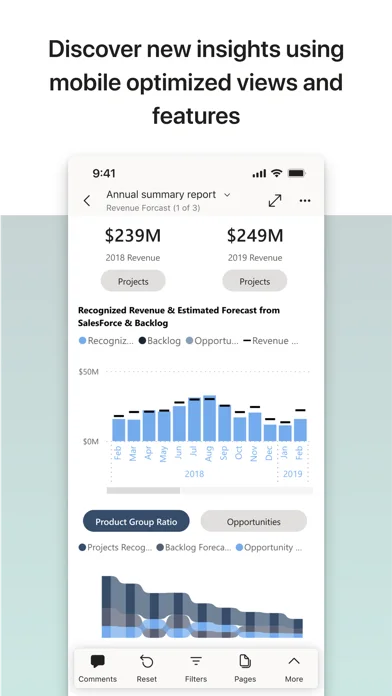
Microsoft Power BI Mobile views and explores authorized reports, adds annotations and shares insights, with alerts and supported barcode context.
Consider for users already given access to Power BI reports
Mobile filters and notifications support checking a business metric away from a desk.
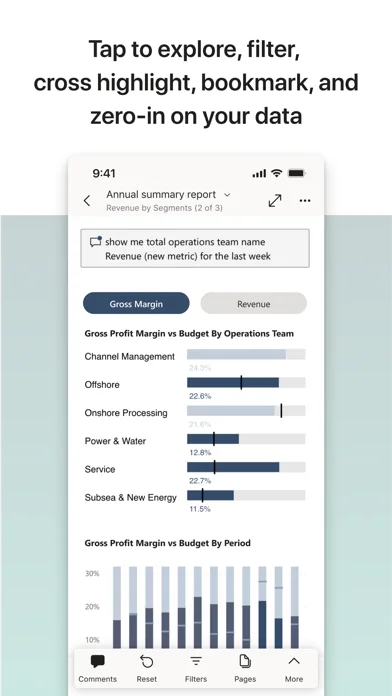
Keep in mind: The mobile app is not the full Desktop authoring suite; organizational access, refresh setup and licenses determine what data is available, and natural-language answers need checking.
Inside the app
Official product images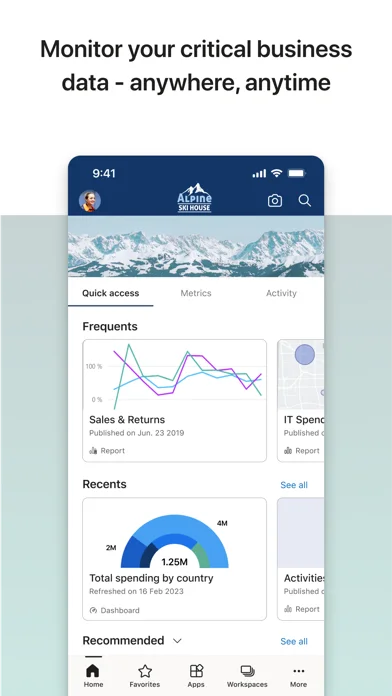
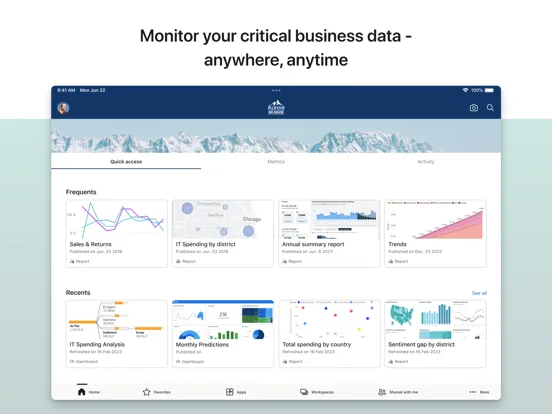
What you can do
- View and filter permitted reports
- Annotate or share eligible visualizations
- Receive configured alerts and scan supported codes
Good for
- Teams with an existing Power BI deployment
Consider alternatives for
- Users expecting reports created automatically without a data model or permissions
Limitations & considerations
- Captured minimum: iOS 18.0.
- The mobile app is not the full Desktop authoring suite; organizational access, refresh setup and licenses determine what data is available, and natural-language answers need checking.
Privacy & permissions
Business dashboards and shared links may contain confidential data; respect workspace access and notification visibility.
Sources & review notes Updated Nov 10, 2026
Reviewed by iApp4Me Editorial Team. Recommendations use the linked documentation and attributed accounts; device observations are identified separately.
- US App Store developer description
Complete description, download price and compatibility metadata captured 2026-11-02.
No comments yet. Be the first to share your experience.