Microsoft To Do
Microsoft To Do organizes personal and shared lists with My Day, reminders, steps, notes and Microsoft account synchronization.
Pick when tasks already live in the Microsoft ecosystem.
Outlook task integration and cross-device lists keep everyday work in a familiar account.
Keep in mind: The older description includes legacy service references; do not assume those integrations remain available. Sharing and attachments are subject to account and service limits.
Inside the app
Official product images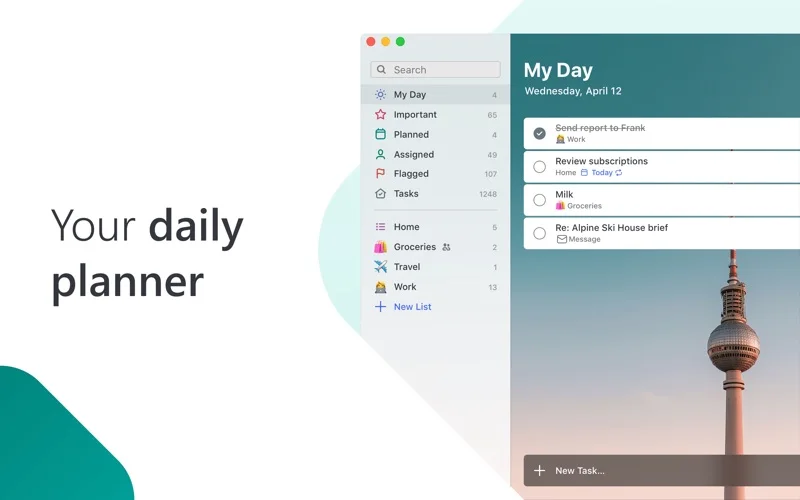

What you can do
- Plan a day with suggested tasks
- Add due dates, recurring reminders, steps and notes
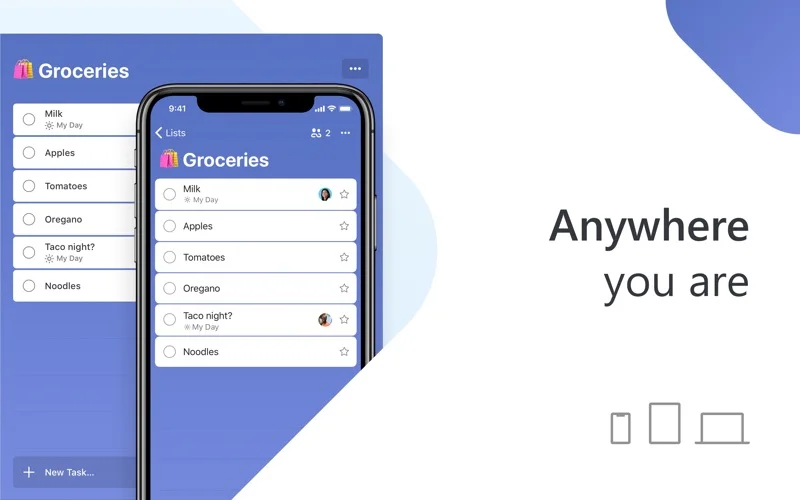
- Share lists and synchronize supported Outlook tasks
Good for
- People managing everyday tasks through Microsoft accounts.
Consider alternatives for
- Teams requiring advanced project scheduling, resource planning and approvals.
Limitations & considerations
- Captured minimum: macOS 13.0.
- The older description includes legacy service references; do not assume those integrations remain available. Sharing and attachments are subject to account and service limits.
Privacy & permissions
Task notes and attachments are hosted in Microsoft services and shared lists expose them to collaborators. Check the correct personal or work account.
Sources & review notes Updated Nov 15, 2026
Reviewed by iApp4Me Editorial Team. Recommendations use the linked documentation and attributed accounts; device observations are identified separately.
- US App Store developer description
Complete description, release notes, download price and compatibility metadata captured 2026-11-02.
- Official developer disclosure
Full cached official text reviewed; captured 2026-11-12. Current service offers are distinguished from the captured app edition.
No comments yet. Be the first to share your experience.