
Mini Virtual Machine
Create compatible Linux or macOS virtual machines on Mac with configurable hardware, shared folders and NAT networking.
An Apple-silicon developer keeping development environments separate.
Create compatible Linux or macOS virtual machines on Mac with configurable hardware, shared folders and NAT networking.
Keep in mind: The listing explicitly excludes bridged networking, USB/serial mounting and resizing existing disks. Guest architecture must match the host; Rosetta binary translation is not full x86 OS virtualization. Compatibility and isolation were not tested.
Inside the app
Official product images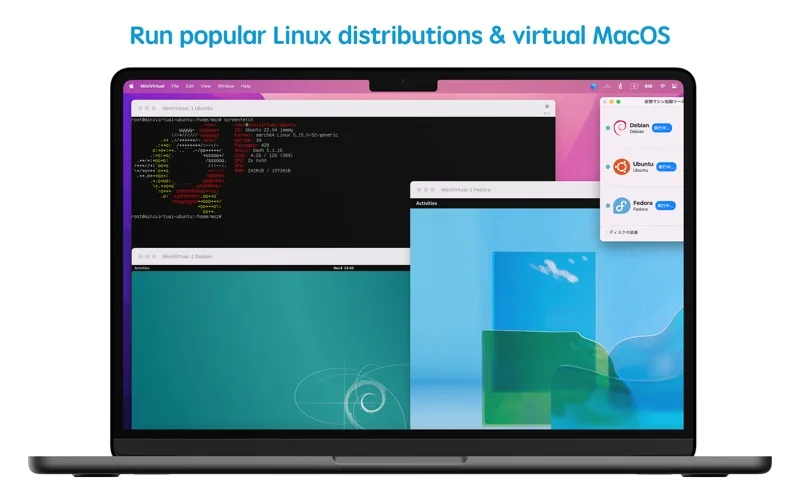
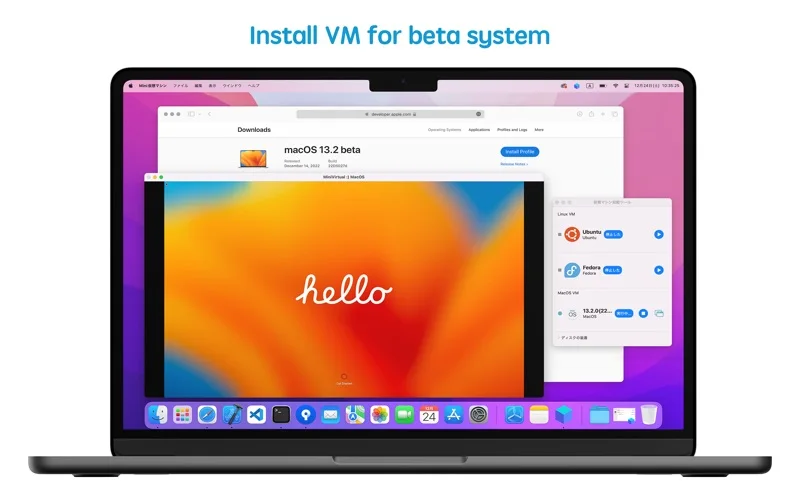
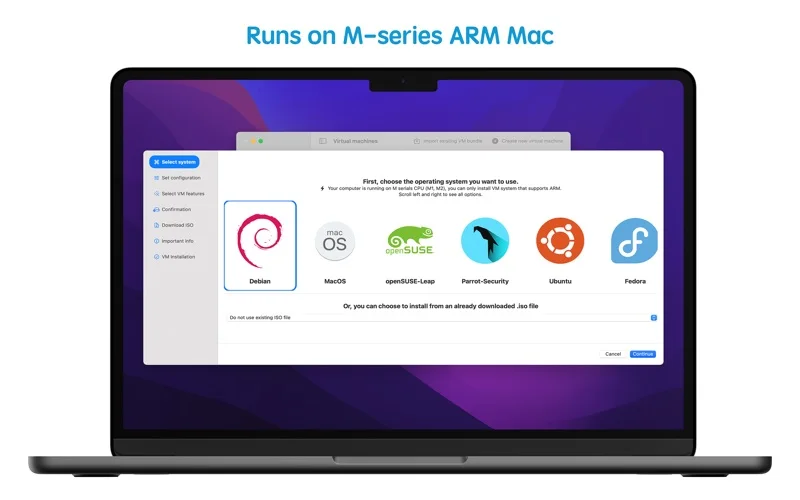
What you can do
- Install appropriate system images and configure CPU, RAM and disks.
- Share supported folders/clipboard and export VM bundles.
- Use supported Rosetta execution of x86_64 Linux binaries inside an ARM Linux guest.
Good for
- An Apple-silicon developer keeping development environments separate.
Consider alternatives for
- Booting an Intel-only guest OS image on Apple silicon or built-in bridged/USB support.
Limitations & considerations
- The listing explicitly excludes bridged networking, USB/serial mounting and resizing existing disks. Guest architecture must match the host; Rosetta binary translation is not full x86 OS virtualization. Compatibility and isolation were not tested.
Privacy & permissions
VM disks, shared folders and clipboard can expose host/guest data. Restrict shared resources and use trusted images; no security-isolation guarantee is established.
Sources & review notes Updated Nov 18, 2026
Reviewed by iApp4Me Editorial Team. Recommendations use the linked documentation and attributed accounts; device observations are identified separately.
- US App Store listing
Publisher description, version and US download price captured 2026-11-02; source-based coverage, not a device test.
No comments yet. Be the first to share your experience.