Mirror My Screen
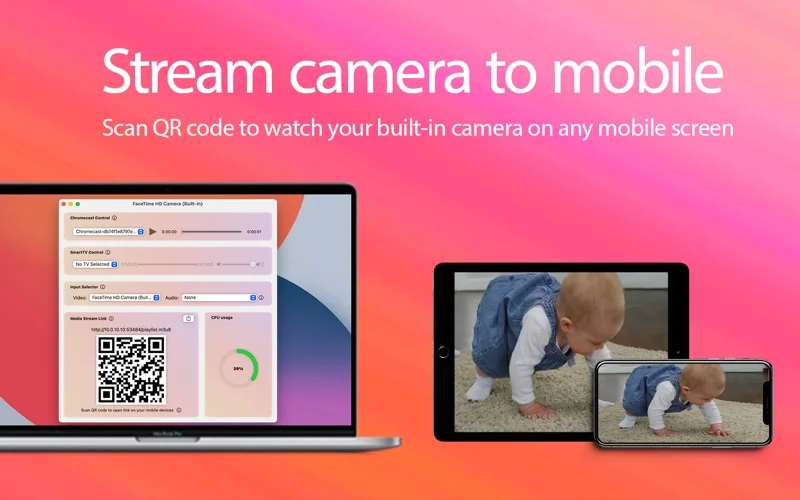
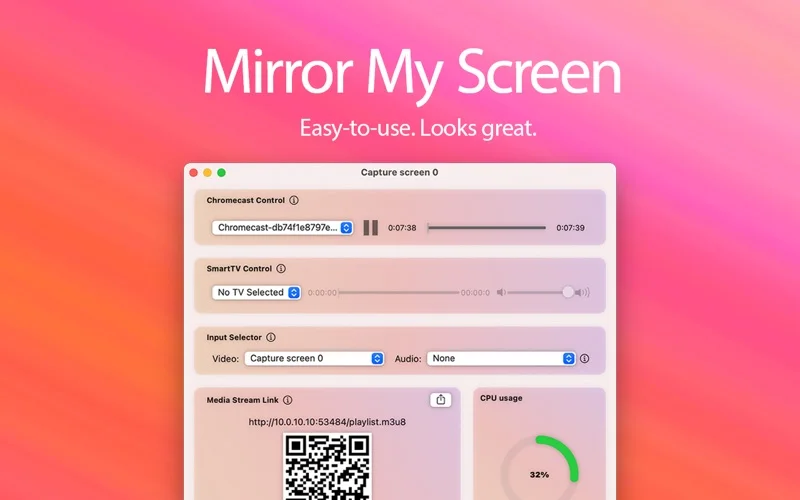
Mirror My Screen streams a Mac desktop, camera or selected input to compatible local-network viewers.
Try it for a nearby TV or mobile view of a demonstration.
Device selection and QR-code stream access provide a compact way to share the screen without a display cable.
Keep in mind: The listing warns of a delay of several seconds, same-network operation and DRM restrictions. Audio may need an additional virtual audio driver.
Inside the app
Official product images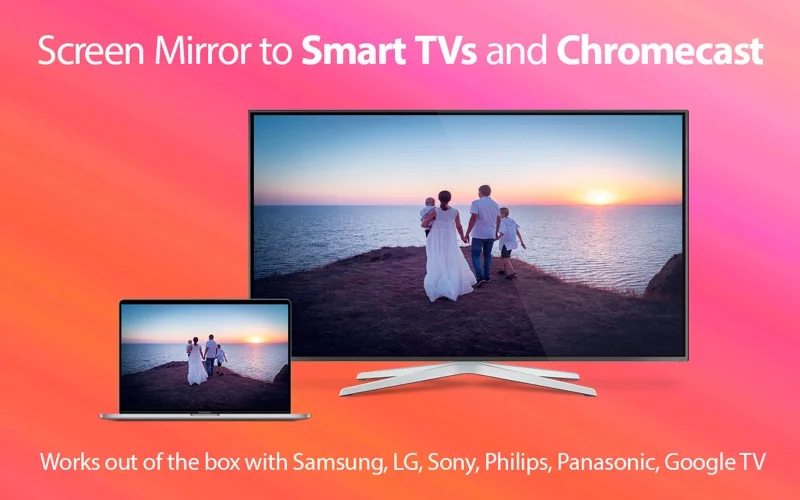
What you can do
- Stream the Mac screen or camera over HLS
- Choose compatible audio and video devices
- Open a local stream using a QR code or player
Good for
- People sharing non-sensitive demonstrations on the same trusted network.
Consider alternatives for
- Gamers needing immediate response or viewers trying to stream DRM-protected movies.
Limitations & considerations
- Captured minimum: macOS 10.15.
- The listing warns of a delay of several seconds, same-network operation and DRM restrictions. Audio may need an additional virtual audio driver.
Privacy & permissions
A screen or camera stream can reveal the room and private notifications; share stream access only with intended local viewers and review input permissions.
Sources & review notes Updated Nov 15, 2026
Reviewed by iApp4Me Editorial Team. Recommendations use the linked documentation and attributed accounts; device observations are identified separately.
- US App Store developer description
Complete description, release notes, download price and compatibility metadata captured 2026-11-02.
- Official developer disclosure
Official cached product or relevant disclosure text captured 2026-11-12, read or reused from the identical previously read source. Platform and edition differences retained.
No comments yet. Be the first to share your experience.