
Business
MobiOffice・Word Docs・Excel・PDF
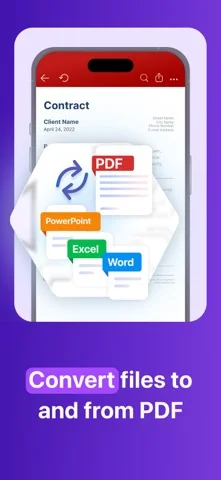
MobiOffice edits word-processing files, spreadsheets and slides, with PDF reading, annotation and paid form or conversion tools.
Consider for routine office work on iPhone or iPad
Documents, sheets and presentations can share one mobile workflow.
Keep in mind: Complex layouts, formulas and signatures need round-trip checks; the publisher’s zero-formatting-loss claim is not a guarantee, and desktop plans may differ.
Inside the app
Official product images
What you can do
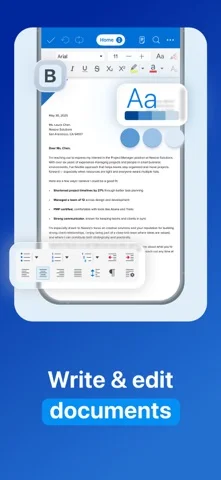
- Edit DOCX, XLSX and PPTX files
- Annotate and read PDFs aloud
- Work offline and connect supported cloud storage
Good for
- Mobile users handling common office attachments
Consider alternatives for
- Users relying on advanced desktop macros or untested document fidelity
Limitations & considerations
- Captured minimum: iOS 18.0.
- Complex layouts, formulas and signatures need round-trip checks; the publisher’s zero-formatting-loss claim is not a guarantee, and desktop plans may differ.
Privacy & permissions
Client documents and cloud authorizations are sensitive; choose storage and sharing carefully.
Sources & review notes Updated Nov 10, 2026
Reviewed by iApp4Me Editorial Team. Recommendations use the linked documentation and attributed accounts; device observations are identified separately.
- US App Store developer description
Complete description, download price and compatibility metadata captured 2026-11-02.
No comments yet. Be the first to share your experience.