
Mockup & Demo Maker: Screeny
A screenshot and screen-recording mockup tool for placing app media into device frames and exporting still or animated demos.
Consider for developers preparing launch visuals
Batch imports, status-bar cleanup and saved projects combine common presentation steps without a full design workflow.
Keep in mind: Device-frame claims and automated cleanup need visual checking; app-store acceptance and exact export suitability are not guaranteed.
Inside the app
Official product images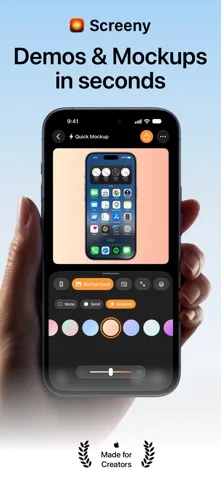
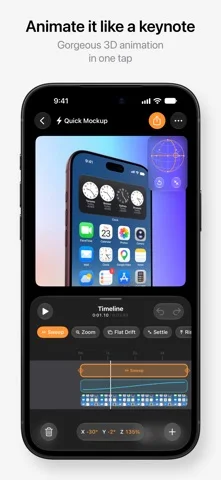
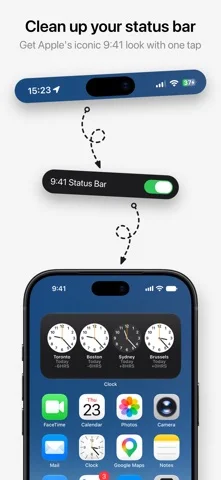
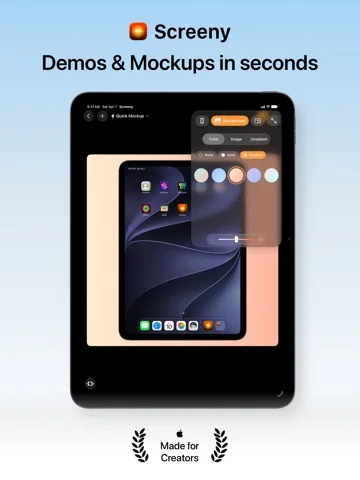
What you can do
- Frame screenshots or recordings in 2D or described 3D models
- Batch-style up to ten screenshots
- Create camera moves or timeline animations
- Save projects and export stills or video
Good for
- App makers who want a compact mockup workflow and can review exported dimensions and content.
Consider alternatives for
- Users expecting complete video editing or automatic compliance with every marketplace's presentation rules.
Limitations & considerations
- Captured minimum: iOS 26.0.
- Device-frame claims and automated cleanup need visual checking; app-store acceptance and exact export suitability are not guaranteed.
Privacy & permissions
The developer says rendering is on-device, while projects use iCloud Drive for sync. Screenshots may contain private app or customer data; approve any agent folder access carefully.
Sources & review notes Updated Nov 11, 2026
Reviewed by iApp4Me Editorial Team. Recommendations use the linked documentation and attributed accounts; device observations are identified separately.
- US App Store developer description
Complete description, download price and compatibility metadata captured 2026-11-02.
No comments yet. Be the first to share your experience.