Graphics & Design
Mockup - UI/UX Design
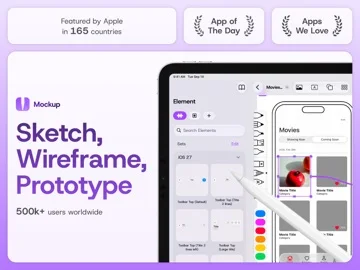
Mockup combines device frames, sketching, reusable interface elements, and linked prototypes on Apple devices.
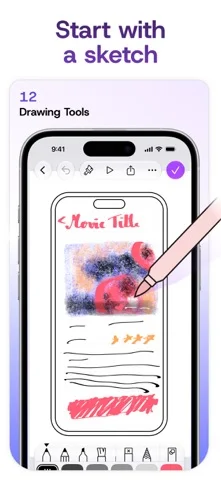
Consider it if you want to sketch flows with Apple Pencil and later preview navigation.
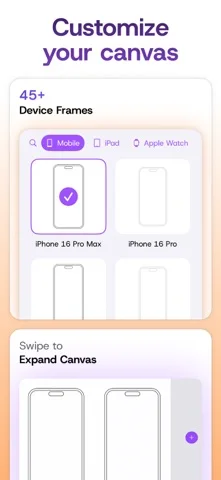
Reusable elements and device frames help you refine early layouts without building the actual app.
Keep in mind: Interactive prototypes, PNG export, and other advanced tools are listed under Studio.
Inside the app
Official product images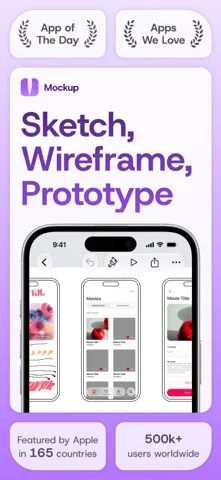
What you can do
- Sketch interfaces in device frames
- Create or reuse UI elements
- Link screens or export with the appropriate tier
Good for
- People planning apps and websites on iPad, iPhone, or Mac
Consider alternatives for
- Anyone needing production code or all prototype features for free
Limitations & considerations
- Captured minimum: iOS 15.
- Interactive prototypes, PNG export, and other advanced tools are listed under Studio.
Privacy & permissions
The app can sync projects through iCloud and collaborate through SharePlay; check permissions for private work.
Sources & review notes Updated Nov 11, 2026
Reviewed by iApp4Me Editorial Team. Recommendations use the linked documentation and attributed accounts; device observations are identified separately.
- US App Store developer description
Complete description, download price and compatibility metadata captured 2026-11-02.
No comments yet. Be the first to share your experience.