MovieMator Video Editor Pro
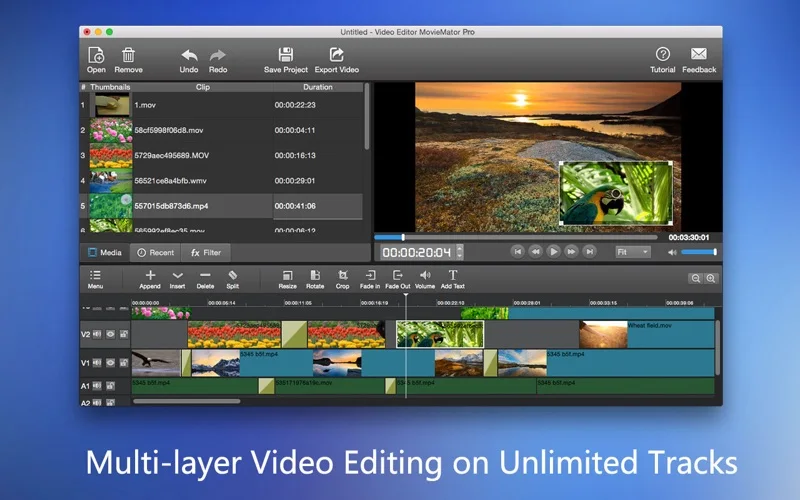
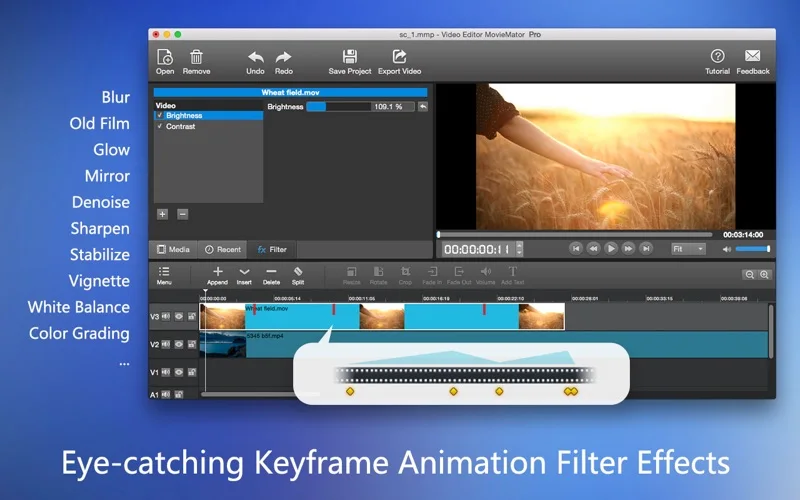
MovieMator Video Editor Pro arranges video, audio and images on a multitrack timeline, with transitions, titles and keyframe effects.
Pick for assembling home videos with more control than simple trimming.
Layered tracks and customizable output settings cover common editing and picture-in-picture needs.
Keep in mind: Broad format claims are not a guarantee for every codec variant. Version 3.2.0 notes that the sound display is temporarily disabled, so confirm any waveform-dependent workflow.
Inside the app
Official product images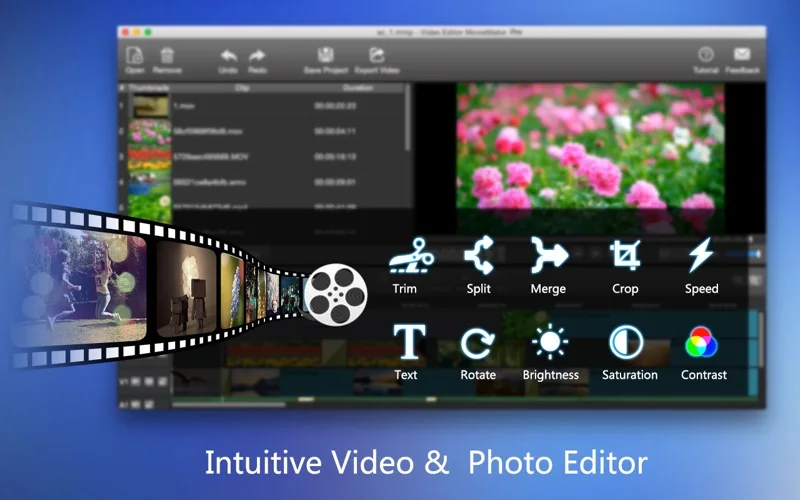
What you can do
- Trim, split, crop and arrange clips
- Add titles, transitions and keyframe animation
- Export with adjustable resolution and encoding
Good for
- Creators assembling modest video projects from existing footage.
Consider alternatives for
- Users expecting verified support for every professional codec and long-form workflow.
Limitations & considerations
- Captured minimum: macOS 10.8.
- Broad format claims are not a guarantee for every codec variant. Version 3.2.0 notes that the sound display is temporarily disabled, so confirm any waveform-dependent workflow.
Privacy & permissions
Imported footage and voice recordings may contain private information. Review audio, metadata and on-screen content before distributing exports.
Sources & review notes Updated Nov 15, 2026
Reviewed by iApp4Me Editorial Team. Recommendations use the linked documentation and attributed accounts; device observations are identified separately.
- US App Store developer description
Complete description, release notes, download price and compatibility metadata captured 2026-11-02.
- Official developer disclosure
Full cached official text reviewed; captured 2026-11-12. Historical editions, subscription periods and platform limits retained above.
No comments yet. Be the first to share your experience.