
Mp3tag
Mp3tag edits audio-file metadata and artwork in batches on a Mac.
Pick it for making a local music library more consistent.
Tag-based filenames and reusable action groups reduce repetitive cleanup across many files.
Keep in mind: Metadata edits and renaming can affect library references; keep backups and verify online matches rather than applying them blindly.
Inside the app
Official product images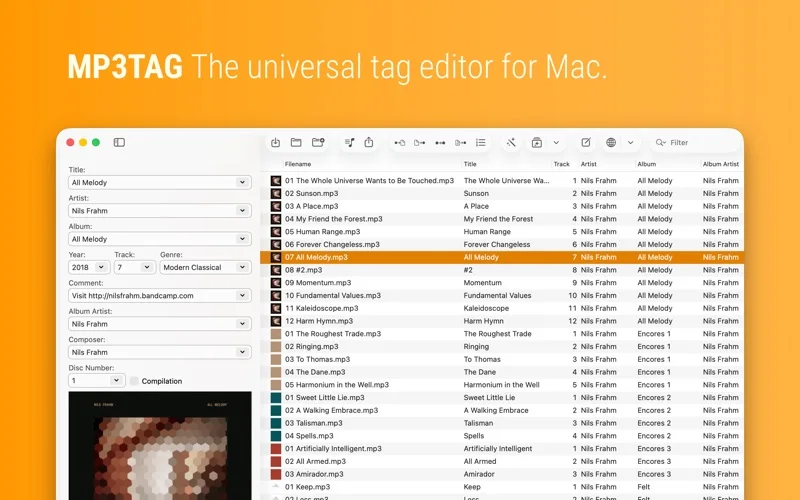
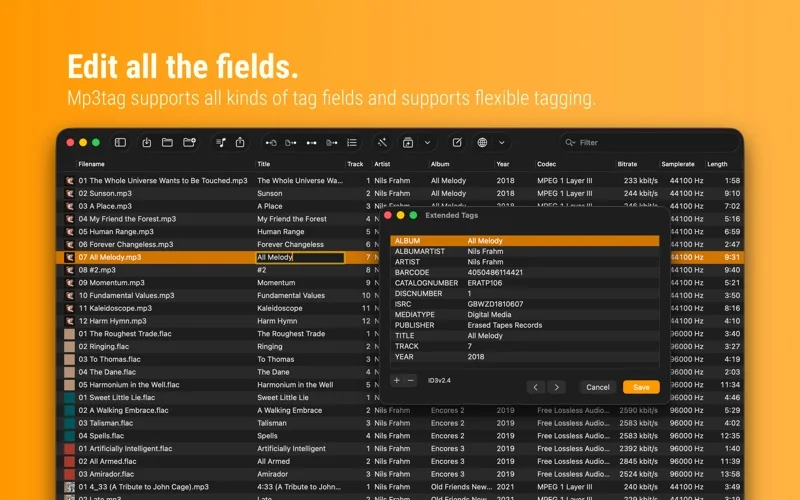
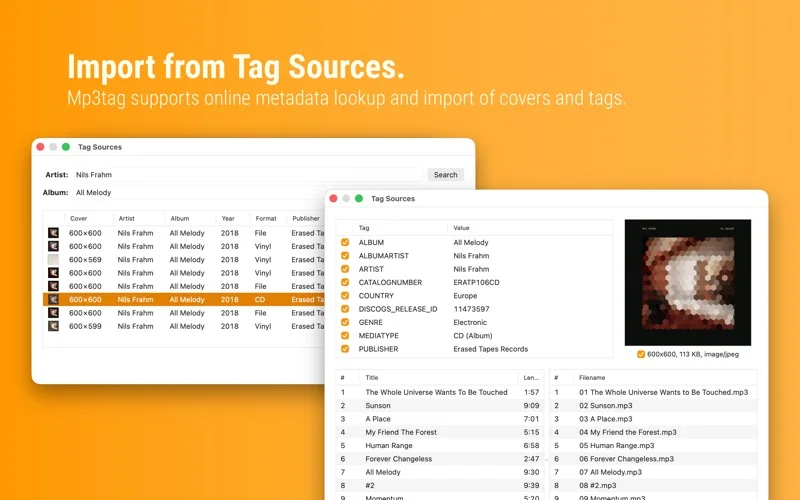
What you can do
- Bulk-edit tags and embedded cover art
- Rename from tags or import tags from filenames
- Use Discogs or MusicBrainz lookups and reusable action groups
Good for
- DJs, musicians and collectors organizing local audio files.
Consider alternatives for
- Users needing audio mixing, waveform editing or a streaming-service subscription.
Limitations & considerations
- Captured minimum: macOS 10.14.
- Metadata edits and renaming can affect library references; keep backups and verify online matches rather than applying them blindly.
Privacy & permissions
Local audio files can carry personal comments or names; optional online tag lookups send requests to the chosen database provider, so review what is queried.
Sources & review notes Updated Nov 15, 2026
Reviewed by iApp4Me Editorial Team. Recommendations use the linked documentation and attributed accounts; device observations are identified separately.
- US App Store developer description
Complete description, release notes, download price and compatibility metadata captured 2026-11-02.
- Official developer disclosure
Official cached text captured 2026-11-13 read for the supported edition, purchase terms or concise disclosure. Historical and current product variants kept distinct; an empty policy shell establishes no collection guarantee.
No comments yet. Be the first to share your experience.