Entertainment
Netflix Game Controller
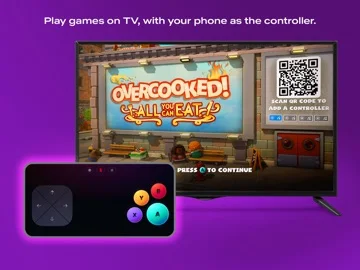
Netflix Game Controller uses a phone or tablet as input for supported Netflix games on a TV or computer.
Consider for an eligible Netflix gaming setup
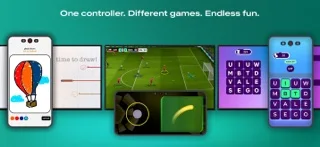
Touch, drawing and steering inputs adapt the phone to the selected game.
Keep in mind: It is a controller companion, not a promise of every game on every screen; supported setup and connectivity are required.
Inside the app
Official product images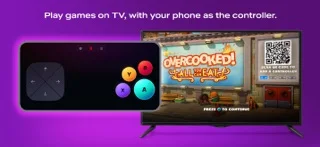
What you can do
- Control supported screen-based games
- Use touch, typing or drawing inputs
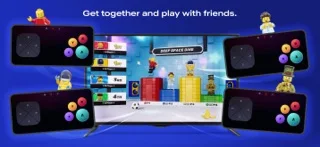
- Join eligible solo or party games
Good for
- Netflix members with compatible gaming screens
Consider alternatives for
- Users expecting a standalone universal game controller
Limitations & considerations
- Captured minimum: iOS 18.0.
- It is a controller companion, not a promise of every game on every screen; supported setup and connectivity are required.
Privacy & permissions
Pairing connects the phone to a Netflix session; review household access and screen choice.
Sources & review notes Updated Nov 10, 2026
Reviewed by iApp4Me Editorial Team. Recommendations use the linked documentation and attributed accounts; device observations are identified separately.
- US App Store developer description
Complete description, download price and compatibility metadata captured 2026-11-02.
No comments yet. Be the first to share your experience.